April 24, 2023
Question

Sales receipt and Zettle

  • April 24, 2023
  • 1 reply
  • 0 views


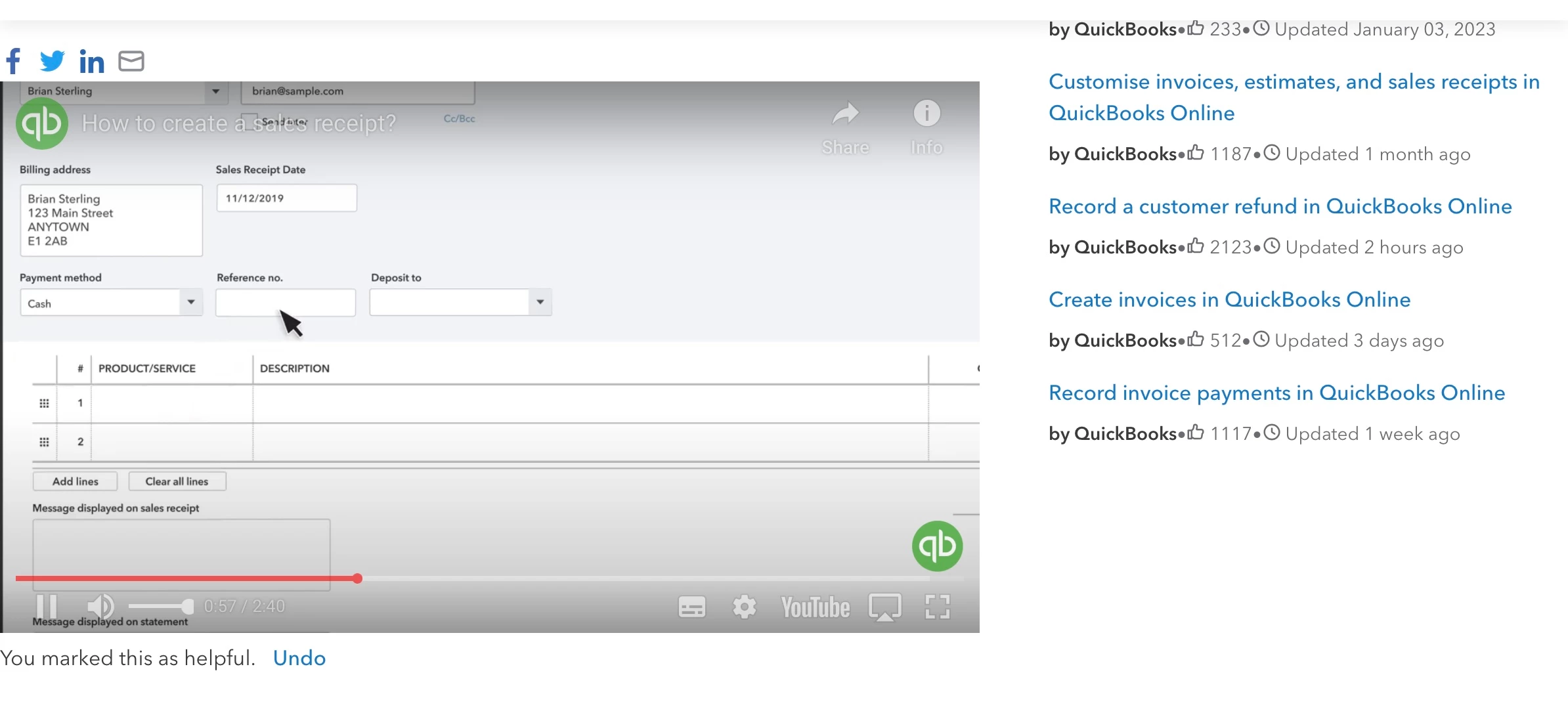
Hi , what happens if you issue a sales receipt with QB and mark it a ( card payment ) and in the reference tab mark it with the zettle payment receipt reference number 


1 reply

April 24, 2023

Hello Kk73, thanks for posting on the Community page, so that will be for your reference only it will only show on the sales receipt page but it will not show when you send it to the customer or on the sales page it will only show when you open the sales receipt itself. 

Kk73Author
April 24, 2023

Ok Thanks,


if you put, card payment as the payment method, taking payments on Zettle, would it match up

April 24, 2023

I appreciate you for coming back to the thread to add extra clarification and concern about handling sales receipts in QuickBooks, Kk73. I'll share details on how matching entries works in QuickBooks, then make sure you can manage your transactions from Zettle to QBO.


Please know that putting card payment as the payment method on a sales receipt is only for tracking purposes, allowing you to view the customer's payment details. With this, it won't affect or impact when matching entries in QuickBooks from downloaded transactions. This is because QuickBooks will automatically match your transactions once it detects entries with similar details like amounts.


You can open this article to see steps on how you can review downloaded bank and credit card transactions by matching or adding them to avoid duplicate transactions: Categorise and match online bank transactions in QuickBooks Online.


Lastly, I'm also adding this article so you can view instructions on how to reconcile your accounts to avoid discrepancies: Reconcile an account in QuickBooks Online.


If you have any other questions about organising your sales receipts, please notify me by adding a comment below. I'm always around to help, Kk73. Have a good one!

