

Banking Deposit - Bank mistyped the amount then corrected, how to reconcile the deposit with invoices and the correction
Regarding matching bank deposits to invoices when the bank screwed up the amount.
We deposited $5,353.23 worth of checks, but the bank accidentally typed in $5,355.73 ($2.50 extra). Then they later created a separate transaction to withdraw that extra $2.50 from the account.


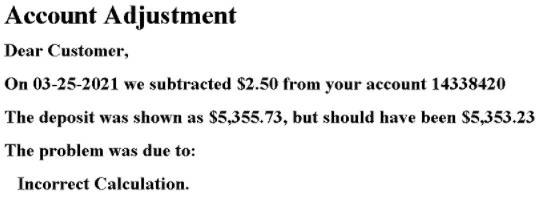
My question is as follows:
In the Banking - For Review section:
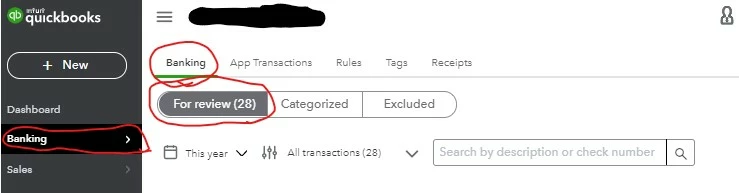
when we try to "Find Match" for that deposit (showing for the $5,355.73 amount),
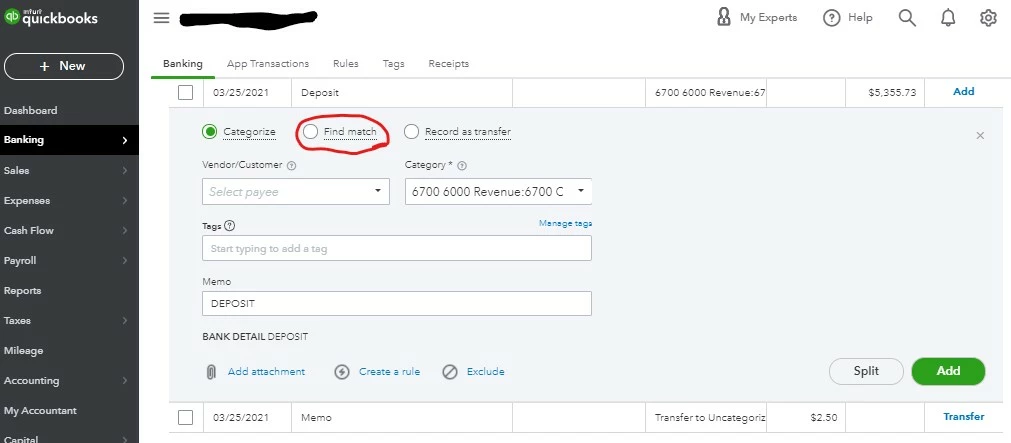
I can match everything to the correct invoices, however, there is $2.50 left over that I can't match to an invoice because of the Bank's error. Therefore, the "Selected Transactions" total does not match the "Downloaded transaction" total. There remains a difference of $2.50.
How do I get that leftover $2.50 to link to the other $2.50 charge/transaction the bank made to correct their error in this deposit? It is only letting me "Match" to other invoices, not to another bank transaction. How am I supposed to match this or reconcile it in QuickBooks online so everything balances out right and is linked appropriately?
(So much for Monopoly's "Bank Error in your Favor" card, huh?)
Thanks.