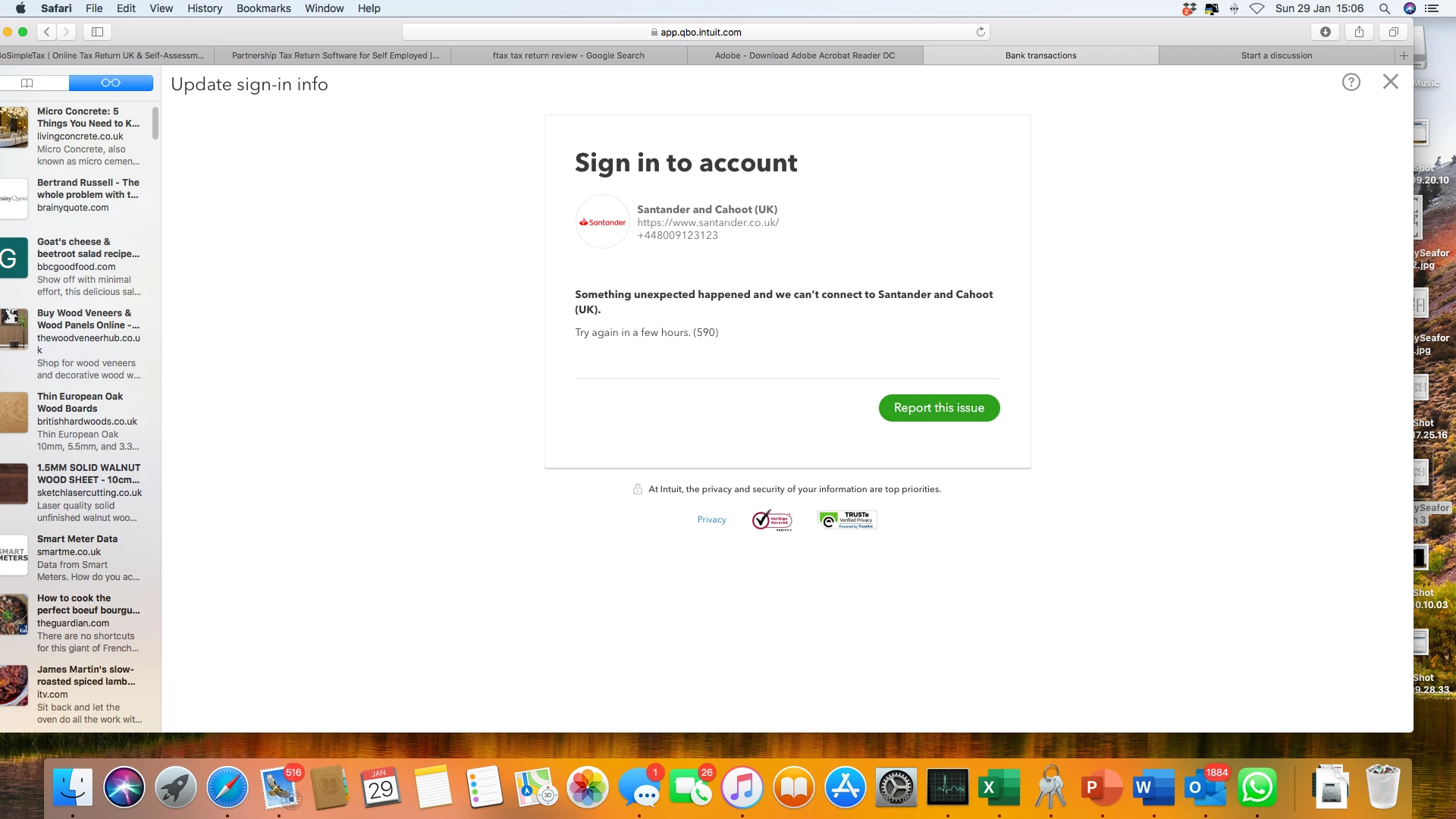
Hello there, @SimonTap. I want to ensure you'll be able to get rid of that error and connect your Santander bank account in QuickBooks Online (QBO) seamlessly. In QBO, error 590 usually happens if your Financial Institution has updated their bank's website. To help you fix this, let's begin with updating the login information in your account. Refer to the steps below:
- Go to Banking from the left menu.
- Click on the Update button. QBO tries to connect to your bank to manually update your account.
- Choose the pencil icon next to the bank name and select Edit account info.
- Enter your user ID and password.
- Once you're done, click on Save and connect.
We've included a helpful article here with tips for fixing bank errors.
As a workaround, you can bring transactions into QBO if your bank supports certain types of file formats (QFX, QBO, CSV, and OFX). For detailed steps and guidelines, you can check out this article: Manually upload transactions into QuickBooks Online.
Once the transactions are in, we'll now need to match and categorise them to ensure they are allocated to the correct account in QBO.
I'm just around the corner to provide assistance if you have any other concerns about connecting your bank in QBO. Have a good day ahead and keep safe.