

December 16, 2019
Question

Problem with Open Banking and Nationwide

  • December 16, 2019
  • 1 reply
  • 0 views

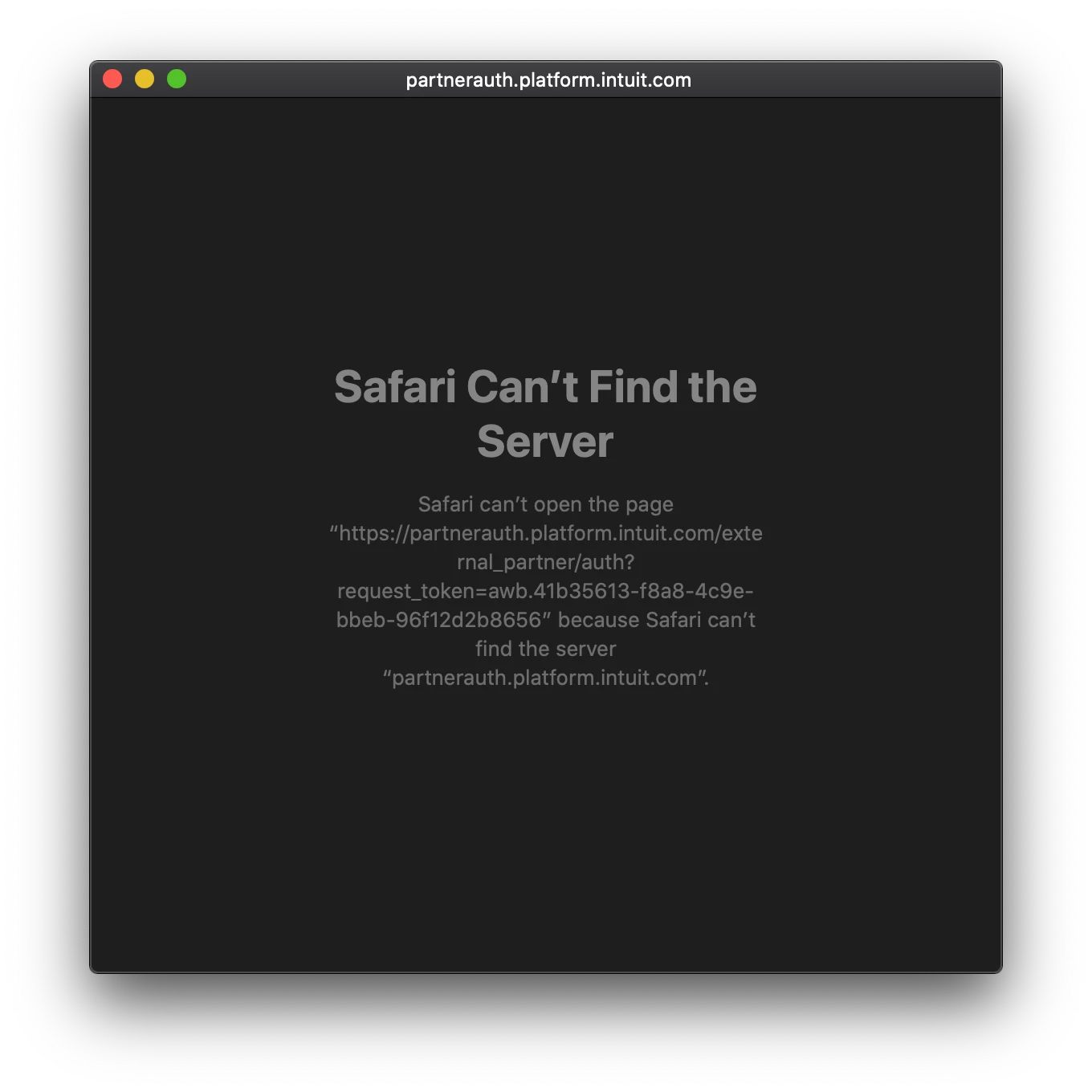
I've recently received an email to say I need to migrate my Nationwide feed to open banking. However, I've tried to do this and after the screen asking me to agree to the various details required, a pop-up window opens and then after a long time fails to load, giving the following error: I am working on a Mac but the same thing happens using Firefox and also on my iOS devices.
1 reply

RenjolynC
December 16, 2019

Hi there, michaelamherst.


Using a different browser is one of the troubleshooting steps we provide in situations like this. We also use the incognito or private browser. This browser mode doesn't store any cache or temporary internet files which helps resolve any browser-related issues. 


The last option is to clear the cache to refresh the browser's settings. 


If you're getting the same error after the steps above, please reach out to our Customer Care Team. We will investigate what's causing this error message.


Here's how:

  1. Log in to your QuickBooks Self-Employed.
  2. You can select the Assistant option or click the Help icon located in the upper right-hand corner.
  3. In the Help window, select the Contact Us button at the bottom.
  4. Enter your question and click the Continue button.
  5. Select Start a chat or Get a callback.

Should you have other questions or concerns, feel free to post it here. Thanks.