

October 3, 2022
Question

Can't link QBO Global to UBS (Switzerland) account

  • October 3, 2022
  • 1 reply
  • 0 views

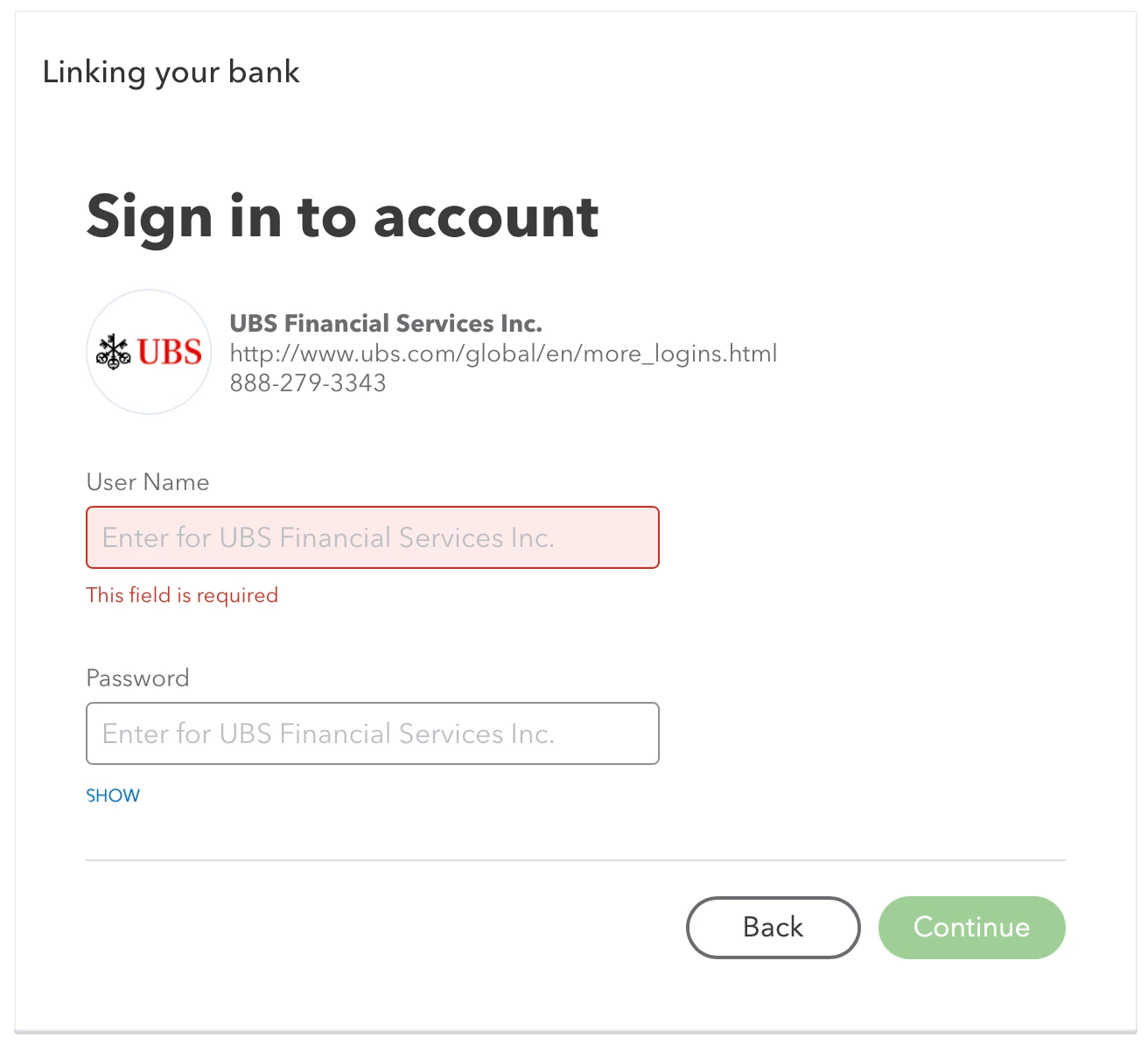
I am unable to link QBO Global to our UBS Switzerland account. QBO shows UBS shows up when I type it in but asks for the standard account name and password, which is not what UBS Switzerland needs to log in. On a browser, UBS asks for an account number and then requires the user to use the mobile app and confirm the login. 


Has anyone else run into this and/or have a solution?
 

1 reply

October 3, 2022

Thanks for reaching out to us, Steve.


I'll help you link your UBS Switzerland account to QuickBooks Online.


Before connecting your UBS Switzerland account, ensure you log in to your QuickBooks Online global account since we haven't received any reports of users having difficulty connecting UBS bank accounts.


In addition, I recommend contacting your financial institution because they may have added a layer of security, which is why it asks you to use a mobile app to confirm your login.


In the meantime, you may consider manually uploading your bank transactions to bring them to QuickBooks Online.


Here's how:


  1. Log in to your financial institution's website to get CSV files of your transactions.
  2. Please follow your bank's instructions since every financial institution has different steps.
  3. In QuickBooks Online, go to the Banking menu, then the Banking tab.
  4. Select Upload transactions.
  5. You can Drag and drop your files or click select files and browse the file you downloaded from your bank.
  6. Select Continue.
  7. In the QuickBooks account dropdown, choose the account you want to upload the transactions to, then Continue.
  8. Follow the onscreen instructions to match the columns on the files, then Continue.
  9. Select the transactions you would like to import, then Continue.
  10. Click Yes, then Done.


Check out this resource for more information on the procedure: Manually upload transactions into QuickBooks Online.


I've also included this article for future reference to ensure that your bank transactions are properly categorized: Categorize and match online bank transactions in QuickBooks Online.


Please add any details below if you need further assistance connecting your bank account. I'll be around to help you.