Solved
Editing bank deposit ref #
Hi All,
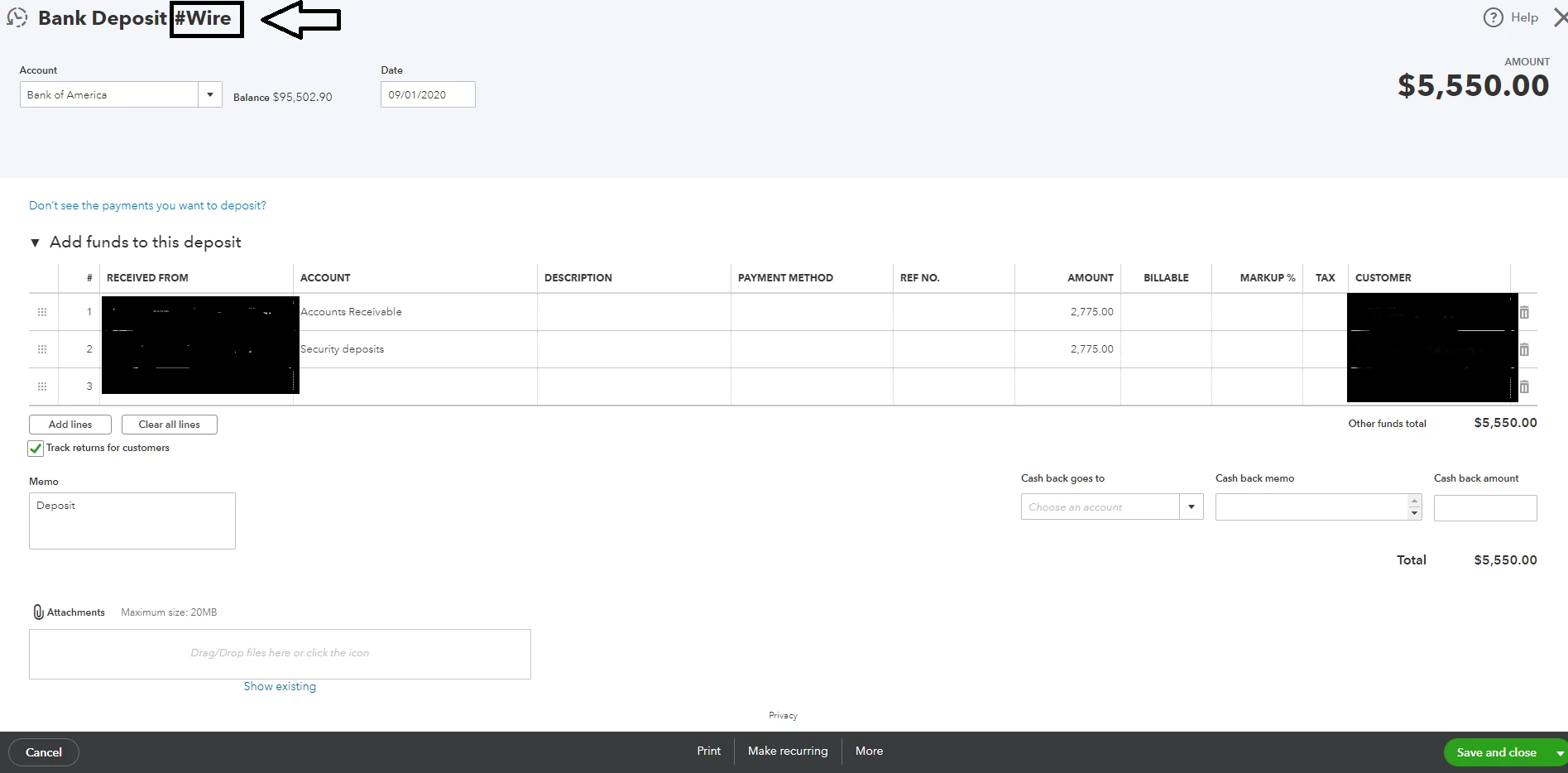
I was wondering how can I edit the text marked below. When I click the item, I can't find any textbox with this text.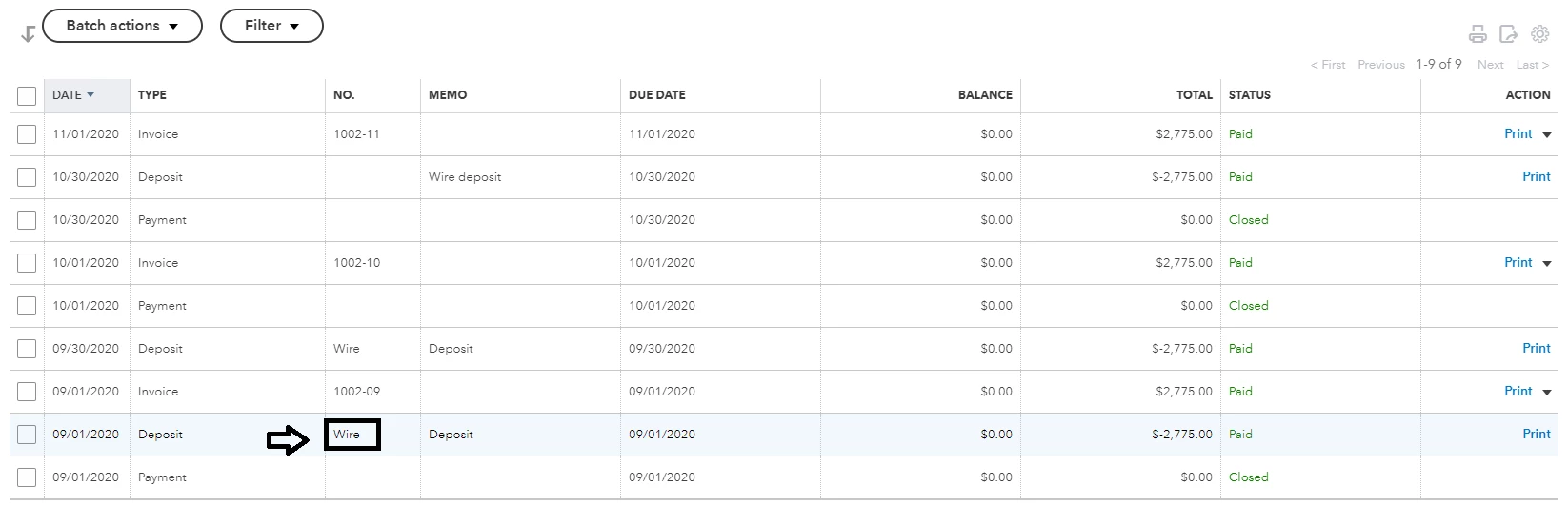
Thank you!


Hi All,
I was wondering how can I edit the text marked below. When I click the item, I can't find any textbox with this text.
Thank you!
Thanks for getting back to us, @userimripersiado.
Allow me to provide some clarifications regarding this deposit concern.
As mentioned by my peer MarsStephanieL above, any bank generated transaction can't be modified in the system. This is because the information is coming from your financial institution. It is the reason the text box isn't visible upon editing the deposit.
You only have the option to edit or change the number of your sales transaction in QBO by turning on the Custom transaction numbers option. In this case, you can enter enter the custom number or letter sequence that you want to use for your forms.
To turn it on:


Once done, you can now create an invoice and enter your desired number: 
Utilizing this feature allows you to edit their numbers or titles in QBO anytime you want. To learn more about this process, please see this link: How to change the invoice number on sales forms.
Please let know if you have any other questions or concerns. I'll be right here to assist you. Take care!
Enter your E-mail address. We'll send you an e-mail with instructions to reset your password.