Solved
I'm unable to download the Quickbooks Desktop app using QB's Help page instructions. Am I missing something? Is there also another way to do it?
I just purchased QB Online but also want to download the Desktop version for its conveniences. Here are the first two steps for how to download it on QB's Help page (link at bottom of this question):
1. Sign in to your QuickBooks Online account.
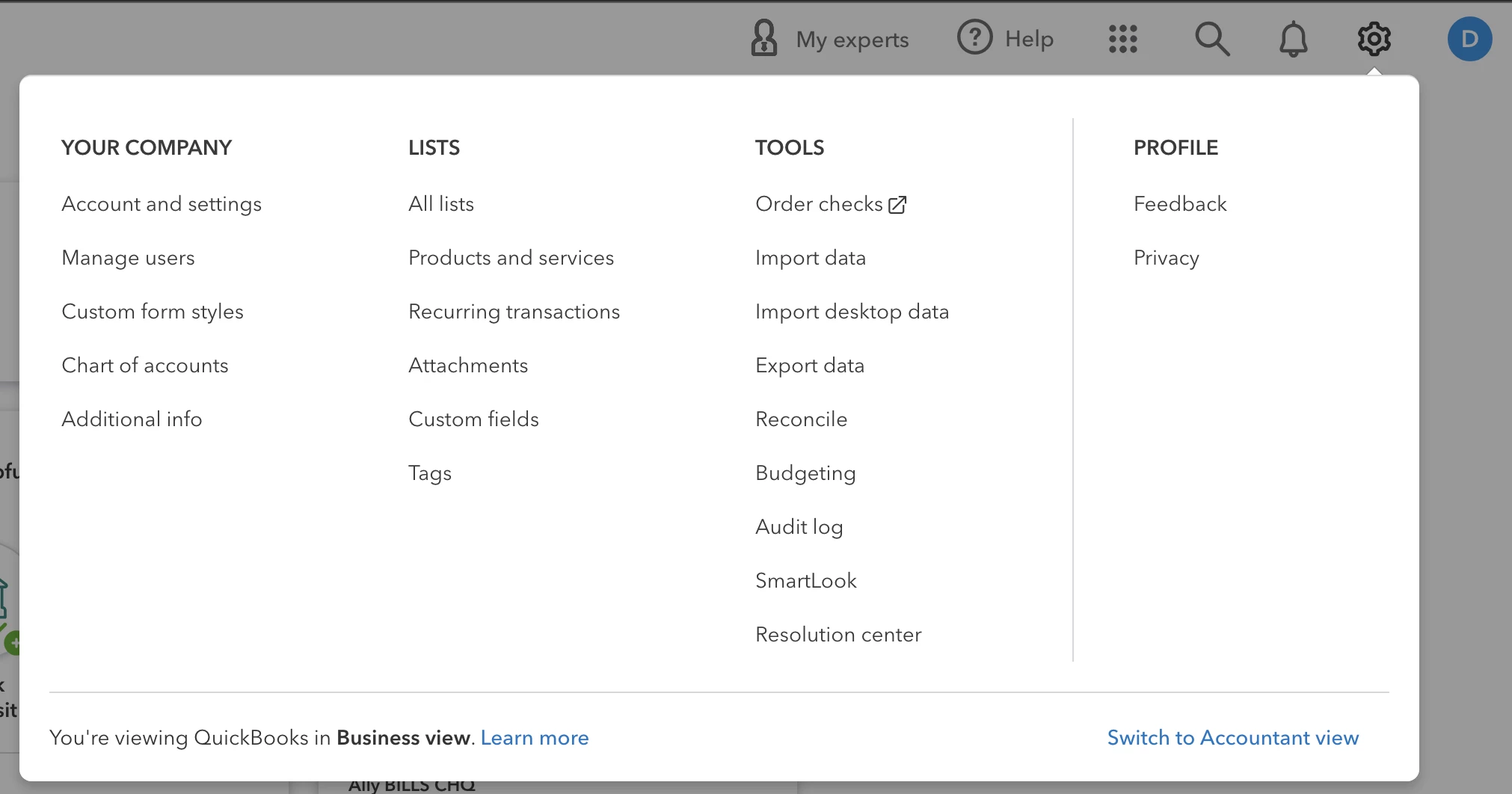
2. Go to Settings ⚙. Then select Get the desktop app.
But when I go to Settings, that option isn't there at all. So now what? Maybe I'm missing something or there's another option.
Thanks for any help.
QB Help Page instructions: https://quickbooks.intuit.com/learn-support/en-us/help-article/download-products/download-use-quickbooks-online-advanced-desktop/L9BrRPlDD_US_en_US?uid=ljuvtoxb
1. Sign in to your QuickBooks Online account.
2. Go to Settings ⚙. Then select Get the desktop app.
But when I go to Settings, that option isn't there at all. So now what? Maybe I'm missing something or there's another option.
Thanks for any help.
QB Help Page instructions: https://quickbooks.intuit.com/learn-support/en-us/help-article/download-products/download-use-quickbooks-online-advanced-desktop/L9BrRPlDD_US_en_US?uid=ljuvtoxb