QBO says "Bank Error 105" but that's wrong
I'm getting Bank Error 105 on three accounts from a single bank for days. (For those who haven't experienced this error before, it says "Try again later The bank or account site is down for maintenance so we can't connect to it. Come back later and try again. (105)")
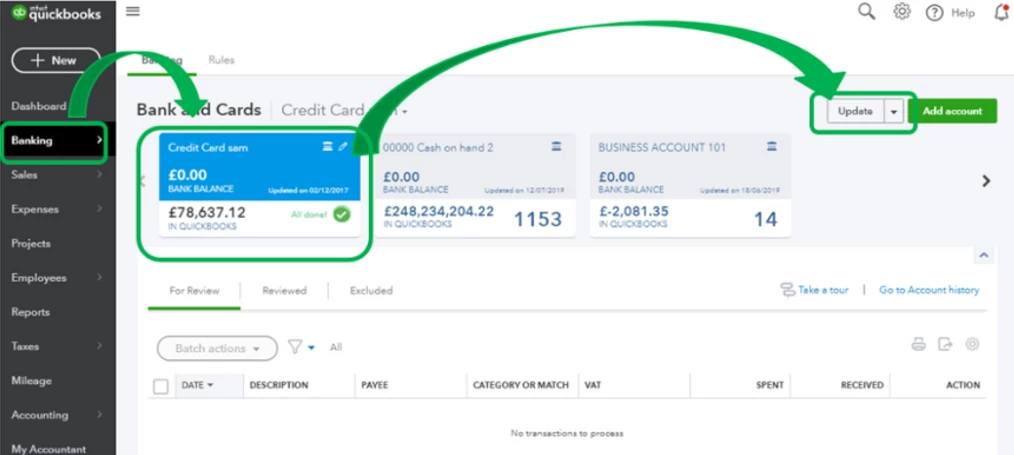
The only troubleshooting help I've seen, in response to other posts here about Bank Error 105, hasn't solved the problem. Step 1, "Manually updating the connection" (clicking the "update" button) does nothing. Step 2, I've checked the bank's website and it is, unsurprisingly, working just fine. Step 3, is "wait." I've waited and nothing's changed.
The error QBO provides is simply dead-wrong. The bank's site is not down. It's not the reason QBO can't connect. The bank's website is working and, more to the point, is making data available for download to our other accounting systems.
So we can't rely on QBO to tell us the real reason that it can't connect to this bank when our other systems can.
I suspect that the credentials we provided QBO may be old and need to be updated. But I can't find anywhere in QBO where those settings can be managed.
I thought to simply disconnect/unlink these accounts, but elsewhere here I've seen warnings *do not disconnect* when there's a bank error. It cautions that creating a new link risks creating duplicate transactions.
How can I see, manage or reset the bank website credentials in QBO? How can I resolve this connection problem?