

February 26, 2025
Question

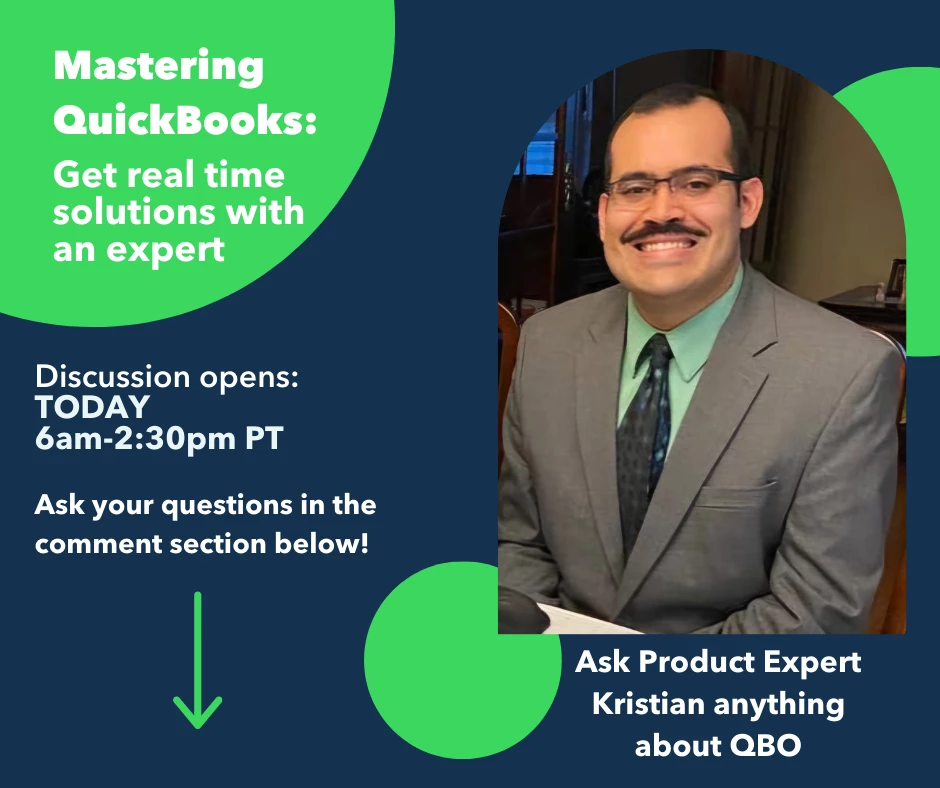
Mastering QuickBooks: Get Real Time Solutions with Expert, Kristian
  • February 26, 2025
  • 4 replies
  • 0 views

Welcome to our discussion with talented product expert, Kristian. Kristian is excited to be here today answering your questions on QuickBooks Online and all of its capabilities. He will be here live from 6am-2:30pm PT answering your questions in the thread. After 2:30PM PT, this discussion thread will be closed. 
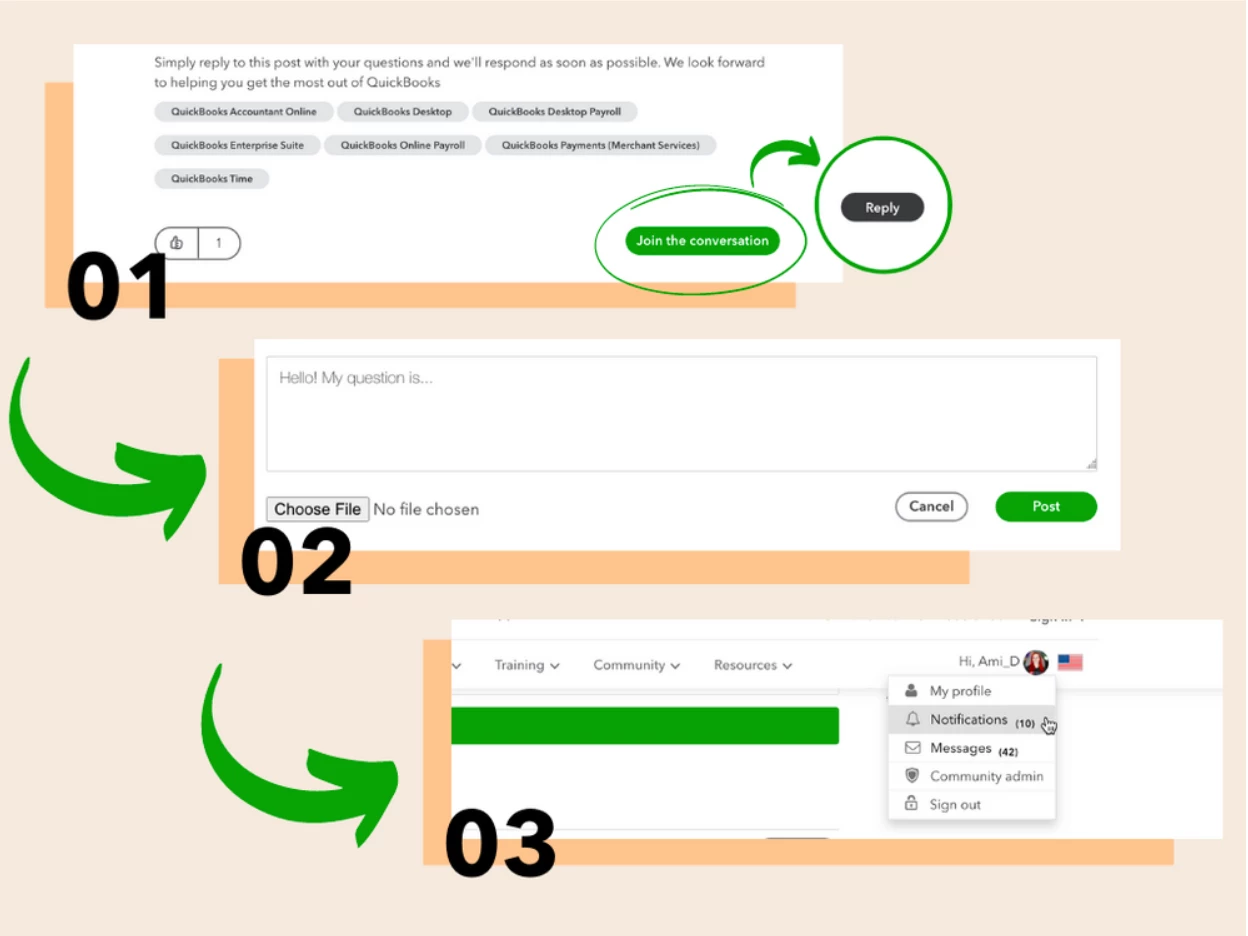
Here’s how to participate: 


1. Press Join the Conversation to log in to the community. Once logged in, press Reply.
2. Write your question, feedback, or idea as your reply to the post. Press Post to submit.
3. Keep an eye on your notifications, or simply refresh the page periodically for a response from Kristian


4 replies

February 26, 2025

Good morning.  This is for Quickbooks Desktop Enterprise 24.  An inventory question.  For my items, I can designate a MPN (manufacturer part number.)  But how can I designate a manufacturer?  In QBD, I can chose a vendor, but I can't chose a manufacturer.  For example, a Sony BRAVIA XR 48” Class A90K 4K HDR OLED TV would have MPN as XR-48A90K.  Vendor would be where I buy the item, which would be a distributor such as BandH.  Where can I designate Sony as the OEM?  


Brand names, i.e., manufacturers, are important to my business.  I need to be able to track and assess inventory and sales by manufacturer.  How can I do this if I cannot designate the manufacturer of each item?


I know I can add the manufacturer to the item description, but I'm trying to add it as a separate field.  I also want to add that field to Sales Orders, Invoices, etc.

February 26, 2025

Good morning @mfwint01, and thanks for joining the discussion! Unfortunately, I'll only be answering QBO questions during this event. If you have any regarding that product, feel free to follow up here.

February 26, 2025

Is this a webinar live?

February 26, 2025

Hi @Wilfred 12. The discussion is now open for questions! If you have any questions regarding QBO, feel free to leave another comment here.

February 26, 2025

How can I export my PNL to a worksheet? The goal is to forecast expenses and modify my next quarter.

February 26, 2025

Great question @Fernando Barrios! Here's how to export your PNL:

  1. Go to Reports.
  2. Search for and select the report you want to export.
  3. Select the Export/Print▼ dropdown, then select Export to Excel.
  4. Save the file somewhere you can easily find, like your Downloads folder or your desktop.

Note: If you’re missing data when you open the report in Excel, the file's in protected view. In Excel, you’ll need to select Enable Editing to view the full report.

Emma_PAuthor
February 26, 2025

Thanks for joining this discussion with our expert, Kristian. Kristian will no longer be taking questions at this time, but don't hesitate to ask questions in the Community. We will have another event next month so stay tuned for more information on our Webinars/Events page!