

January 16, 2020
Question

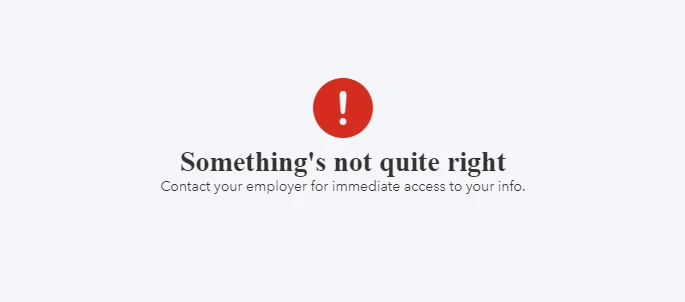
Everytime I try to login to workforce.intuit.com I get the same error message "Something's not quite right, Contact your employer for immediate access to your info".

  • January 16, 2020
  • 1 reply
  • 0 views

I've been getting the same error message consistently for about a month. I've also already spoken with my employer and they don't see a solution to this. I would love some direction or answer to the problem.
 

1 reply

AddieC
January 16, 2020

Hi there, 


Workforce is an online portal that allows you to access your pay stubs and tax information created by your employer. I know how important it is to have access to the portal in order for you to get access to the things you need. I'll help you sort out this out.


I'm not aware of any ongoing issues with Workforce at this time. This may have something to do with your password or user access. In this case, I'd first recommend contacting your employer. 


If you've done that already, try clearing the cache and cookies in your web browser. These are the stored Internet files can build up over time and bog you down. Here's how to do that: How do I clear my browser cache and temporary Internet files?


If the issue persists, try using an Incognito window. This is a private window that runs separately from the rest of your browser. Here's more information about that and how to use it: Browse in private.


If you're still having trouble, please reach out to our tech support team.


Cheers.