April 22, 2021
Solved

I need to set new running numbers for Sales Quotations, invoicing and PO's. I cant use the default settings as im migrating from existing sets os accounts.

  • April 22, 2021
  • 1 reply
  • 0 views
Original commenter did not share additional details

Best answer by kenneth-eaztglob

Thanks for adding more information about your concern, kenneth-eaztglob.


I recognize the importance of having accurate information on transactions. This allows you to track gthem easily in QBO.


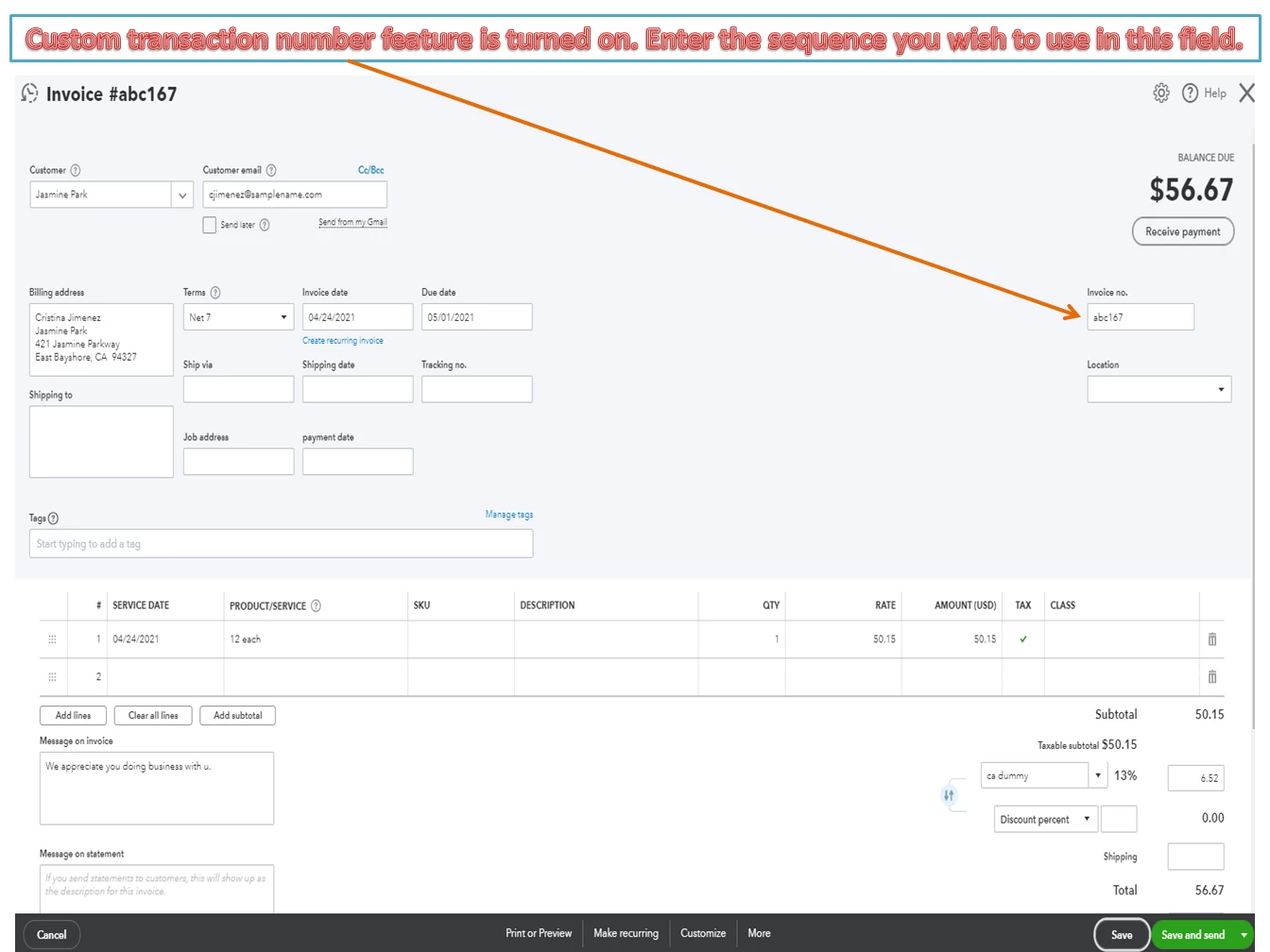
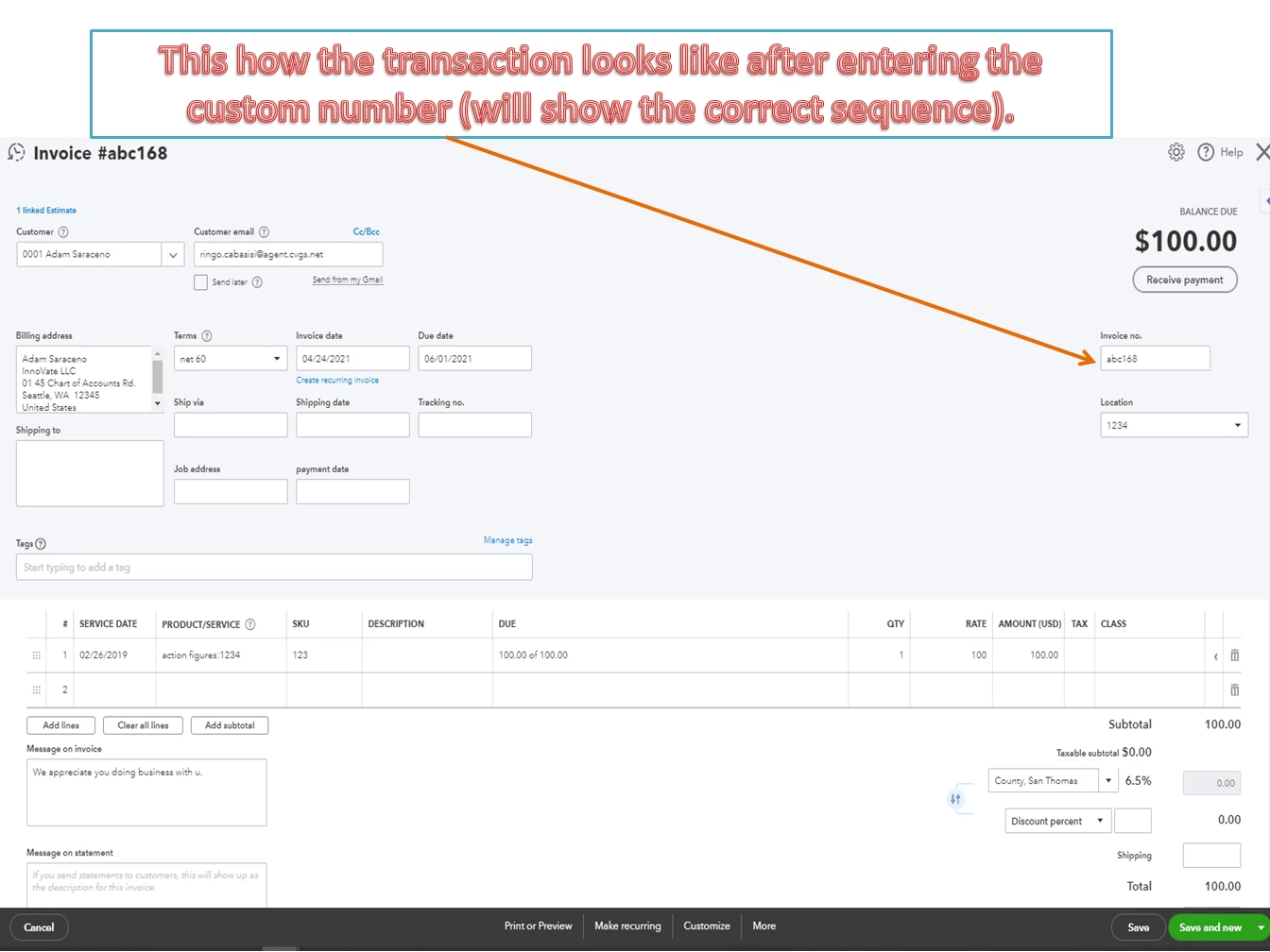
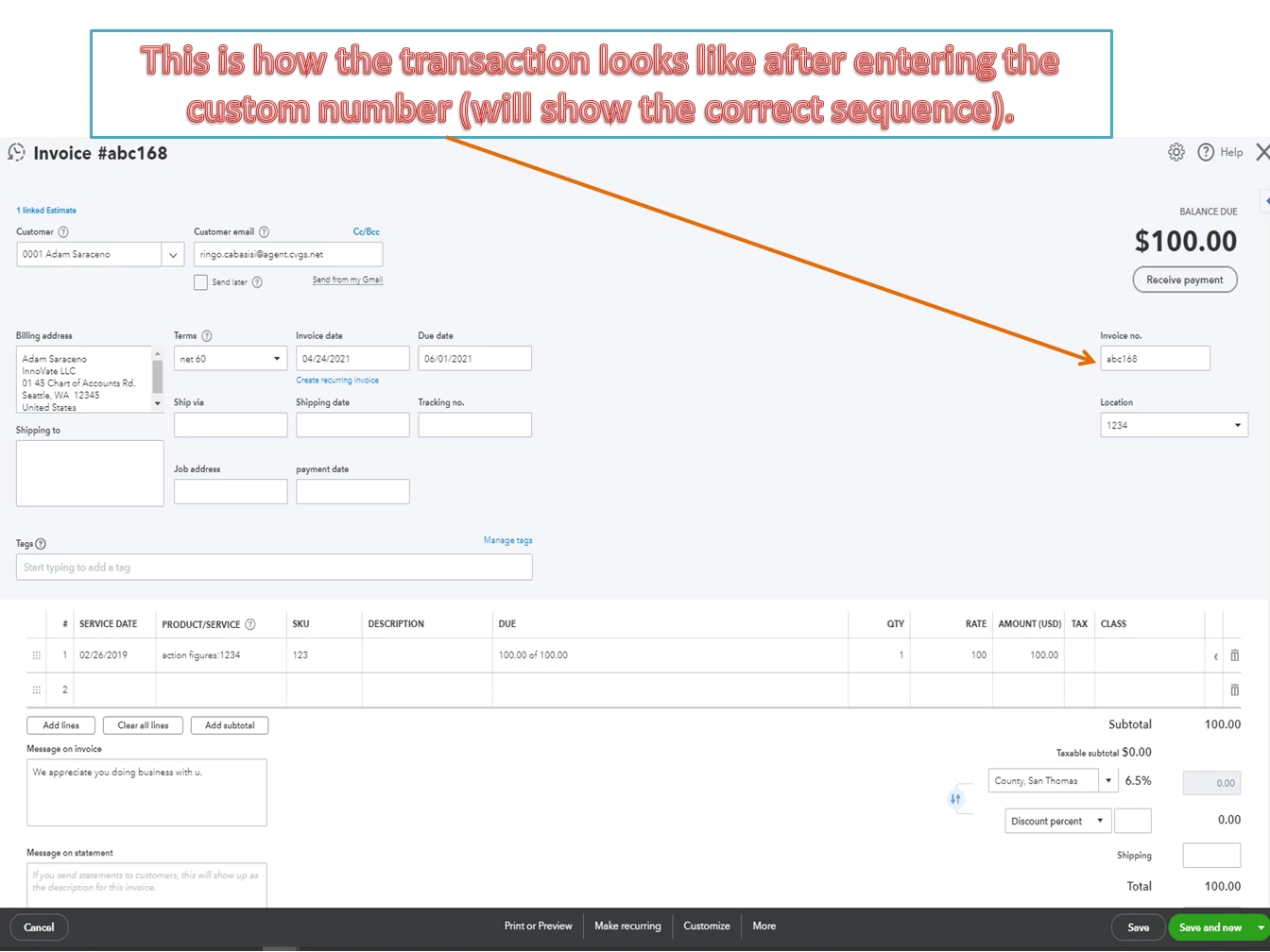
Let’s create a dummy invoice. Then, input the desired number for the correct sequence to show on your transactions.


QuickBooks automatically assigns the invoice number based on the last transaction. It increments by one each time you create a new entry. I’m adding screenshots for visual reference.
Aside from personalizing the transaction number, you can also tailor the look of your sales forms in QBO. To guide you in the future, check out this article for detailed instructions. It includes a video and answers to frequently asked questions about the feature: Customise invoices, estimates, and sales receipts in QuickBooks Online.


Feel free to visit us again if you have other QuickBooks concerns. Please know the Community has your back. I’m also here ready to assist further.


Hi,


Okay i got it.


Thanks.

1 reply

April 23, 2021

Hello @kenneth-eaztglob,


Before we can accomplish your goal for today, can you tell me more about your initial post? Are you trying to create a new set of accounts and use them to track your sales transactions?


Keep me updated in the comments. Hope to hear from you soon. Stay safe!

April 23, 2021

Hi,


Currently all in sales quotations, invoice and etc is being perform manually but i need my next running numbers for quotes, invoice, payment voucher and other related documents to run in the next running number for migration.


Hope the above clarifies.


Thanks.

April 23, 2021

Thank you for clarifying your concern, @kenneth-eaztglob.


It seems that you're trying to continue the number sequence when you migrate to another QuickBooks Online (QBO) account. In this case, you'll need to enter the following number sequence once after migrating. This way, QuickBooks will continue the number sequence automatically. To do so, let's first turn on the Custom transaction numbers feature. Here's how:


  1. Sign in to your QBO account.
  2. Click the Gear icon, then select Account and Settings.
  3. Select Sales from the left menu.
  4. Go to the Sales form content and turn on the Custom transaction number.
  5. Click Save, then Done.


Then, by the time you create a new transaction in QBO, it will follow the last sequence number you used. Also, I've added these articles to learn more on how to change and customize your sales forms in QuickBooks:


Keep in touch if you need any more assistance with this, or there's something else I can do for you. I've got your back. Have a good day.
