I've got your back to help add a logo to your invoice, @DCUK.
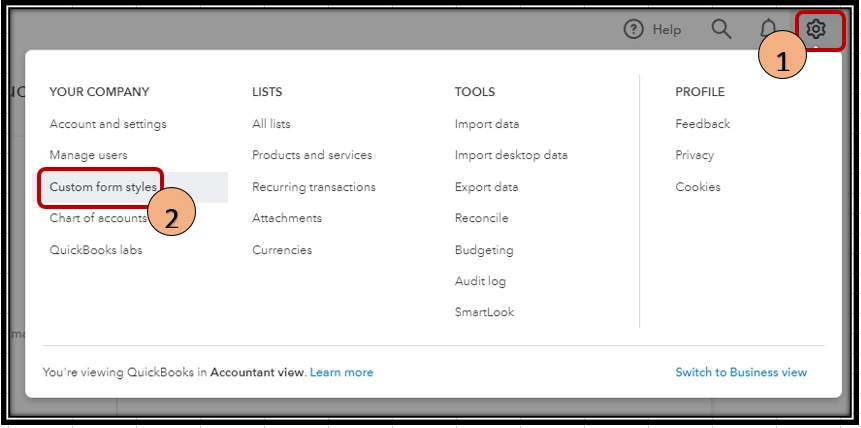
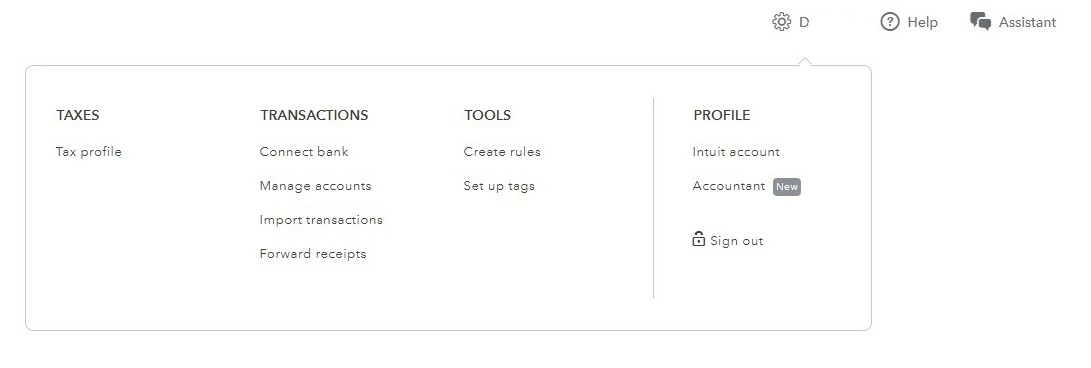
The screenshot you've provided and the instruction shown are available in QuickBooks Online. QuickBooks Online and QuickBooks Self-Employed are two different versions.
To add a logo to an invoice in your QuickBooks Self-Employed account, we can do this on the Invoices page. Let me show you how:
- Sign in to your QBSE account.
- Select the Invoices menu at the left panel.

- Create an invoice.
- At the top left portion of the page, click the Add logo option.

- Choose the logo you want to input.
- Once done, click Save.
Additionally, I've attach some articles you can utilize to help manage your invoices and categorize transactions in QBSE:
Feel at ease to comment below if you have further concerns with adding logo to your invoice in QBSE. I'll be around to help always. Happy New Year!