Can you remove Client email field when creating invoices in Quickbooks Self-Employed
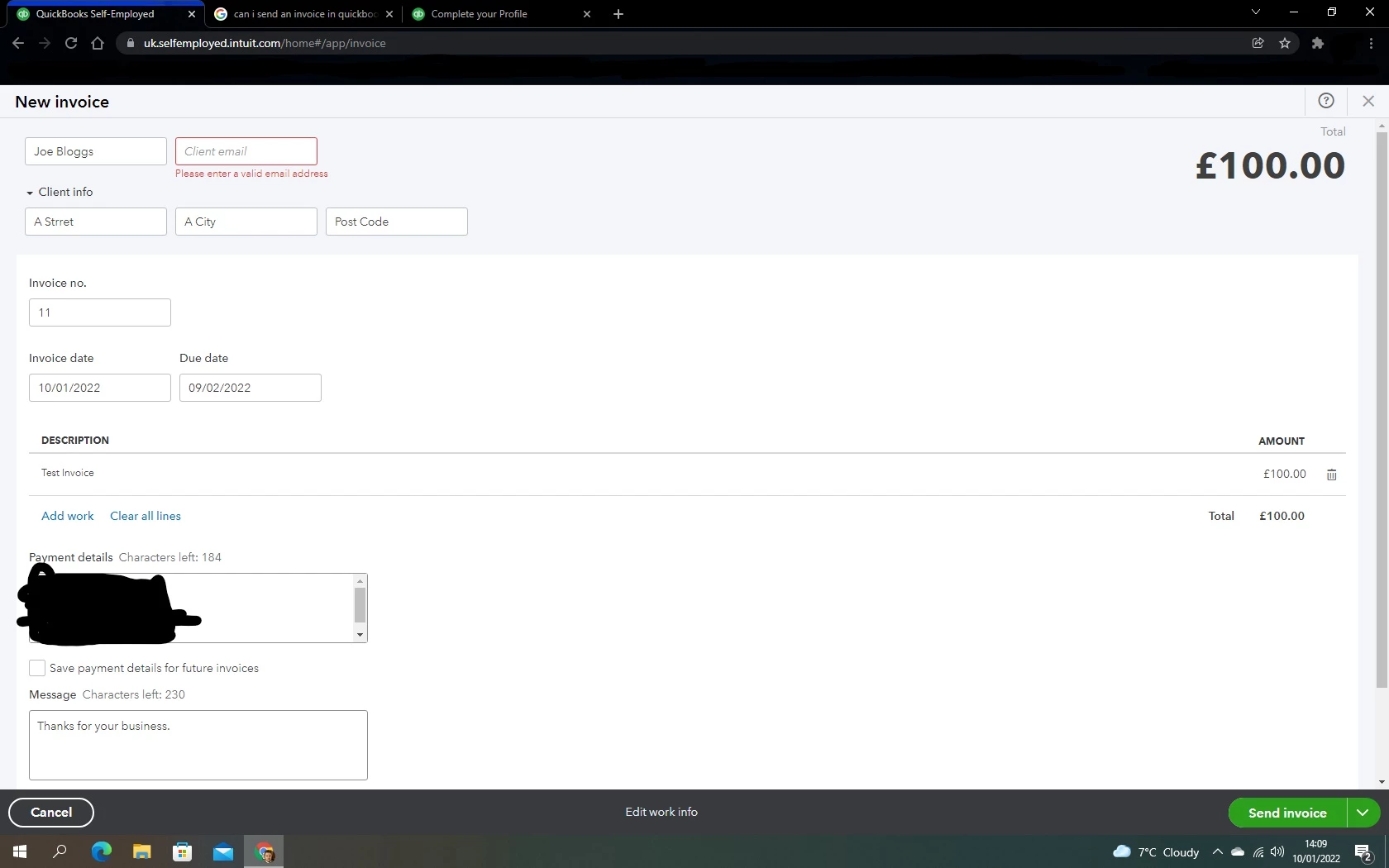
Hi. Is it possible to remove the need to enter a clients email address when creating an invoice using Quick books Self-Employed online platform? I have clients who don't have an email address and some who will not use it to make a payment. I just need to print an invoice for them and not send it by email, yet I can't save it if I don't enter an email address.
I have got around this by entering my email but surely there is a better way?
Please advise. It's a rather annoying function. It should be a field you can remove if needed, or turn off the email function for that invoice.
To confirm I am using Quick books self-employed online platform. I have tried in normal browser modes and incognito modes but it shows the same every time.
Please see the image below...