

January 25, 2022
Question

COGS and Inventory Account Setup

  • January 25, 2022
  • 1 reply
  • 0 views

hi there,


I am trying to setup quickbooks with my a2x integration but I'm finding it really confusing.


A2X have advised that I need to setup a 'cost of goods sold' account under chart of accounts, and also a credit account for inventory.


I have followed the screenshots here, but I'm not getting the same options:
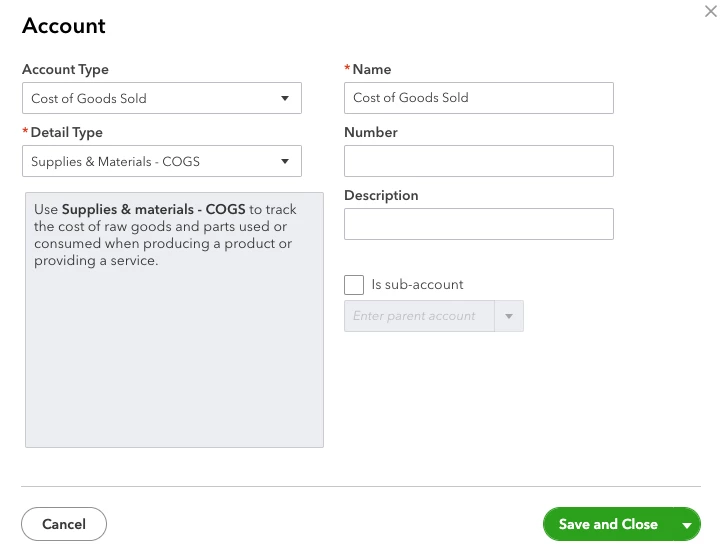


I don't have that option, the closest option I have is Cost of sales... is this the same?


Also I have the same issue for 'inventory' - I don't have this option:
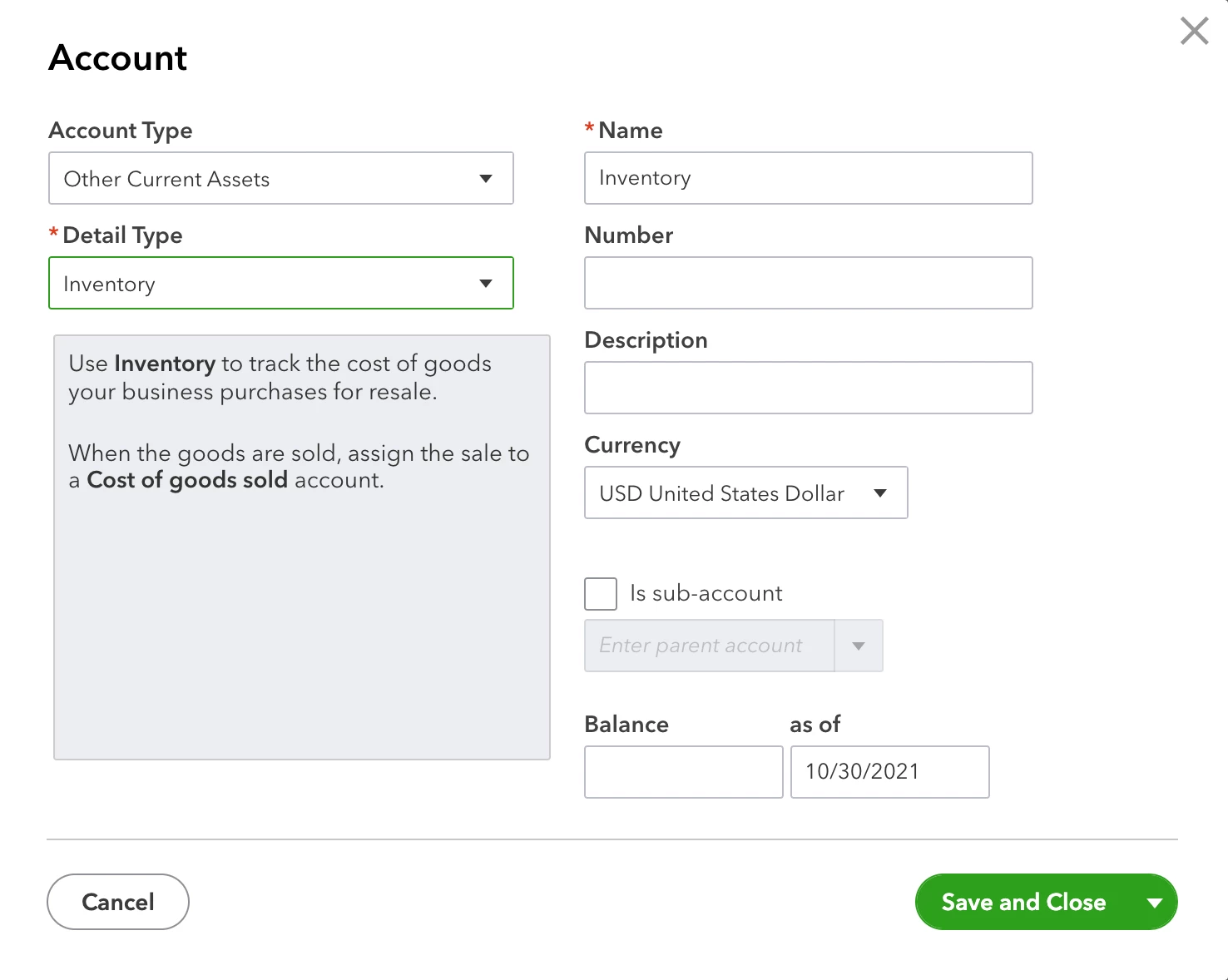
 

I do have 'stock' however, under current assets > stock  would this be the same?


Thanks!

Leanne


1 reply

katherinejoyceO
January 26, 2022

Hello there, @Lea-o7


Thanks for following the steps to set up COGS and inventory in QuickBooks. 


As an insight, the inventory feature is only available on either the Plus or Advanced plan. You'll want to upgrade your QuickBooks Online subscription so you can enjoy this feature. 


After you upgrade, follow these steps below to turn on the inventory: 


  1. Go to the Gear icon.
  2. Select Account and settings.
  3. From the Sales tab, select the Products and services section.
  4. Turn on both Show Product/Service column on sales formsTrack quantity and price/rate, and Track inventory quantity on hand.
  5. Select Save and then Done.


I've included some informative resources that will guide you the detailed steps in setting up inventory:


Visit and post again if you have additional concerns. I'm always around here to guide you more. 


Lea-o7Author
January 26, 2022

Hi there


Thanks so much for the reply!