February 9, 2021
Question

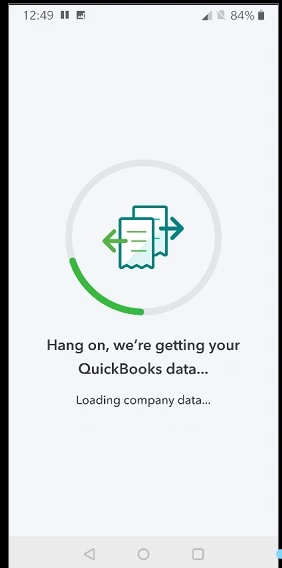
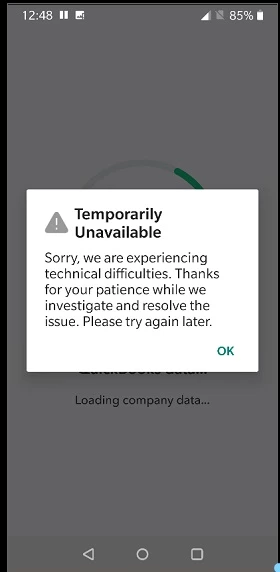
Mobile app error after attempting to load Company Data

  • February 9, 2021
  • 2 replies
  • 0 views

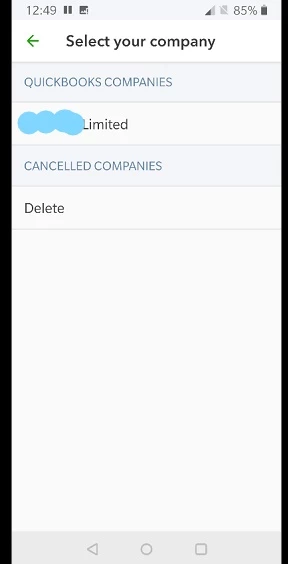
Hi, When I attempt to use the mobile app I get the following from  the Android  (jpg's), I can't find any info to tell me if this is a fault with the app or a fault with my account.


FYI I have tested this on 1x iPhone and 2x Android phones, the iphone sort of gets me past the error screen but keeps crashing.


If this is a problem with the app could you let me know how long this will be unavailable.
 

Thanks

2 replies

February 9, 2021

Hello Bidman, 


Welcome to the Community page, 


Have you tried refreshing the app? 


Have you tried uninstalling and reinstalling the app and make sure it is on the latest version. 


Can you try that please and let us know if you still have any issues. 

BidmanAuthor
February 9, 2021

Hi Ashleigh,


Thanks for the reply, like I said I have tested this on 2x Android phones, I have uninstalled restarted and reinstalled with the same result.

February 9, 2021

Right ok, thanks for trying that Bidman, could you try clearing the app data, also try wifi as well as your 3g/4g network provider to see if that resolves it. 

May 14, 2021

Hi. Im having the same issue, but mine doesn't even give the error.. just keeps loading and nothing happens.. I left up to 6 hours and nothing happened.

This is on top of the glitch that you can't print from the browser using iPad. Its frustrating. The costumer service over the phone was useless and told me that I should buy a desktop. Are you kidding me?

JenoP
May 14, 2021

Let's make sure that you're able to open the app and load your data, patrick5632.


Have you tried the steps given in the earlier responses about refreshing your data in the app? I also have other steps to recommend that can resolve the most common data and performance issues when working in the QBO mobile app. 


First, make sure to update apps manually on your Apple device.


Second, you also need to make sure that you have the latest version of iOS


You might also need to uninstall, then reinstall the app just in case the issue persists. Here's an article as a guide: How to Download the QuickBooks Online Mobile App.


Once done, log back in to check if you're able to open your account and load the data. 


Let me also share this article with you for details about the app: Compare Mobile App Features.


Don't hesitate to get back here and reply to me if you have follow-up questions. You can also post new questions if you need anything else in the future. 


May 14, 2021

I done all the steps above several times today. At one point, Ileft the iPad loading the data for 6 hours and nothing.


This used to work! All update (OS and app) nothing works. I can't even log in. Just keeps loading the data.


Please advise