Hi, klous-1. I appreciate you sharing the steps you've taken to rectify the issue.
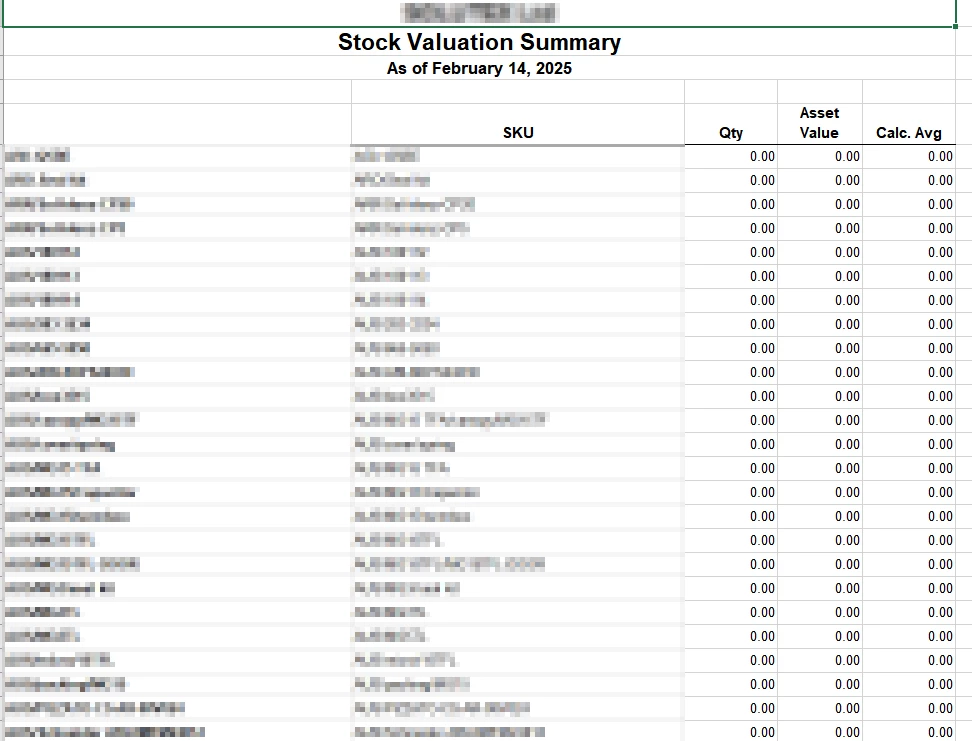
I'm here to ensure you can view the correct amount in the Stock Valuation Summary report.
When you export reports from QuickBooks Online to Excel, the file opens in Protected View as a security measure to shield your computer from viruses, worms, or other malware that might cause damage. This is why you're only seeing zero values on the Excel page.
To sort this out, I recommend clicking the Enable Editing button located at the top of the Excel file. For visual reference, I've added a screenshot below:

Additionally, I'm adding these articles to help you get the most out of your QuickBooks reports:
Please let me know in the comments below if you have additional questions or concerns about exporting reports in QuickBooks. I'd be glad to assist. Keep safe, and have a nice day.