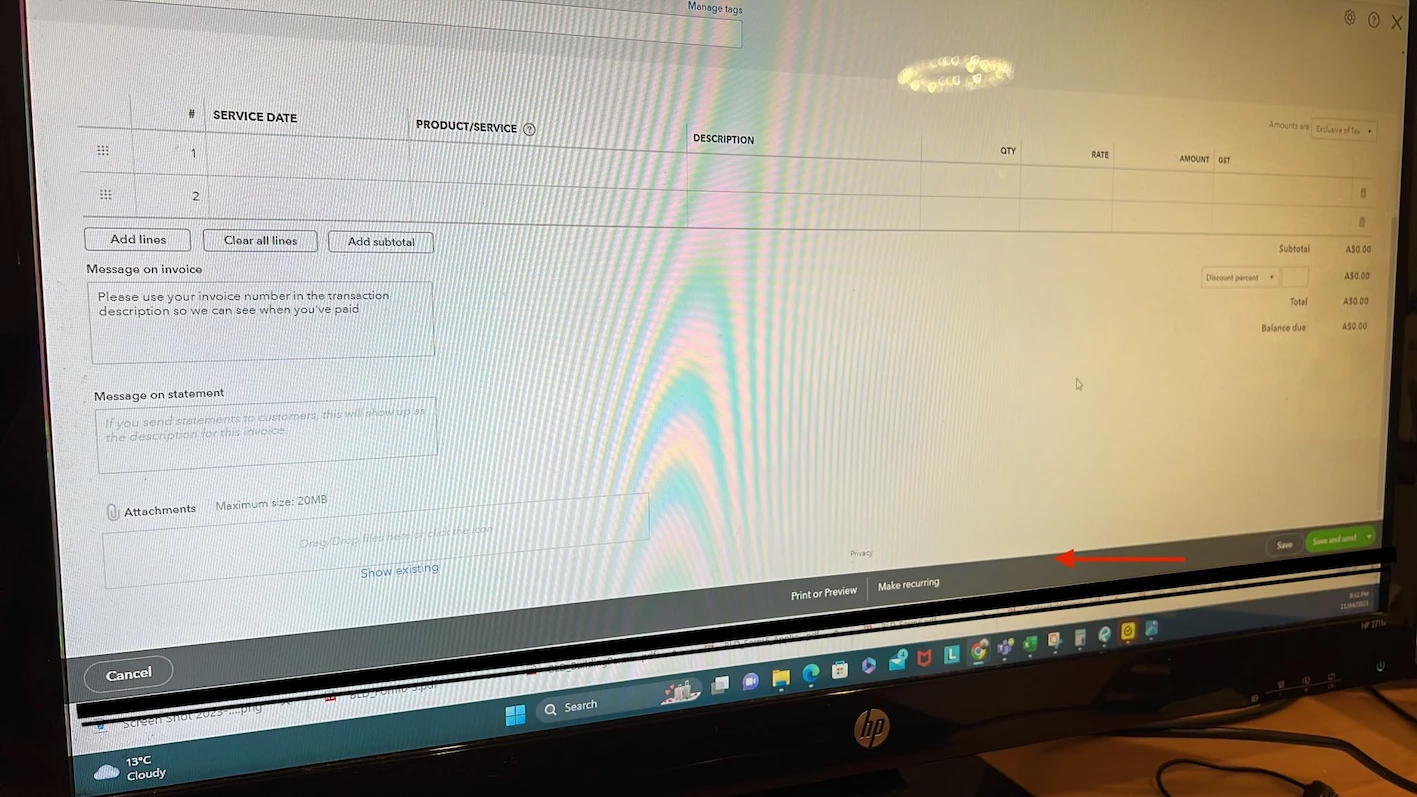
It’s my pleasure to be of assistance, Ahmed. Let's work together to fix the issue with the Customise option in your invoice.
We can perform the browser troubleshooting steps to isolate your browser work better and faster. Also, this is likely a cache-related issue, so we can rule this out by using a private or incognito window.
Use these shortcut keys to open an incognito window:
Google Chrome: Press CTRL + Shift + N.
Safari: Press Command + Shift + N.
Mozilla Firefox: Press CTRL + Shift + P.
Log in to QuickBooks and see if the customise option is visible in your sales form. When you see it, go back to the regular browser and clear the cache. It will remove the webpage data causing the issue. Though, you can also use another supported browser.