Hi,
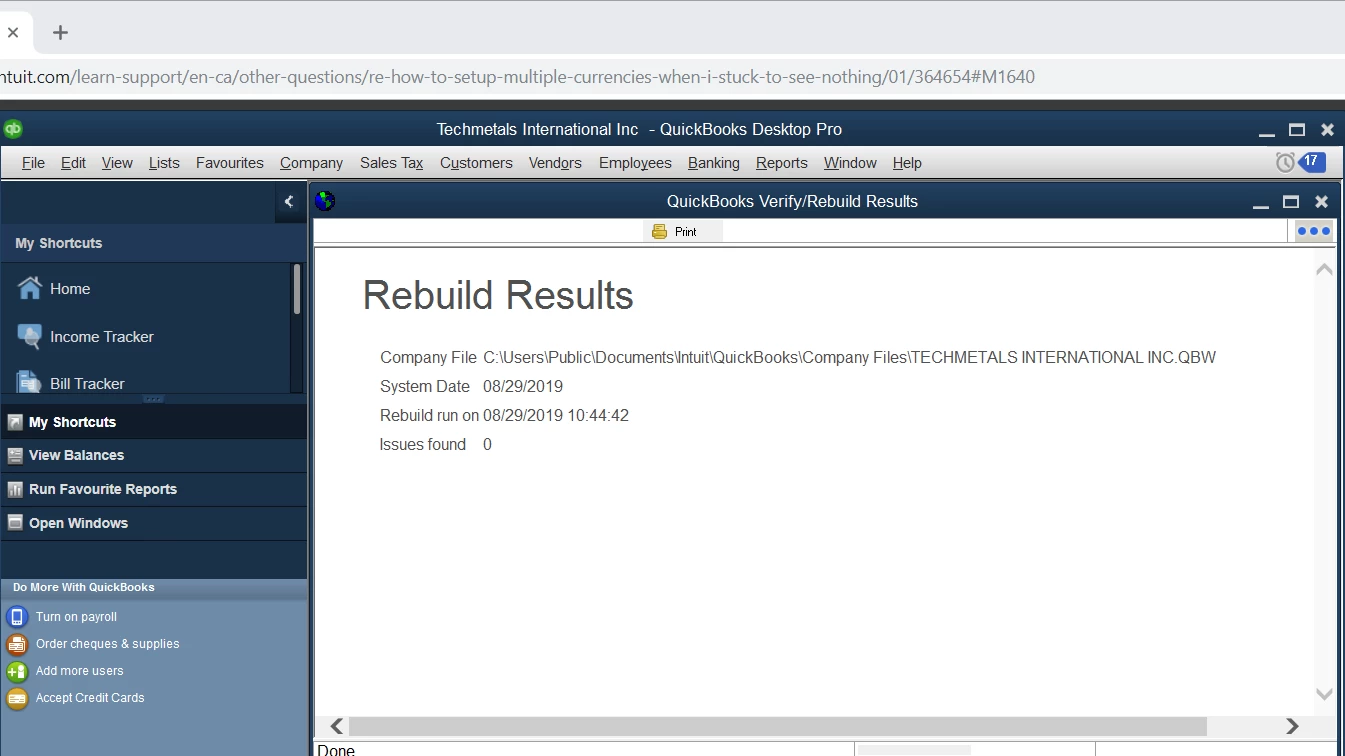
I did the Rebuild Data process,please see the result. But nothing getting better, still stuck at nothing come out at the currencies drop-down menu. and also cannot input directly.
Hello cindypan,
I'll pick up the conversation here and help you however I can. I see one of the moderators mentioned calling in, which you stated isn't possible. The scope of support available here in community is limited when it comes to in-depth troubleshooting, but I think I can help with this one.
Once you've set a home currency on a company file, you're unable to change it. Creating a new company file with the proper currency is the way to resolve this issue so you can properly record your books in the currency you need. Here's how to create a new company file.
- Log out of your current company file by going to File and choosing Close Company/Logoff.
- This will take you to the No Company Open screen, where you can click Create a new company.
- Follow the steps to create a new file.
If you're having trouble choosing CAD as the currency in the new company file, that's something that may need to be looked at by our phone support team so we can determine where this error is coming from.
So you're not having to start completely from scratch, there are certain things such as lists that can be exported from your old company file to the new company file. Read the Import/export overview to learn more about the options. The only caution I have for you is to not export and import items and accounts that have Yuan assigned to them, as those may retain the currency assigned.
I'll be here if you need further clarification. Just let me know what you need. :)

