Hey Marcus_Xia,
Being able to access QuickBooks on multiple devices with multiple users can have an incredibly positive effect on your bookkeeping. With a little bit of setup, you gain a seamless experience of working together with your team. I'm confident that a few minor changes to your user settings will resolve this error. I can guide you through this.
If you're logged in on your desktop, it's just a couple easy steps to manage user permissions:
- Go to the Company menu, then select Set Up Users and Password and then Set up Users.
- Select the user you sign in as on your laptop, then click Edit User...
- Fill out the User Name, Password, and Confirm Password fields, then select Next.
- On the Access for user: (username) window, choose which area of QuickBooks the user has access to, then select Next.
- If you choose Selected areas of QuickBooks, you can customize the restrictions for different areas of the company file for the user by selecting No Access, Full Access, or Selective Access.
- When done, select Finish.
This is the option mentioned in the message you're receiving:
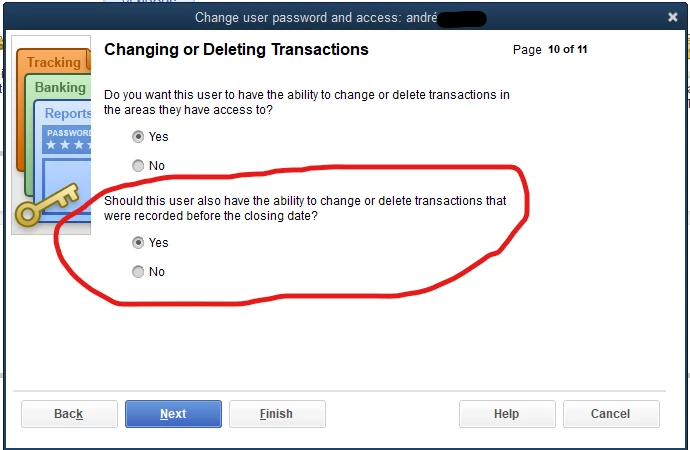
Let me know how this goes! I want to make sure you unlock the power of QuickBooks on all your favorite devices.

