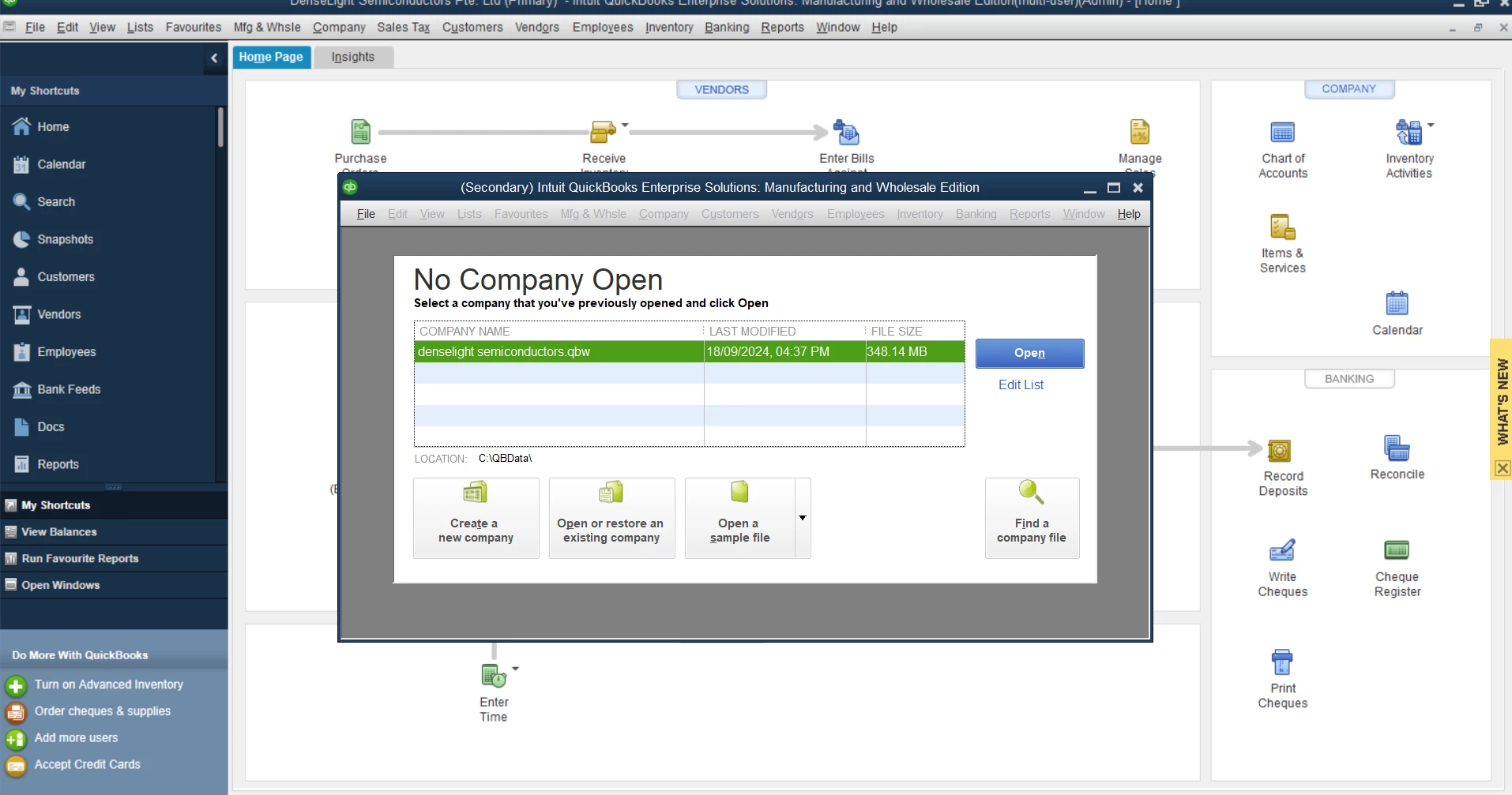
Thanks for joining us here in the QuickBooks Community. You can disable this from launching when you turn on your PC by deleting the appropriate startup entry.
Open the Start menu and click All Programs.
Click Startup, followed by QuickBooks.
Right-click Exchange DataWith Web Services.
Select Delete followed by Yes to disable the QuickBooks Web Connector from automatically launching at startup.
I hope this helps! If you have any other questions feel free to reach back out.
Hi there, thanks for replying. I check om the PC and see there is no "Exchange Data With Web Services", presumably this service was not run in the first place. Please advise. Thanks!
Thank you for trying that. For further assistance with this behavior happening in your Desktop software, I recommend reaching out to the QuickBooks Desktop support team outside of the Community. They'll be able to view the error with you in your system to help get it resolved. You can reach them using the methods outlined in the QuickBooks Desktop support policies.
If you have any other questions, feel free to reach out here.