January 22, 2024
Solved

Script errors and QB update error.

  • January 22, 2024
  • 1 reply
  • 0 views

Hi


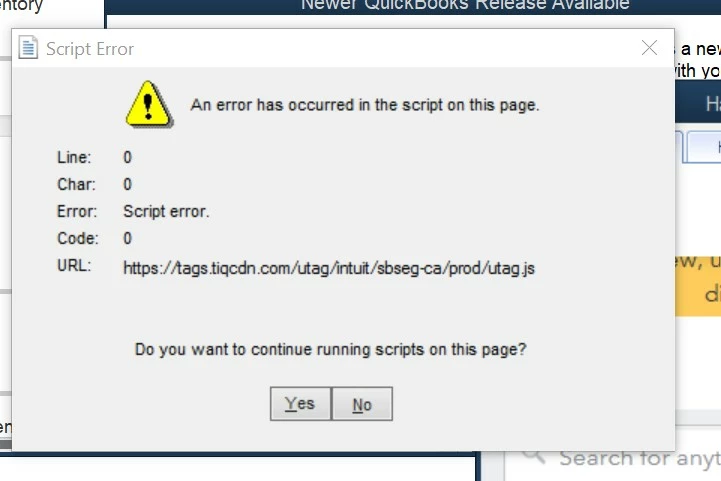
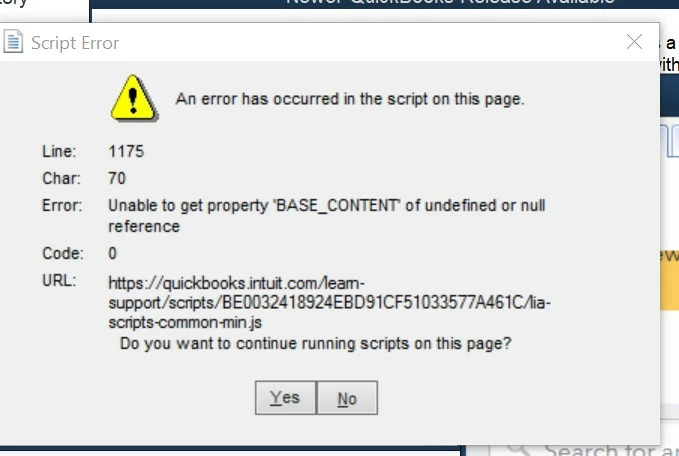
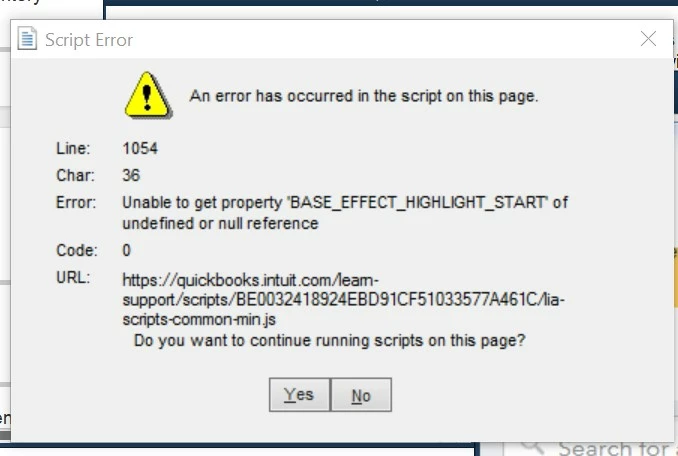
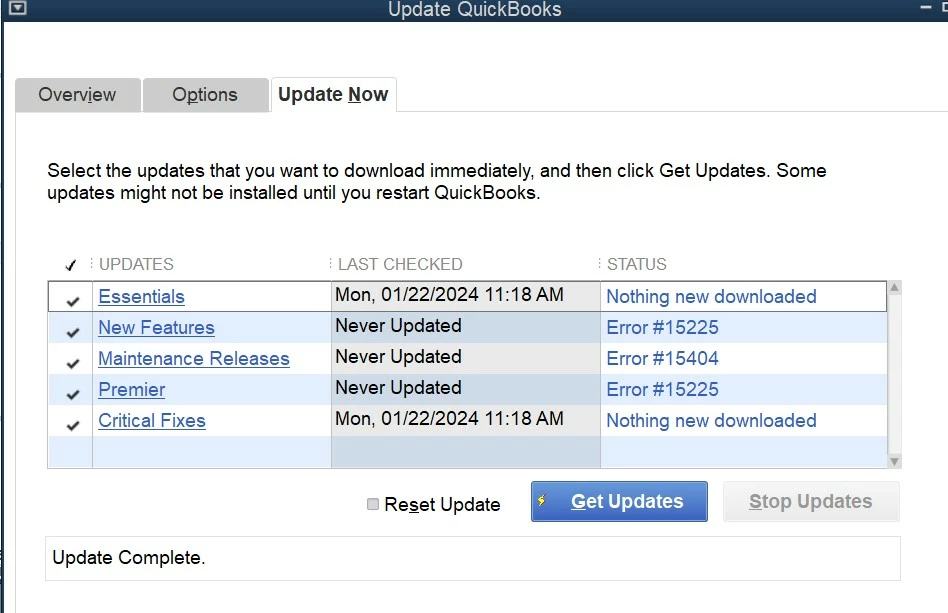
I have some script errors , and i was prompt to update QB but some files are unable to update. Please refer to the images attached.

Please assist so I can use it again.. I am using desktop software quickbooks Premier 2015 with 2 users license.  The other laptop is fine.


Thank you


Best answer by JamesM4

i think the script errors are due to the IE browser, which is not supported already.

Can you advise which browser and the steps to rectify the script errors?


FYI , I have managed to resolve the QB updates errors.


Thank you 


Hello Iren7. I'd like to help make sure you have a seamless experience while using QuickBooks. Based on the details you've shared above, I recommend troubleshooting this issue using the QuickBooks Tool Hub. The QuickBooks Tool Hub is designed to help fix these errors. Check out this article here that shows you how to effectively use the Tool Hub to your advantage. Give this a try and let me know what happens. I'll be a message away. 



1 reply

January 22, 2024

Which QB Desktop year version and Windows OS do you run?

Iren7Author
January 22, 2024

Hi


 I am using desktop software quickbooks Premier 2015 with 2 users license.  The other laptop is fine.

The one with errors is in Windows 10 Pro.


Thank you

January 22, 2024

Is another laptop using an older Windows OS (e.g Win 8.1)?


A script error may appear randomly when running an outdated version of QB Desktop on a supporting Windows OS. You can ignore any script error messages by clicking the "No" button. If the message bothers you, consider upgrading your version.