

July 21, 2022
Question

Quickbooks Pro 2022 Keeps Crashing

  • July 21, 2022
  • 1 reply
  • 0 views

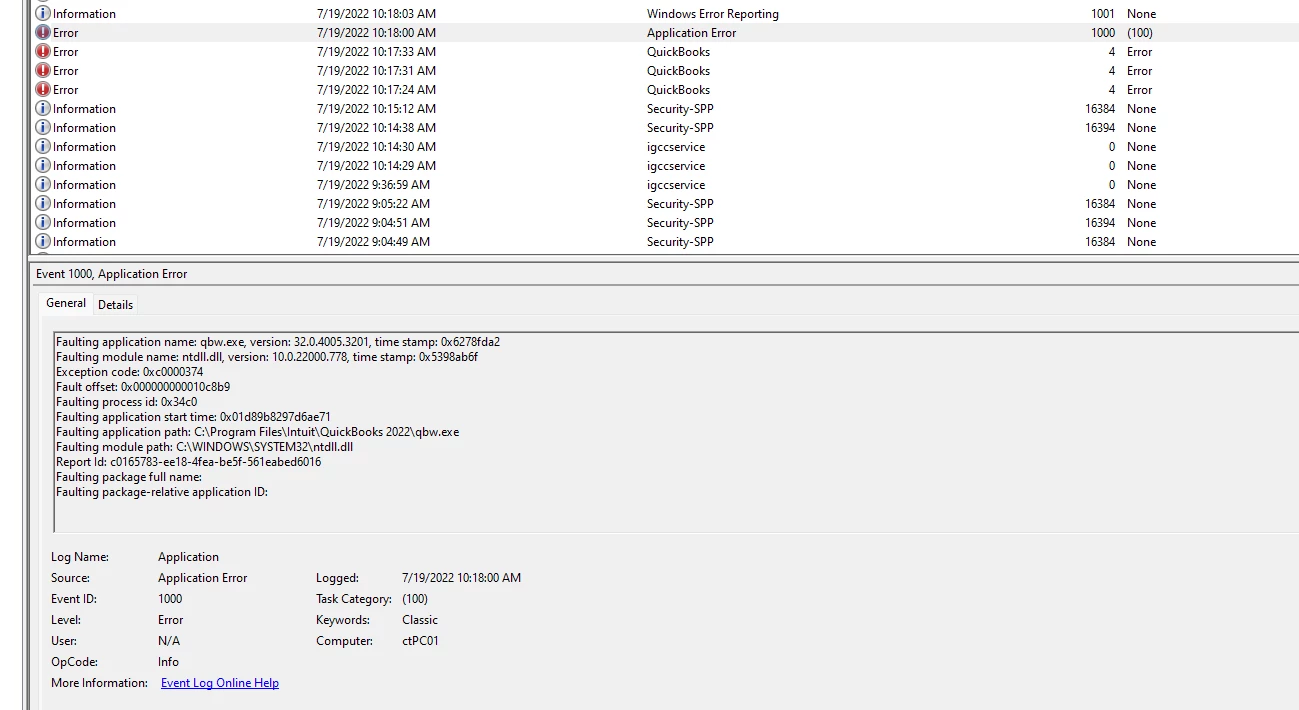
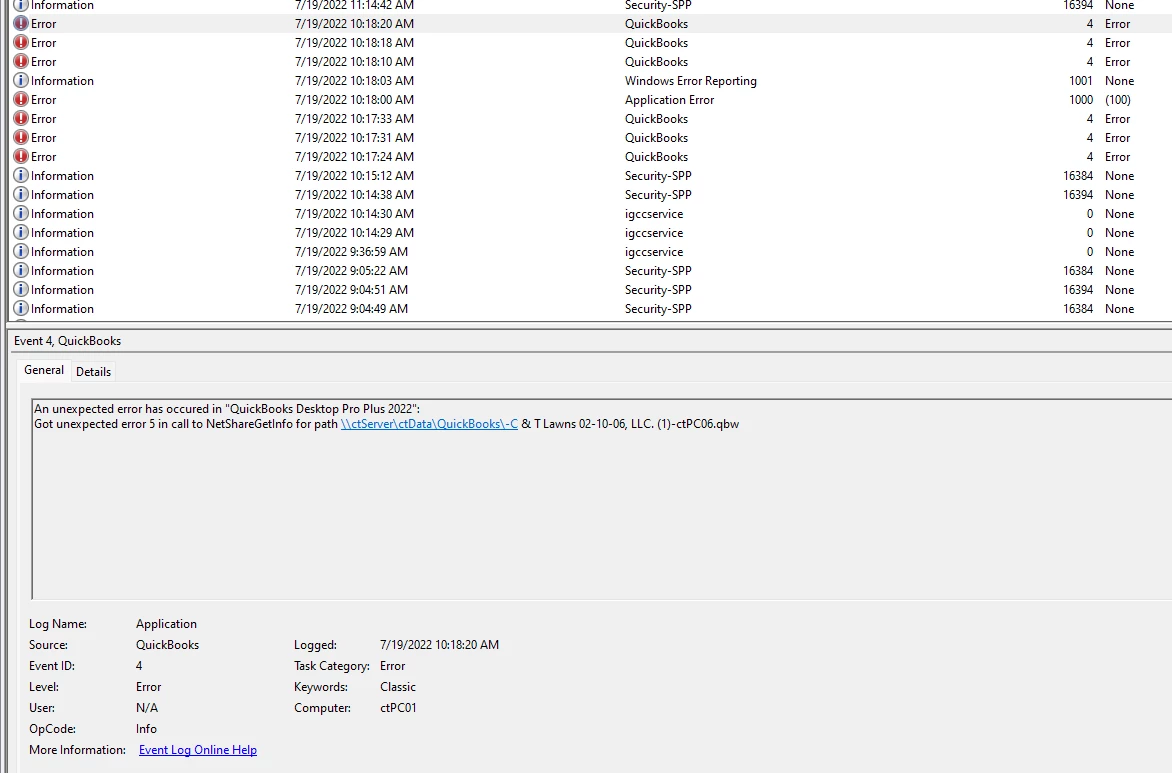
As the subject entails, Quickbooks crashes every time I locked my computer or it goes to sleep, when I return, login, the QB app then crashes. I've collected some logs and screenshots hoping someone with some technical experience can help me resolve this. I have re-installed QB a few times which leads me to believe something is actually wrong with my company file. I also have the logs from QB if anyone wants to see those.
1 reply

Adrian_A
July 21, 2022

Thank you for adding screenshots, crashfive.


It gives me an idea of all the steps you've done to resolve this issue. Let's go through some troubleshooting steps to fix this issue.


 Let's utilize the QuickBooks Tool Hub to fix why QuickBooks Desktop keeps crashing. This tool helps us with network problems, company file damage, performance issues, etc. 


To start with, run the Quick Fix my Program tool from the Tool Hub to end QuickBooks processes running in the background. 


Follow these steps to download and install the Tool Hub:


  1. Close your QuickBooks.
  2. Download the QuickBooks Tool Hub file.
  3. Open the QuickBookstoolhub.exe file. It gets saved in the download folder.
  4. Follow the on-screen steps to install and agree to the terms and conditions.
  5. Click Finish.
  6. Double-click the icon on your Windows desktop to open the tool hub.


From there, let's run the Quick Fix my Program tool.


  1. In the Tool Hub, select Program Problems.
  2. Select Quick Fix my Program.
  3. Start QuickBooks Desktop and open your data file. 


If the file continues crashing, you can follow the additional troubleshooting steps in this article: Solutions for When QuickBooks Stops Working.


Keep me posted on how this turns out. I'll be around to ensure this issue gets taken care of.