

Question
Adjusting and adding expense to invoice that was already approved by customer
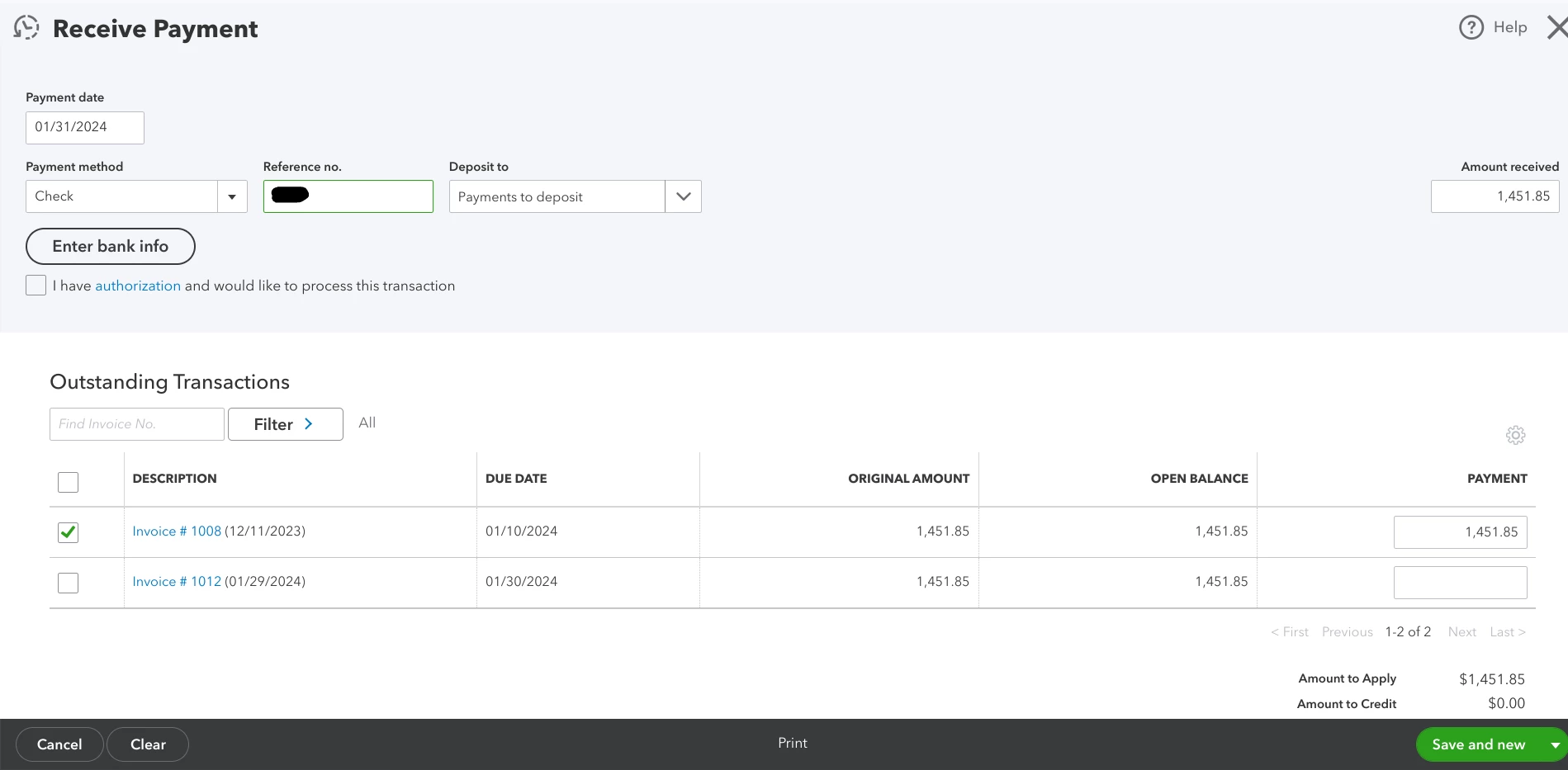 SO I'm an electrician and I made an invoice for a client, he approved it, and when I did the job I had to add $300 more to the invoice for extra parts that were needed. When I went back and edited the invoice it appears it created another invoice and has the first invoice I had done linked to this invoice. When I go to mark as payment received, a check, it shows two invoices and wants me to click one or both to apply payment received to. How do I fix this?