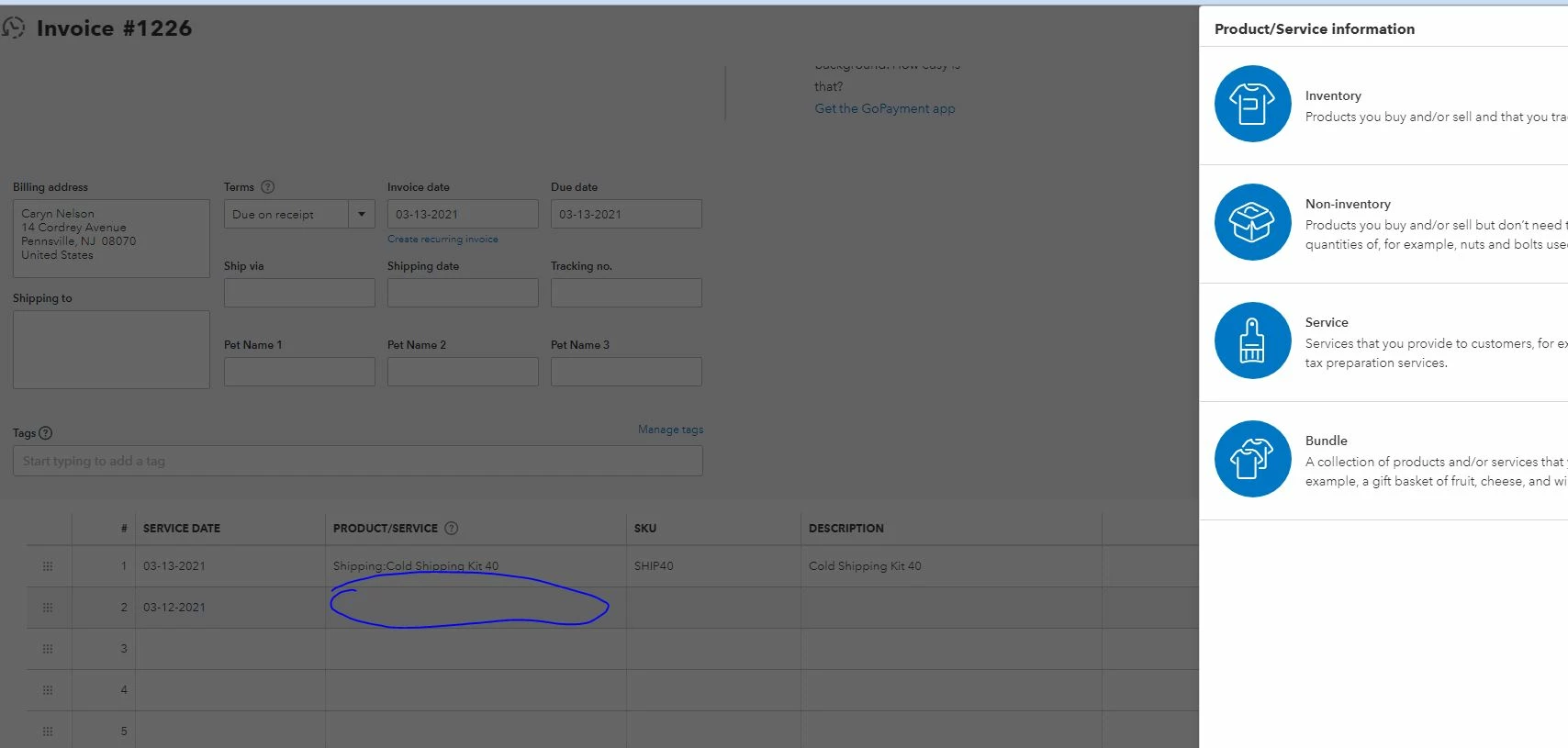
Thank you for attaching a screenshot, @lmcfee.
I'm here to provide you some troubleshooting steps about unable to add other items in your invoice in QuickBooks Online.
I'd recommend doing tricks to shut away from the problem. A lot of cache files on your browser can sometimes cause the Product/Services window to pop-up as if the product isn't there.
To start, please access your account via incognito. These browsers won't collect any browsing histories.
Here are the shortcut keys:
- Google Chrome: Ctrl + Shift + N
- Safari 11 or newer: ⌘ + Shift + N
- Mozilla Firefox: Ctrl + Shift + P
- Microsoft Edge: Ctrl + Shift + P
Once logged in, re-select the item in the Product/Service column to verify if it's already operating properly. If you're able to do so, please go back to your usual browser and clear the cache. So, it will speed up your overall browsing experience and fix other issues. Using other supported browsers is a good alternative too.
Additionally, you can always access any sales and customer's report to review all the data you've recorded into the system. Then customize it to show precise information.
I've also encouraged you to access these articles about personalizing sales forms, handling items, and other related topics.
Feel free to leave a message if you have further questions about adding items to the invoice. I'm glad to support you. Take care.