

March 24, 2023
Question

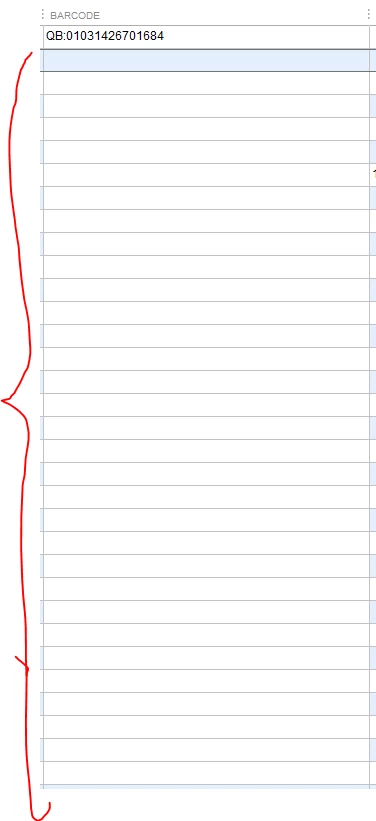
Cannot bulk paste into QuickBooks "Add/Edit Multiple List Entries"

  • March 24, 2023
  • 1 reply
  • 0 views

I have an excel file and want to copy a column and paste the whole column into the add/edit multiple list entries. When I paste it clears the old data and shows empty cells instead. I created a new excel file, in case my data could be the problem, but the same issue with a new file and new column entries
 

1 reply

March 25, 2023

Let me share information about adding bulk list entries, @ninja121.


When you add lists in bulk, you can copy from the excel file by column and then paste it directly into the Add/List Multiple Entries.


Since you have an unexpected behavior while doing this, I recommend updating your QuickBooks to the latest release.


Once done and you still have the same issue, start verifying and rebuilding your data.


Here's how:


  1. Go to the File, then Utilities. Select Verify Data.
  2. Please wait for it to load.
  3. Click File again, Utilities, then Rebuild Data.
  4. Press OK when you get the message Rebuild has completed.


You can read this article for the complete details: Verify and Rebuild Data in QuickBooks Desktop.


Additionally, here is an article to guide you in importing and exporting files to QuickBooks Desktop: Import or export MS Excel files.


Feel free to click the Reply button below if you need additional assistance importing files. I'm always here to help. Have a great day.