Solved
Character error
- November 10, 2021
- 1 reply
- 0 views


Thanks for sharing your concern with us, Frank90.
We can fix the character error you're getting after installing the QuickBooks Desktop Premier 2019 by downloading the QuickBooks Tool Hub. This tool is designed to automatically diagnose and fix issues within the software. Below are the instructions on how to do it:
To ensure the components are properly updated, please restart the computer after running the tool.
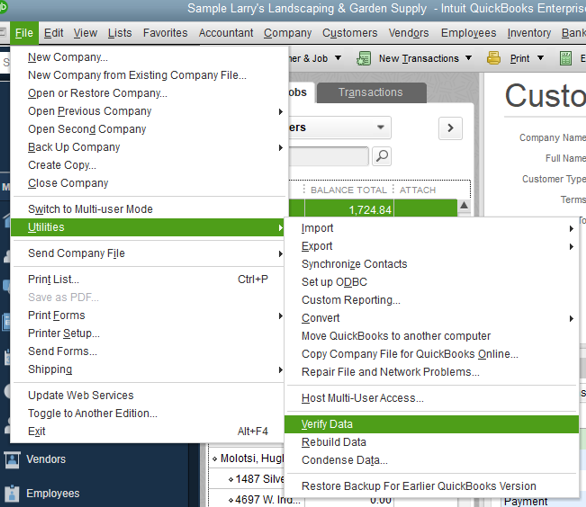
If this doesn't work, we can try using the Rebuild Data tool in QuickBooks Desktop. This tool is used to fix any possible data damage within your company file. Let me show you the steps on how to perform this below:
For additional troubleshooting options when getting installation errors, check out this article: Fix QuickBooks Desktop install errors.
You might also want to visit these articles so you'll be guided on how to get started with the program: Get started with QuickBooks Desktop,
Keep me posted for other concerns or additional questions about the process of installation. I'm always around to help. Wishing you the best of luck.
Enter your E-mail address. We'll send you an e-mail with instructions to reset your password.