Chart of Accounts - Issues with opening accounts
I've been having issues since yesterday when I try to open an account in the "Chart of Accounts".
Clicking on my bank account does nothing. When I click on other accounts the program crashes.
I realized there was something wrong when I downloaded transactions from my bank and the Bank Feed would not open.
I've tried using the Quickbooks Tool hub and ran Program Diagnostic Tool. I did not use the File Doctor as I have this issue with both company files that I have in QB and I have no problem opening either.
I made sure my Windows is up to date.
I upgraded from Desktop Pro 2018 to Desktop Pro 2020 yesterday.
I've tried Utilities - Rebuild Data, then Verify Data and Rebuild Data again.
The first time it showed me 16 errors it couldn't fix, the second time 7.
The message was "Failed in loading the ConfigEngineBridge library".
I can't find anything on that.
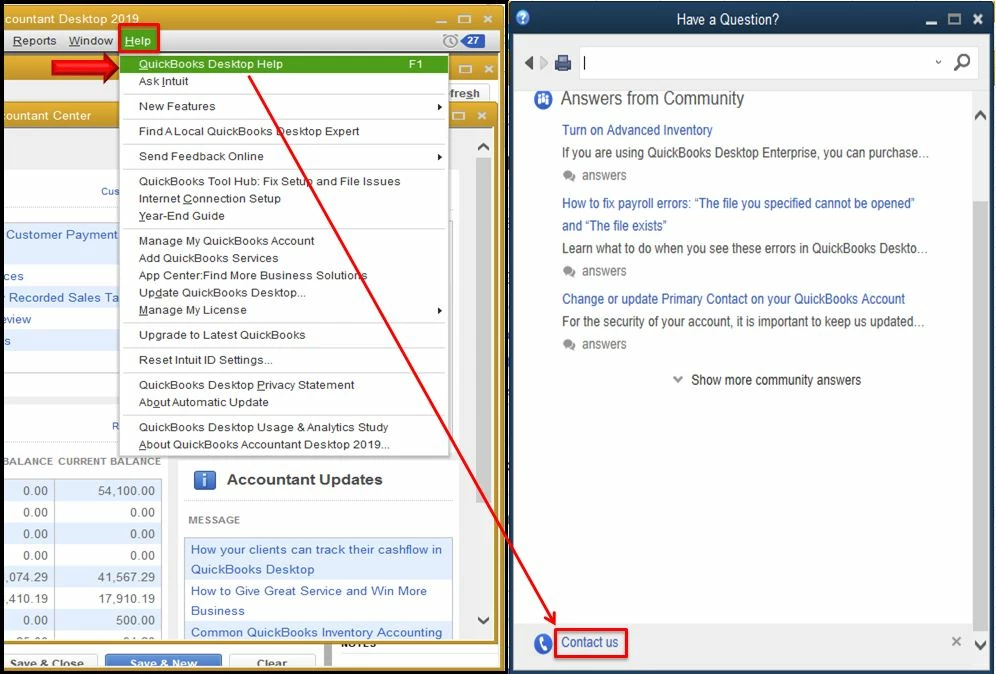
Nothing works. I really need to connect to SUPPORT to get me through this. Why can't I do this? I don't care if there is a fee to solve this issue. I already wasted so much time searching and searching for help... It's extremely frustrating.
HELP!