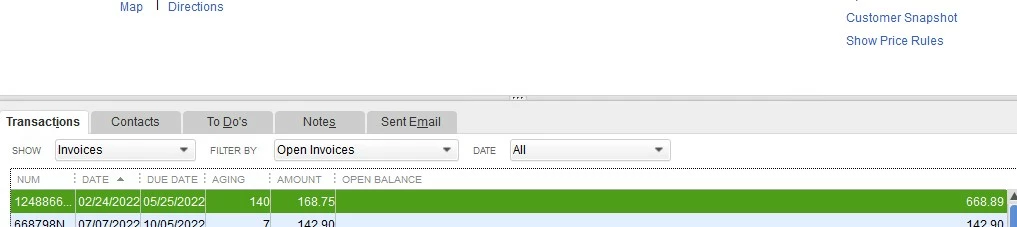
Thanks for getting back in the thread, @RweHavingFunYet. I'm here now. Let's work this out so you can get rid of the credit error and complete your tasks in QuickBooks Desktop (QBDT).
Before anything else, may I ask if you've already tried deleting the credit memo? If not, I recommend deleting the credit memo to fix this. You can delete a credit memo by performing these steps:
- Access your QuickBooks Desktop company.
- Go to the Customers tab, and then select the customer.
- In the Transaction tab, locate the credit memo and then click on it.
- Click the Delete icon, and then hit Ok
Once done, recreate and reapply it to the invoice. This time, you'll want to ensure to apply it correctly to prevent any issues from happening on your end. See this article for more information: Give your customer a credit or refund in QuickBooks Desktop for Windows.
If the issue persists, I'd suggest performing the Verify and Rebuild feature to ensure there's no data issues in your QuickBooks Desktop company file. Visit this article for further guidelines: Verify and Rebuild Data in QuickBooks Desktop.
In addition, here's an article in case you'd like to give your customers a refund for their credit card payments: Void or refund customer payments in QuickBooks Desktop.
You can also check this page about attaching documents to transactions: Attach documents to transactions in QuickBooks Desktop.
@RweHavingFunYet, if you need further assistance with this, feel free to get back to me anytime. You can also post here again if you have any additional QuickBooks-related concerns. It'll be my pleasure to help you out again. Stay safe.