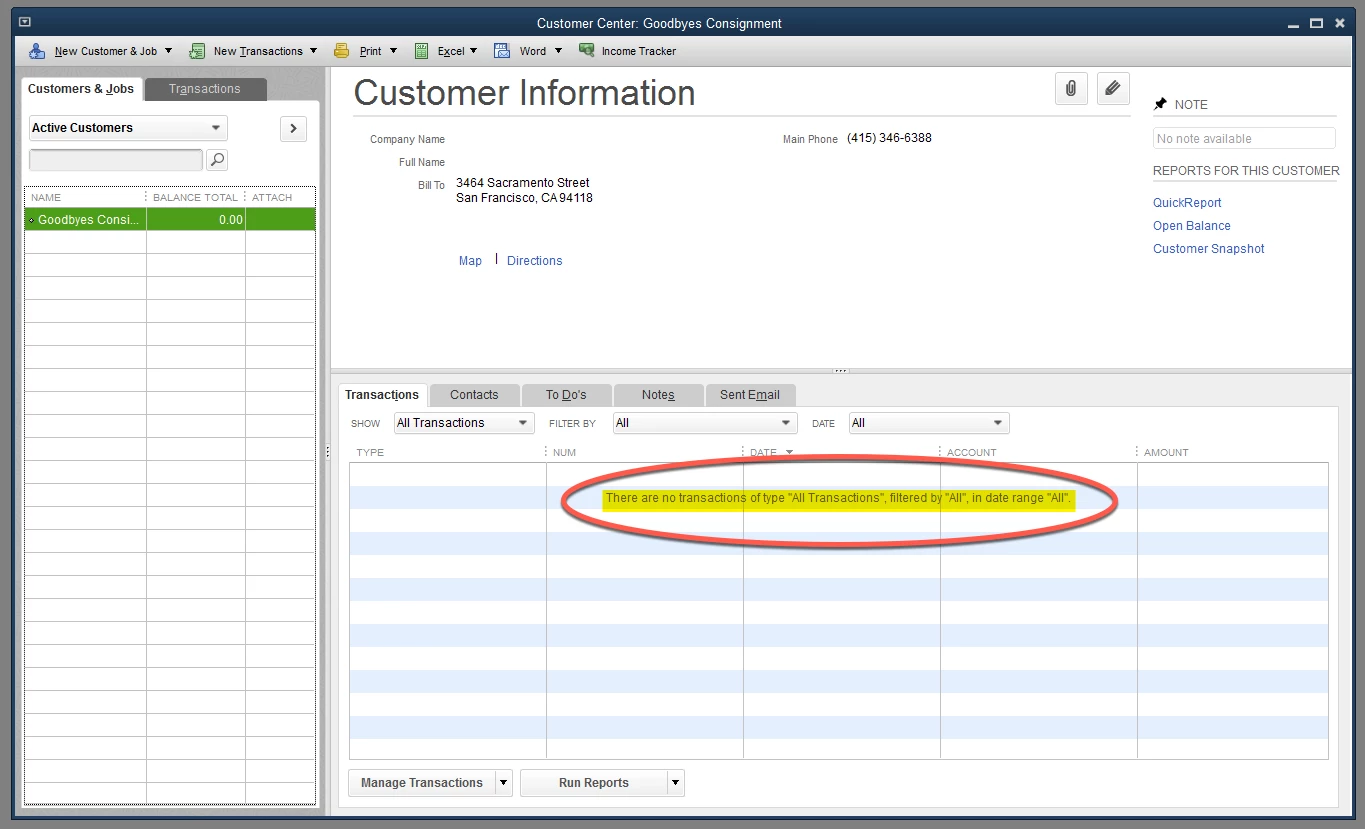
I appreciate the troubleshooting you've performed, Roberto Verde. Since you've tried the common solution to fix it. I recommend getting in touch with our Customer Care Team. This way, we'll be able to pull up your account in a secure session then run a set of examinations to amend the underlying issue.
Before diving in, I want to make sure your issue gets prioritized, so I'm including this resource for the support hours. It has the times when support is available, depending on your type of subscription. Just go to the QuickBooks section of this article for more info: Contact QBDT support.
Here's how to contact our support team:
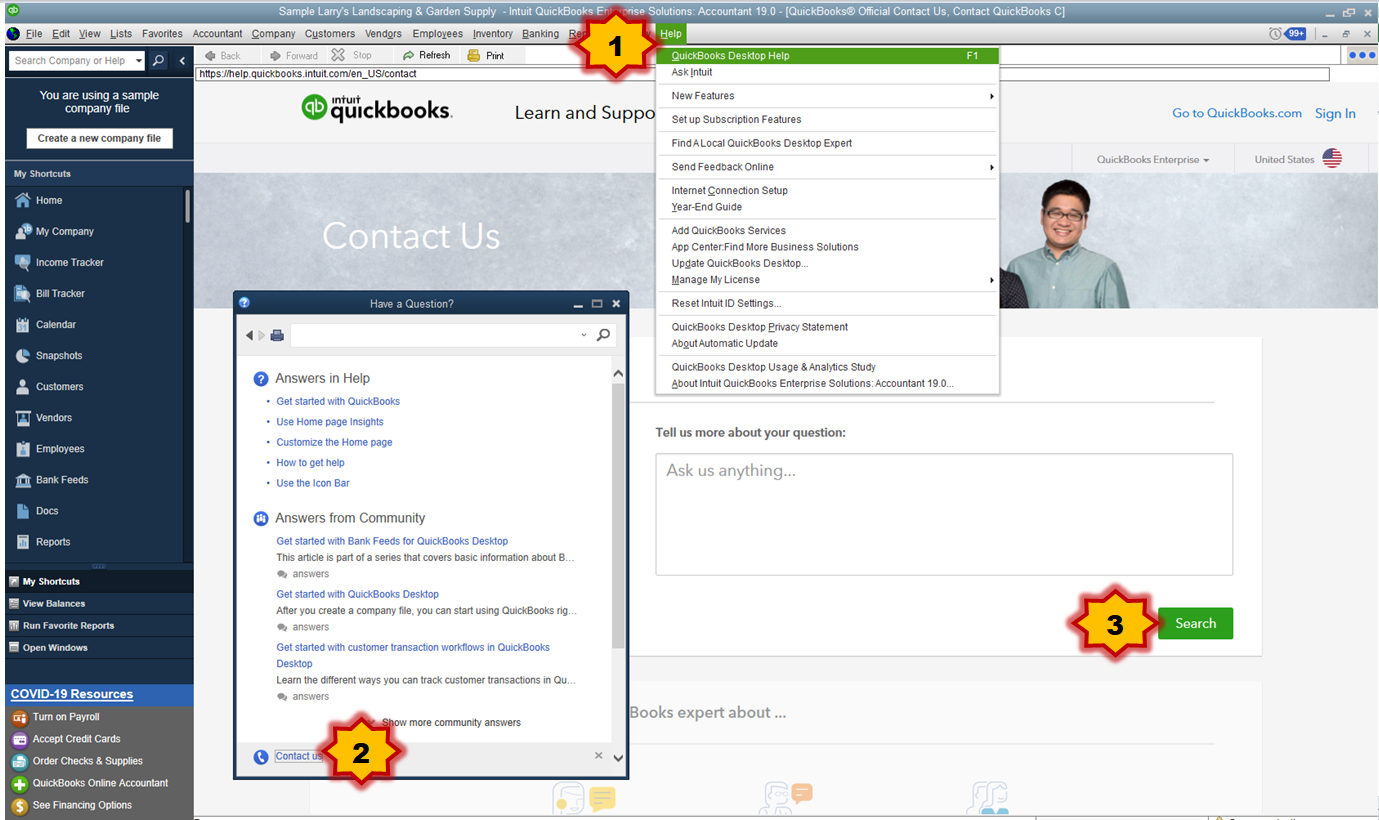
- Sign in to your QuickBooks company. Then click Help (?).
- Select Contact Us.
- Enter your concern, then select Search.
- Choose a way to connect with us. Call Us or Message Us.
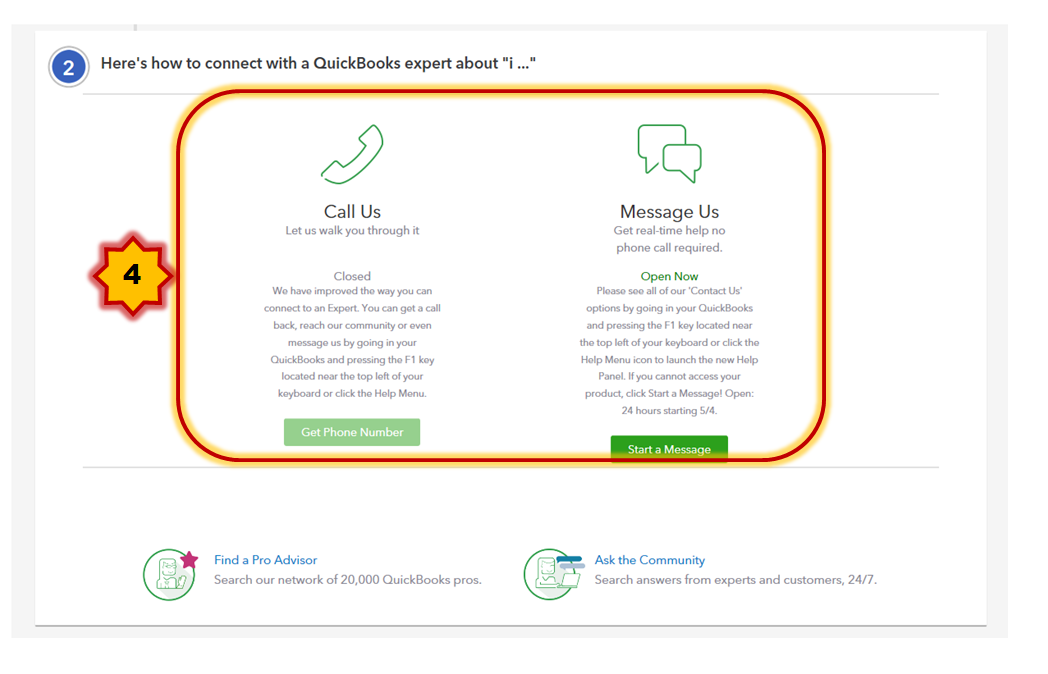
Due to the outbreak, we have limited staffing and have reduced our hours to 6:00 A.M. -6:00 P.M. PT Mon-Fri and some products will only have chat support during this situation. Rest assured, we will resume normal hours as soon as possible.
Please don't hesitate to reach back out to me if there's anything else you need. I'm always here to help. Have a good one!
@MaryAnn_E @AileneA
I was able to resolve this issue based on information presented in this post from 2019
https://quickbooks.intuit.com/learn-support/en-us/account-management/can-t-delete-job-customer-even-though-there-are-no-transactions/00/264917