Navigating new software can sometimes be challenging, Lady. I wanted to share a valuable resource that will greatly assist you in navigating QuickBooks Online Accountant. Let's dive in and ensure you have everything you need to succeed.
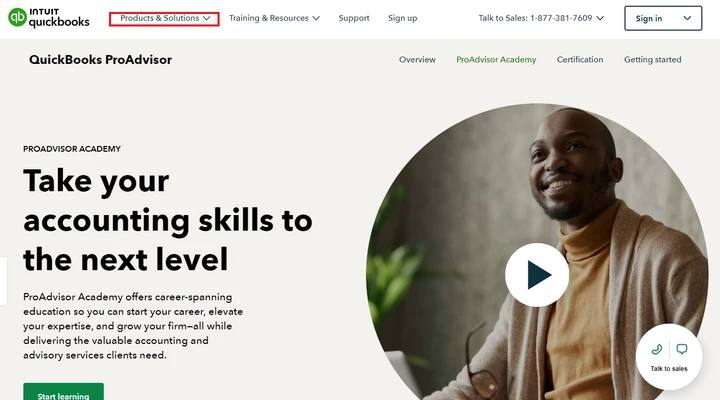
As you venture into QuickBooks Online Accountant, it’s important to familiarize yourself with the various tools and functions that can enhance your workflow. With that in mind, I came across a page designed just for you. To begin, you can visit this link: QuickBooks ProAdvisor Certification & Training. This resource offers comprehensive education to enhance your skills and help you grow your expertise in QuickBooks.
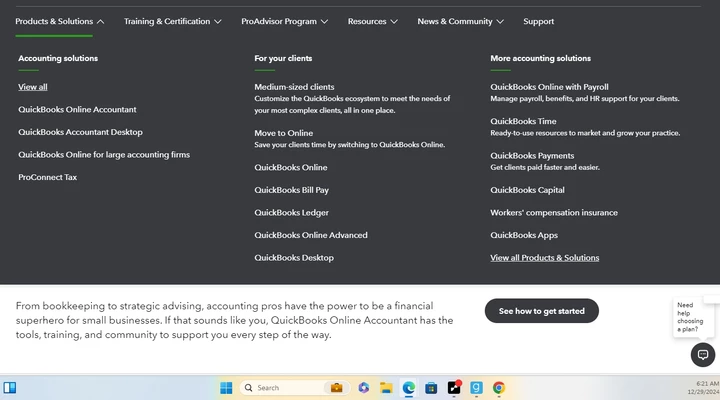
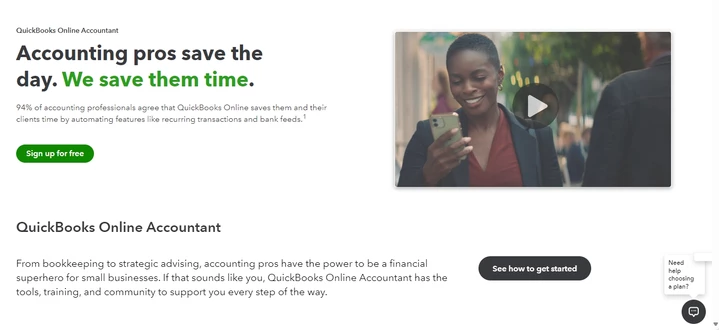
In addition, I'll be sharing this detailed information. This resource breaks down the essential functions tailored for accountants, offering practical insights that help you make the most of the platform. You can explore this article: Use accountant tools and features in QuickBooks Online Accountant.
Moreover, here's a useful resource you can use for future reference in customizing and managing data effectively: Create and edit reports in Spreadsheet Sync QBO Online Accountant.
It's my goal to help you streamline your workflow and gain more knowledge in managing your account. If you have any other questions about QuickBooks Online Accountant (QBOA), please don't hesitate to reach out. We're here to support you every step of the way to ensure your experience with QuickBooks is as smooth and efficient as possible. Wishing you all the best.

