

November 20, 2023
Question

Freezing Issue when Importing Accountant Changes in QuickBooks

  • November 20, 2023
  • 1 reply
  • 0 views

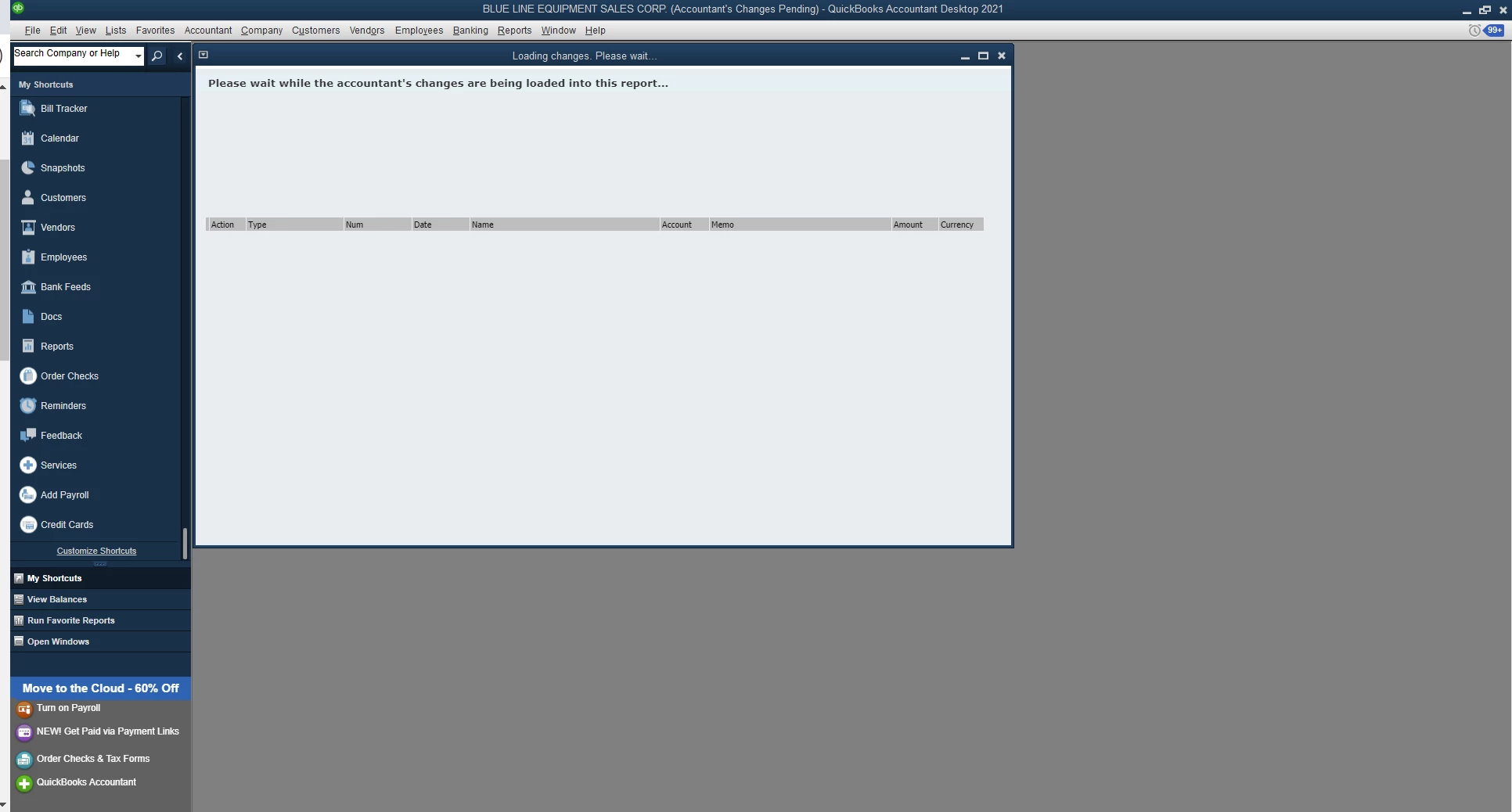
I'm currently experiencing a technical issue while trying to import accountant changes into a client's QuickBooks file. The problem is that I'm getting stuck on a loading screen, and it has been attempting to load changes since Friday, November 17. Interestingly, I can still navigate other features in QuickBooks without any problem - opening reports, checking the chart of accounts, and using various buttons. It's just the loading of accountant changes that seems to be causing trouble. I've been attempting to resolve this for about a week now, and it's becoming a critical issue for me. Please let me know if anyone has any suggestions.
1 reply

November 20, 2023

Ask your accountant to resend the file again. If the same error persists, chat Support to fix the file. Otherwise, you need to ask a 3rd party service provider to fix it.

November 20, 2023

Welcome to the QuickBooks Community, @RGarcia5. I’ll ensure that we can rectify your concern about importing accountant changes in QuickBooks Desktop (QBDT).


Did you encounter error messages when trying to import the accountant's changes? This will help me provide accurate steps to resolve this. 


Beforehand, let's make sure to turn turn off any Advanced Inventory features you're currently using.  


Once done, check the title bar to see if it says Accountant's Changes Pending. If not, you’ll have to enter the changes manually. However, if you have a newer version of QuickBooks, you can restore a backup before the upgrade and ensure that the Accountant's Changes Pending is still showing at the top to ensure that you pull the correct company.


User-added image

If the issue persists, you can check this article and refer to the following solutions: Fix errors and unexpected results when importing accountant's changes.


I've got you this article for the detailed steps on how to import and add your accountant's adjustments to your accounts to keep them up to date: Import your accountant's changes to QuickBooks Desktop.


Let me know if you have more questions about importing accountant changes in your company file. We're always more than willing to lend you a helping hand. Stay safe and have a wonderful day!

RGarcia5Author
November 20, 2023

if you look at the picture you will see the accountant changes pending is there. I get no error messages just the loading screen stays blank and all other QuickBooks functions continue to work. The link you sent does not function because I do not get any error messages. I do not have any advanced inventory settings active.