August 9, 2022
Question

How to send USD payment to foreign (UK) vendor's US bank account?

  • August 9, 2022
  • 1 reply
  • 0 views

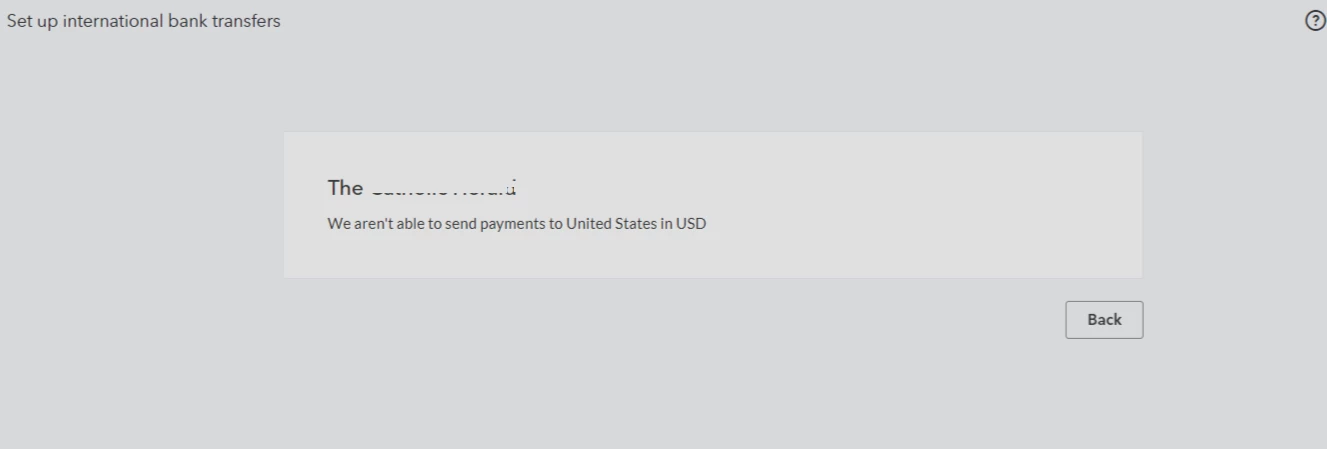
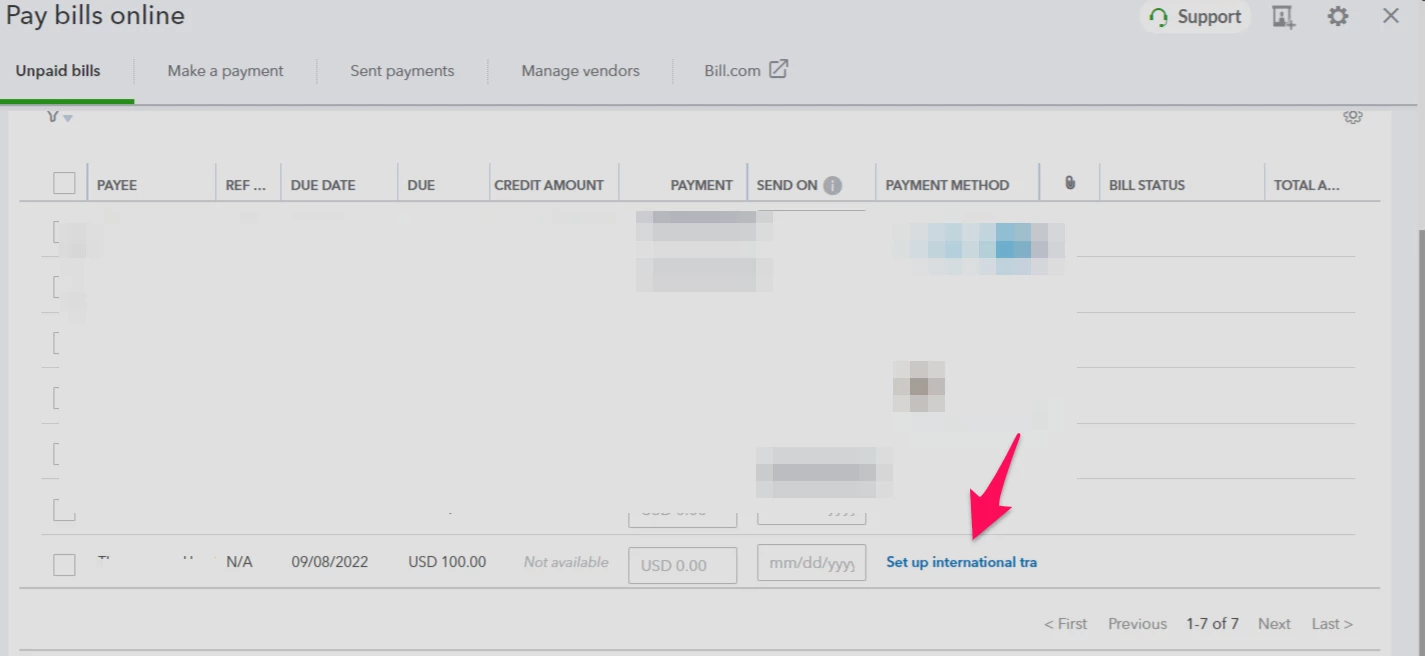
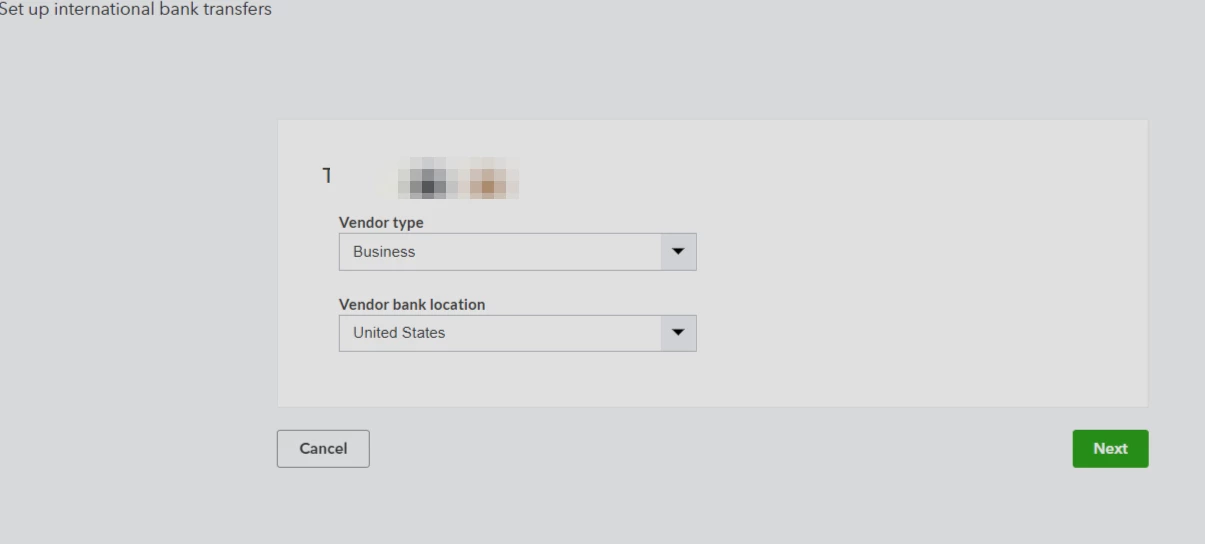
My UK vendor has a US bank account denominated in USD. I would like to pay them using Quickbooks bill.com online bill pay. I entered their country as England and currency as USD. Per the screenshots below, in online bill pay it only gives me the option to send international wire transfer. It then asks me for the bank location and then I get a message that I can't send payment. I believe the issue would be solved if I change their location to USA but this would be inaccurate.


1 reply

August 9, 2022

I'm here to share information about the Bill Pay feature so you can send USD payments to the foreign vendor, @dreamerdad.


Using Bill pay for QuickBooks Online (QBO), you now have the option to wire international payments. You'll need to turn on the multi-currency first to avoid sync errors when adding a multi-currency vendor, bill, or payment. 


I'd be happy to show you the steps below:


  1. Go to Setting and select Account and settings.
  2. Click the Advanced tab and select the Edit or Pencil icon beside the Currency section.
  3. Tick the Multicurrency radio button to turn on the feature.
  4. Select Save and Done.


Once done, add foreign vendors with their currency. To get more details about this process, check out this article: Send international payments using Bill Pay for QuickBooks Online. This will provide you with steps on how to add foreign vendors as well as steps to do wire payments.


To learn more about the online bill pay feature in QBO, you can visit the following articles:


Fur future reference, I've added this article about recording the wire transfer manually just in case you want to do the payment outside QuickBooks: How to record a wire transfer.


Don't hesitate to let me know if I can be of additional assistance while working in QuickBooks. I'm always here to keep helping. Have a good one!

August 9, 2022

Thanks for your reply. To clarify, I want to send USD payment to the UK-based vendor's *US* bank account, ideally via ACH. This would not be done via international wire since the money needs to be sent from QB to their US bank account. I am setting up my vendor's address as a UK address, selecting currency as USD but I don't see any way to set up payments in USD to their US bank account using their routing and acct # other than changing the vendor's address to a US address which would be inacurrate since the vendor is based in the UK but their USD bank acct is based in the US.

August 9, 2022

Thank you for adding some information about your concern, @dreamerdad.


The option to set the home currency of your UK-based vendor to US Dollar is unavailable in QuickBooks Online (QBO). Nevertheless, you can use USD on invoices, etc. You’ll just need to set the home currency into GBP and turn on the multi-currency in the main settings.


To do so, you can follow the steps provided by my peer above, MirriamM.


Afterward, when you create a customer or supplier, you’ll just need to set the currency as USD under Payments then Billing, scroll down to where it says this customer pays me with. To proceed, click the drop-down arrow and select USD.


In addition, I included this article for your future reference when Categorizing and matching online bank transactions in QuickBooks Online.


Let me know if you have further questions about paying vendors. I’m just around the corner to lend a hand. Stay safe!