Solved
I got an email saying I have a 1099, but when I click the link I can't find the 1099. I've never used QB or Intuit for this client before, either. Where is my 1099?
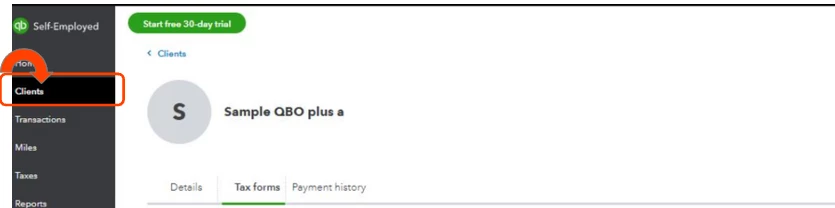
I billed this company through Bill.com, and while I do use QB/Intuit for other clients, I've never used this QuickBooks Self Employed thing before. The email I got says "[Client] sent your 1099 with QuickBooks. Set up your free Intuit account to view it." When I log into my account it brings me to a new dashboard for QB Self Employed, and I can't find this 1099 anywhere. Also, when I go to the Taxes section, it shows $0 in this year's transactions. Where am I going wrong?