Question
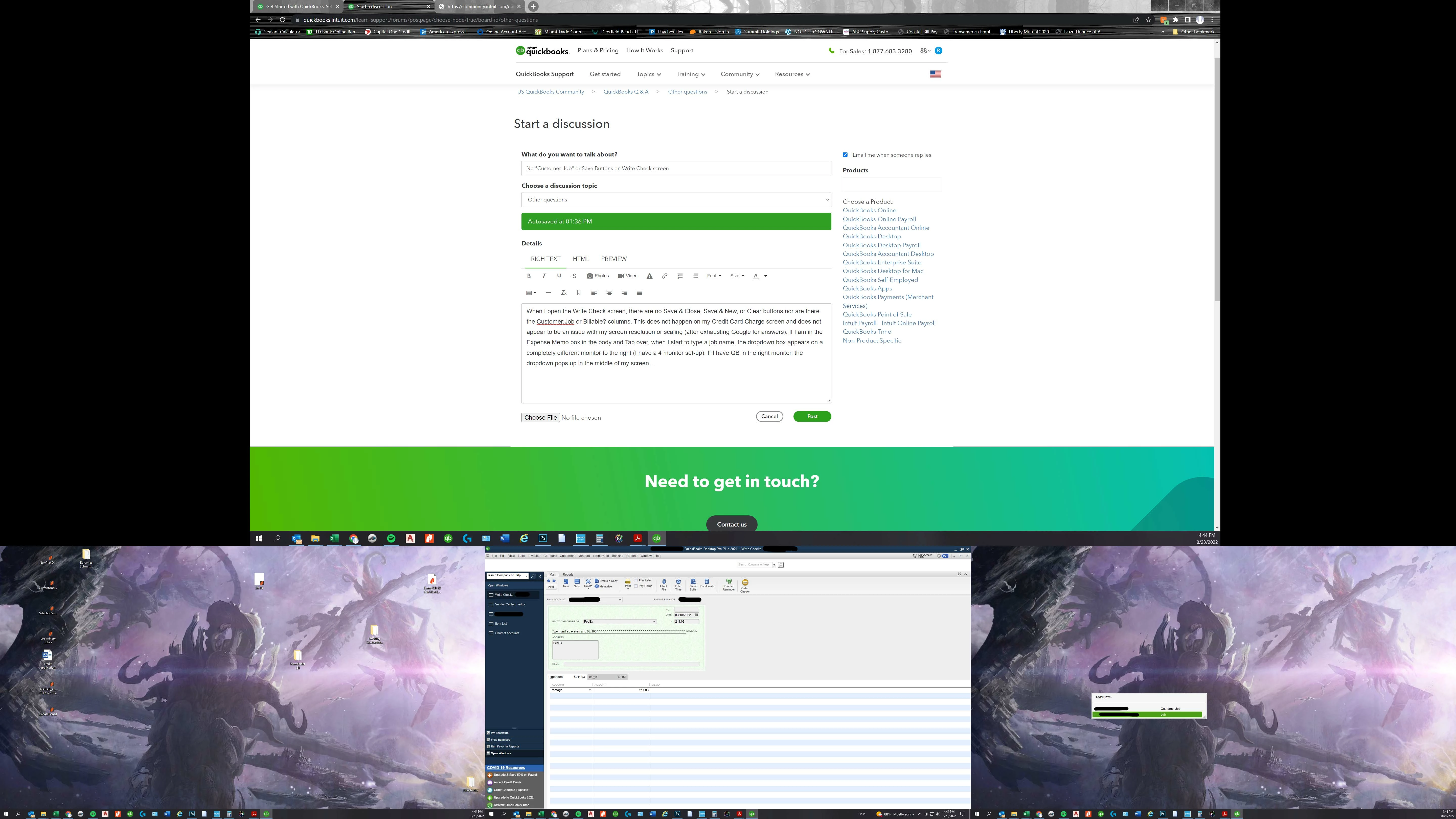
No "Customer:Job" or Save Buttons on Write Check screen
When I open the Write Check screen, there are no Save & Close, Save & New, or Clear buttons nor are there the Customer:Job or Billable? columns. This does not happen on my Credit Card Charge screen and does not appear to be an issue with my screen resolution or scaling (after exhausting Google for answers). If I am in the Expense Memo box in the body and Tab over, when I start to type a job name, the dropdown box appears on a completely different monitor to the right (I have a 4 monitor set-up). If I have QB in the right monitor, the dropdown pops up in the middle of my screen...