Hola Norma.
Lo ayudaré a configurar y registrar el pago de su préstamo en QuickBooks Online.
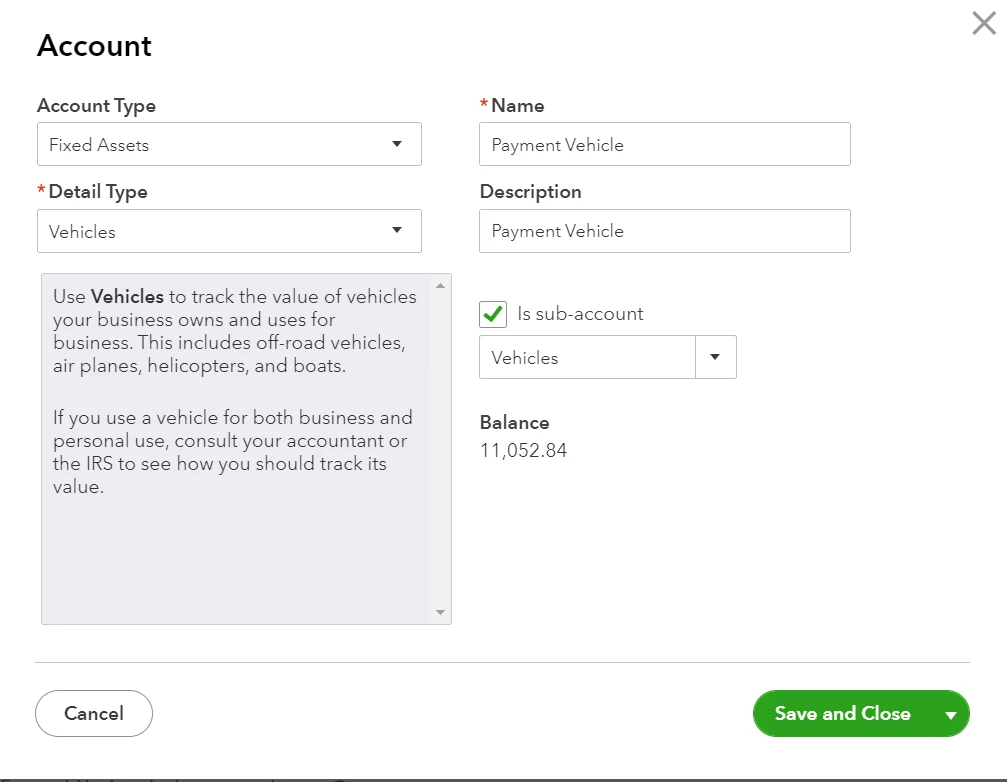
Necesita configurar una cuenta de responsabilidad.
Así es cómo:
- Vaya a Configuración ⚙, luego seleccione Plan de cuentas.
- Haga clic en Nuevo para crear una nueva cuenta.
- En el menú desplegable Tipo de cuenta ▼, seleccione Pasivos a largo plazo. Nota: Si planea liquidar el préstamo antes del final del año fiscal actual, seleccione Otros pasivos corrientes en su lugar.
- En el menú desplegable Tipo de detalle ▼ ▼, seleccione Notas por pagar.
- Asigne a la cuenta un nombre relevante, como "Préstamo para un automóvil" o "Préstamo de ayuda por Covid-19".
- Elija cuándo desea comenzar a realizar un seguimiento de sus finanzas. En el campo Saldo, ingrese el monto en la cuenta y determine la fecha. Ingrese la fecha de hoy si desea comenzar el seguimiento de inmediato.
- Selecciona Guardar y cerrar.
Luego, registre el monto del préstamo.
Una vez hecho esto, puede registrar el pago del préstamo. Siga los pasos detallados en este artículo: Configure un préstamo en QuickBooks Online.
Para referencia futura, puede leer este artículo sobre cómo ejecutar un informe de balance para calcular el valor de su empresa: Ejecute un informe de balance en QuickBooks Online.
No dude en hacer clic en el botón Responder a continuación si tiene preguntas sobre cómo registrar el pago del préstamo en QuickBooks Online. Siempre estoy aquí para ayudar. Qué tengas un lindo día.
Please know that I used Google translator to translate to Spanish. The original answer is written in English. See the original answer below.
Hello there, Norma.
I'll help you set up and record your loan repayment in QuickBooks Online.
You need to set up a liability account.
Here's how:
- Go to Settings ⚙, then select Chart of Accounts.
- Click New to create a new account.
- From the Account Type ▼ dropdown, select Long Term Liabilities. Note: If you plan to pay off the loan by the end of the current fiscal year, select Other Current Liabilities instead.
- From the Detail Type ▼ dropdown ▼ dropdown, select Notes Payable.
- Give the account a relevant name, like "Loan for a car" or "Covid-19 relief loan."
- Choose when you want to start tracking your finances. In the Balance field, enter the amount in the account and determine the as of date. Enter today's date if you want to start tracking immediately.
- Select Save and Close.
Then, record the amount of the loan.
Once done, you can record the loan repayment. Follow the detailed steps in this article: Set up a loan in QuickBooks Online.
For future reference, you can read this article about running a balance sheet report to calculate the worth of your company: Run a Balance Sheet report in QuickBooks Online.
Feel free to click the Reply button below if you have questions in recording loan payment in QuickBooks Online. I'm always here to help. Have a great day.