February 3, 2021
Solved

Products and Services page doesn't show product images

  • February 3, 2021
  • 2 replies
  • 0 views

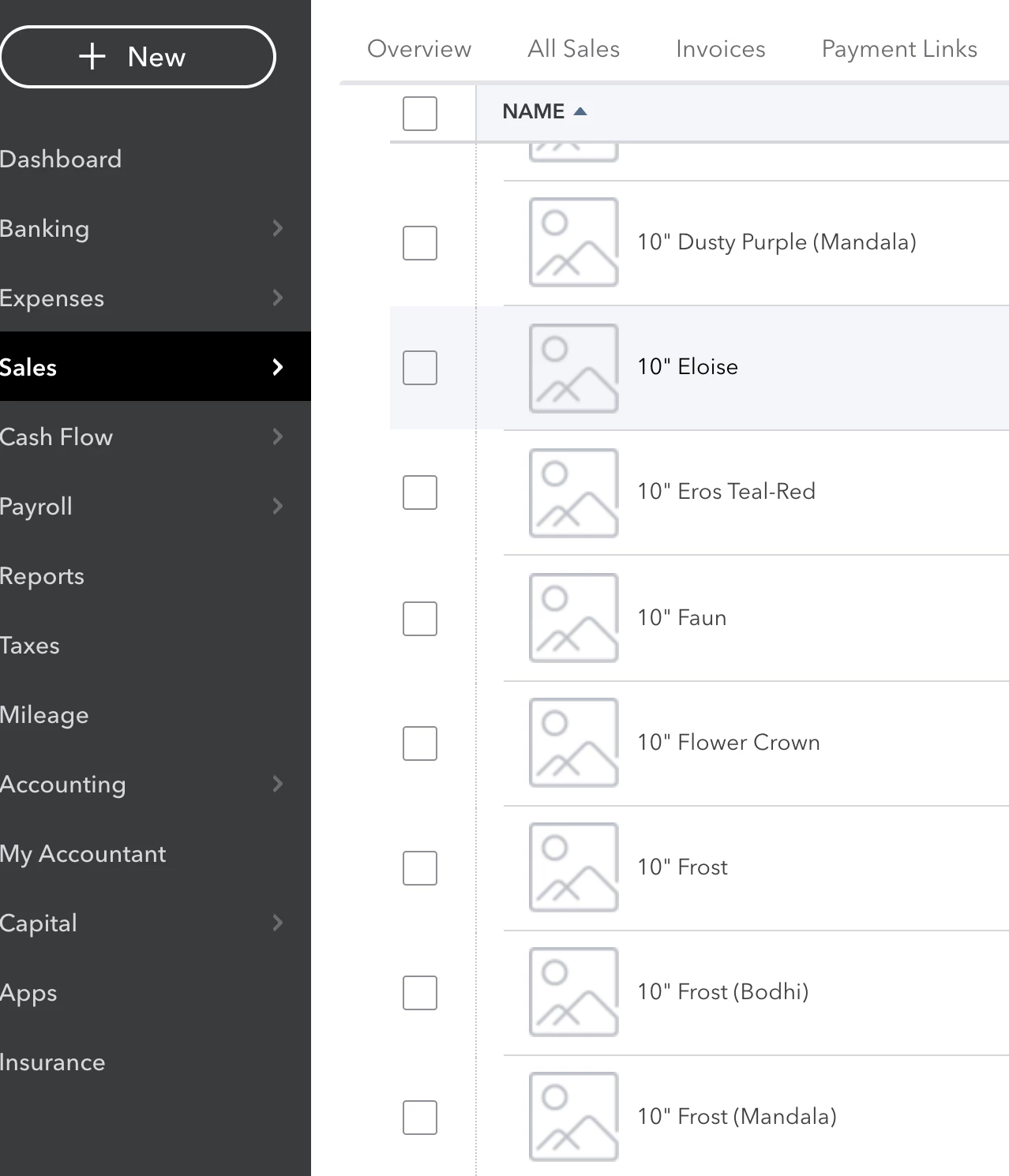
Recently the Products and Services page stopped showing product image thumbnails:


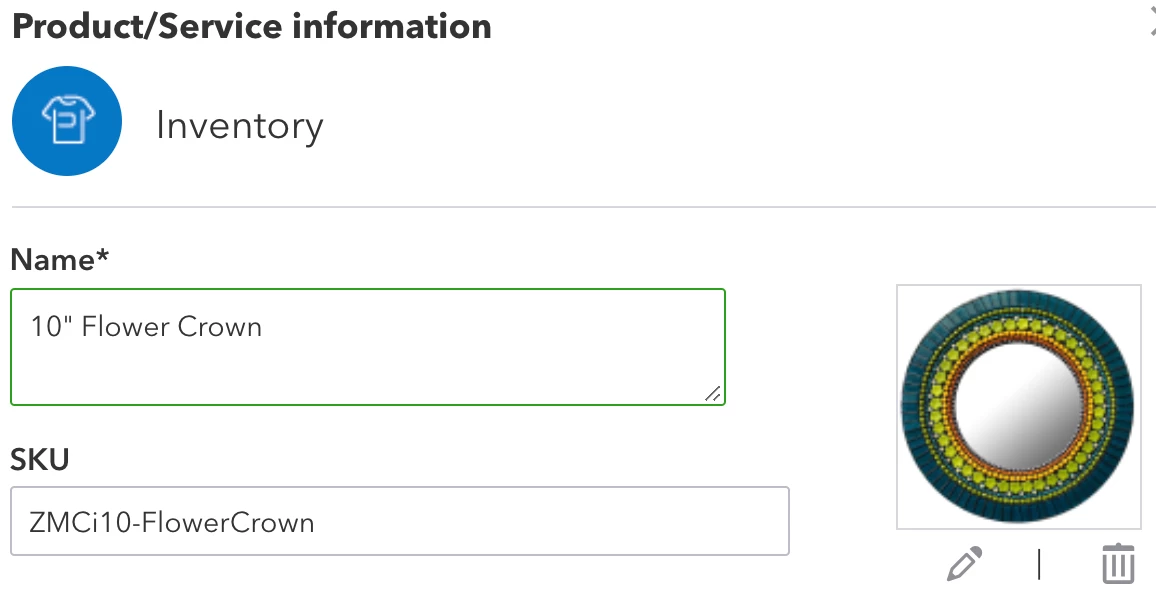
The thumbnails have definitely appeared in this list previously, and the images are still shown when editing individual products:

Not sure if this is a bug or simply a setting somewhere that got flipped by mistake.

Best answer by Charies_M

Thanks for making it here, zjh.


Too many cache files gathered on your browser can sometimes cause behaviors like missing images on your Products and Services page.


That said, let's try logging in to your QuickBooks Online (QBO) account using an incognito or private browser as an inial step. Since this doesn't store data in the cache, it the best place to isolate browser issues.


Kindly use either of the following shortcut keys:
 

  • Google Chrome, press CTRL  + Shift + N
  • Mozilla Firefox: press CTRL  + Shift + P
  • Safari: press Command + Shift + N 

Go back to the Products and Services page and see how it work. If it does, you may want to clear the browsing history of your regular web browser. This will remove previously-stored browsing data that might have caused the issue. Otherwise, you can try using other supported browsers to be thorough.


You may find this article helpful when managing and tracking your inventory: 

If you have another question in mind, please let me know. I'd be happy to answer them for you. Have a good one.


2 replies

Charies_MAnswer
February 3, 2021

Thanks for making it here, zjh.


Too many cache files gathered on your browser can sometimes cause behaviors like missing images on your Products and Services page.


That said, let's try logging in to your QuickBooks Online (QBO) account using an incognito or private browser as an inial step. Since this doesn't store data in the cache, it the best place to isolate browser issues.


Kindly use either of the following shortcut keys:
 

  • Google Chrome, press CTRL  + Shift + N
  • Mozilla Firefox: press CTRL  + Shift + P
  • Safari: press Command + Shift + N 

Go back to the Products and Services page and see how it work. If it does, you may want to clear the browsing history of your regular web browser. This will remove previously-stored browsing data that might have caused the issue. Otherwise, you can try using other supported browsers to be thorough.


You may find this article helpful when managing and tracking your inventory: 

If you have another question in mind, please let me know. I'd be happy to answer them for you. Have a good one.
zjhAuthor
February 5, 2021

Thanks @Charies_M, your diagnosis was spot-on. It also explains why I experienced this problem on one desktop machine, but not the other--different machines = different cache contents.


Thanks!

May 1, 2022

Hi there, Argana.


I can share some information about viewing pictures of your product and services.


Currently, the option to see the uploaded pictures in your product and services isn't available in QuickBooks Mobile App (iPad). You can only view the description, price, and the appropriate account.


In case, you'll need help adding photos and notes to your customer and transactions, you can follow these steps:


  1. Click the menu button.
  2. Select Notes, then select Note.
  3. Type your note text.
  4. Click the camera icon to include a photo in the note.
  5. Select Choose a Customer and tap the customer's name to attach the note.


For your future help, you can visit this article for the steps on how to create an invoice in your QuickBooks Mobile App account: Invoicing in the Mobile app.


I encourage getting back on this thread if you need assistance managing your products and services. We're always here to help.