
Solved
QBDT 1099-NEC
Does QBDT support 3-up 1099-NEC printing?


Hi there, @WHills. I'm here to help you print your 1099-NEC forms.
Yes, QuickBooks Desktop supports 3-up 1099-NEC printing. Make sure to update your QuickBooks Desktop file to the latest release for your 1099s to print correctly. Be sure to select the Reset Update checkbox.
Then, get the latest payroll tax table update.
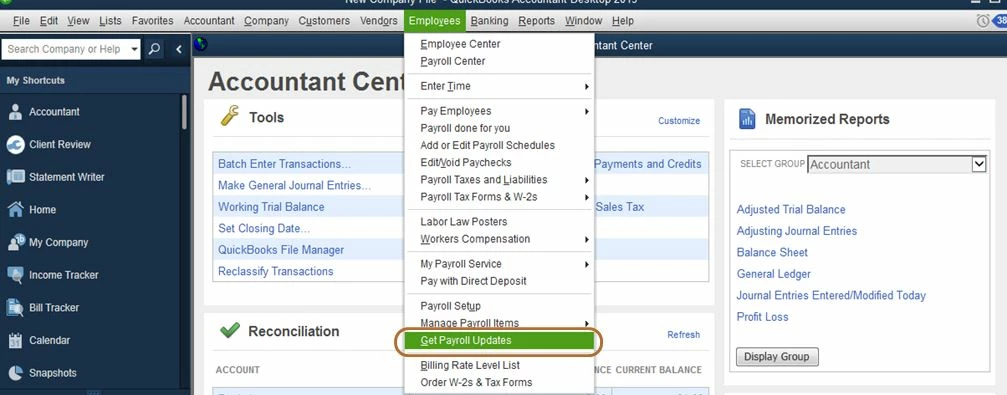
Once done, follow these steps to print your 1099s:
I've included a useful resource about working with 1099s that may come in handy moving forward: Create and File 1099-NEC Forms.
Finally, you can open any payroll reports that suit your needs. To give you a list of those reports and an overview of what data they display, check out this page: Excel-Based Payroll Reports.
Drop a comment below if you have any other concerns about printing your 1099 form. I'm just a few clicks away to help. Take care always.
Enter your E-mail address. We'll send you an e-mail with instructions to reset your password.