Hello, belly1026.
I'm here to clarify our plans regarding the online bill payment system.
We recently partnered with Melio to upgrade our existing online bill payment system. We're offering both the Melio and Bill.com plans. Depending on what you signed up for, there are fees associated with them.
The Bill Pay by Melio app is only offered to Plus and Essentials customers who aren't using the Bill.com app. If you signed up for Melio, then you can avail the free ACH or bank transfer offer. To do it:
- Click the + New button, then select Bill.
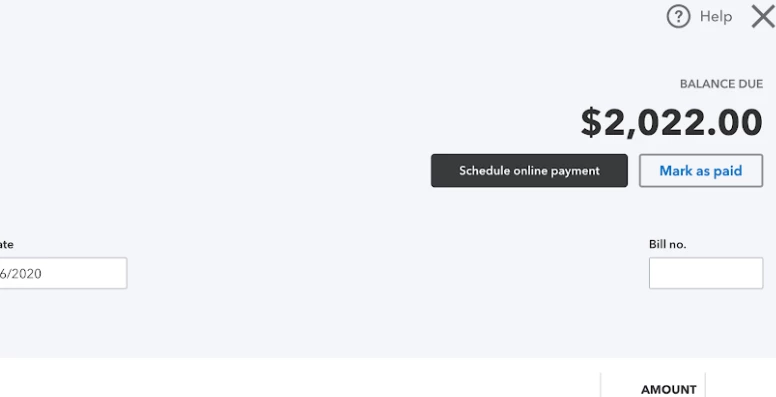
- Enter the details of your bill, then hit Save and schedule payment (or Schedule online payment).
- This will take you to the Melio sign up page. Enter the needed details to sign up.
However, you'll still have the option to opt for the Bill.com app instead. You can sign up through the Apps Center page.
You can check out more details about the Bill.com app here.
If you need help managing your expenses, you can check out our articles in the Expenses and vendors help page.
I'm still open to address your other needs for QuickBooks Online. Post your questions here and I'll be ready to help.

