

January 11, 2024
Question

Tags is not working in list and reports

  • January 11, 2024
  • 1 reply
  • 0 views

I have the following issues about Tags.

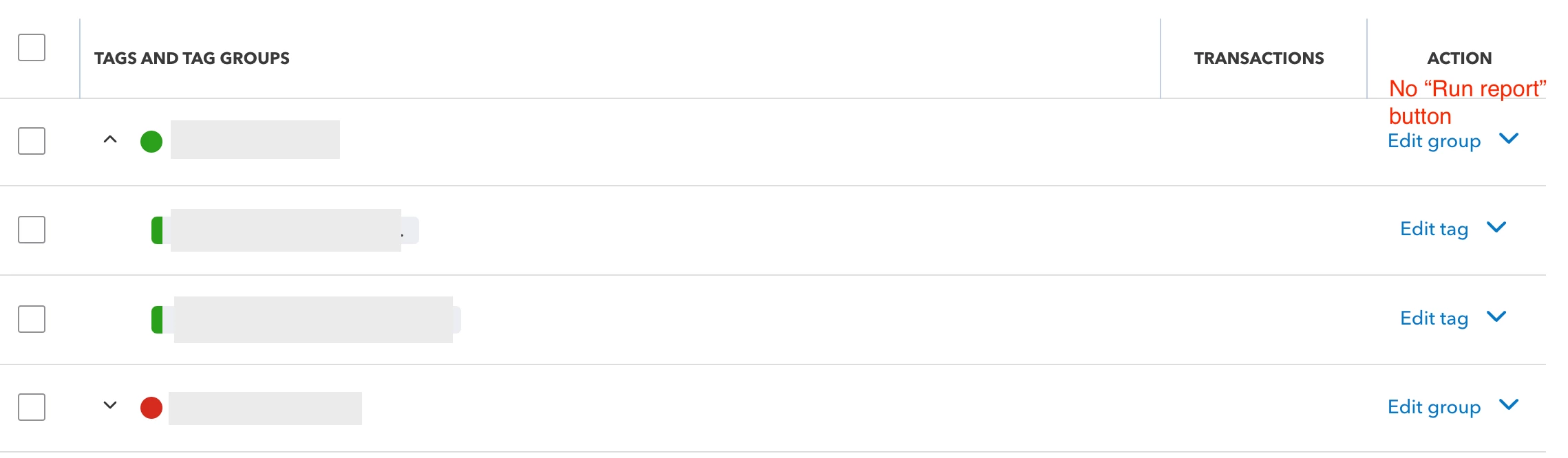
  1. I don't see "run report" in Action column in tags list
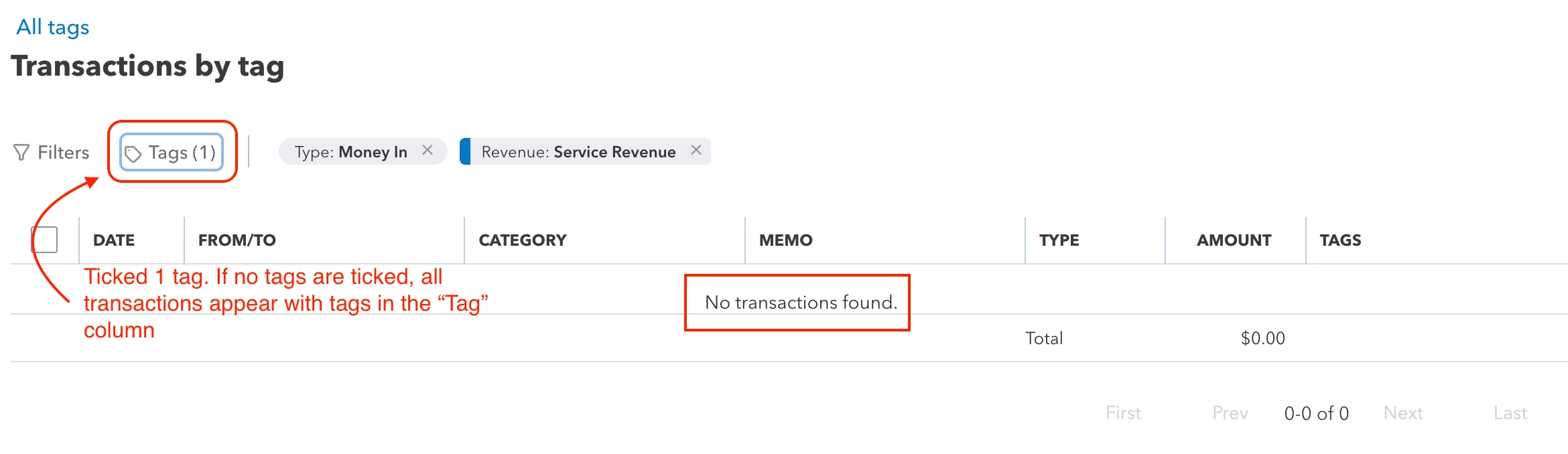
  2. When I choose a tag to filter, it shows "No transactions found" even if all transactions already has tags. All tags are grouped.
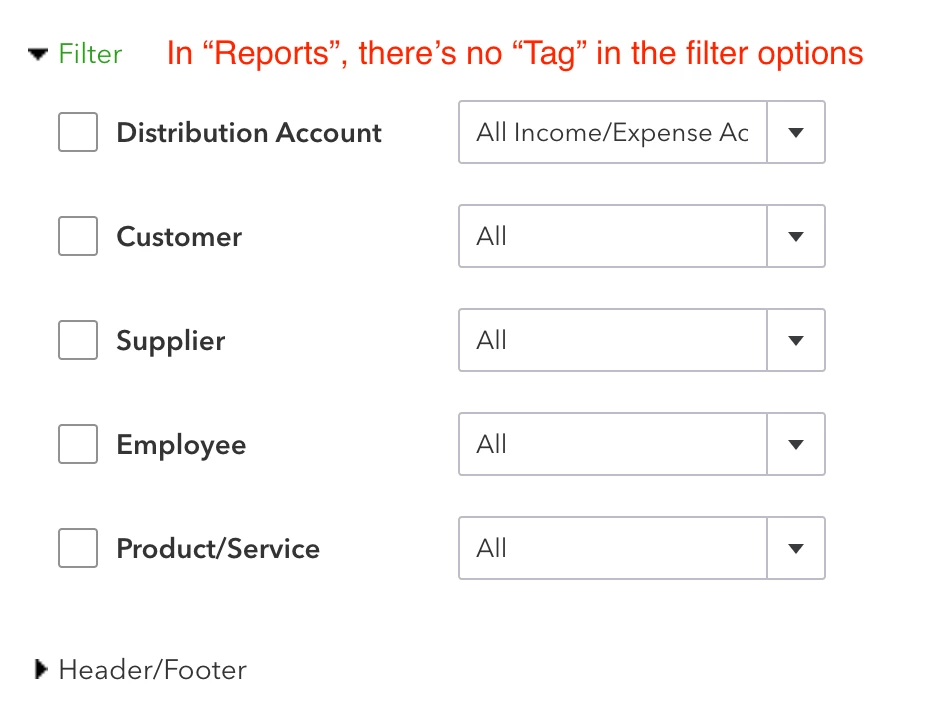
  3. I don't see "tag" in the filter when I run reports such as profit and loss.
 

1 reply

January 11, 2024

Welcome to the Community, GM.


I am here to address the following concerns you are currently experiencing with your QuickBooks Online (QBO) account.


Let’s first perform troubleshooting steps so that your Run Report option in your Tags page will appear. Start by logging into your QuickBooks Online account using a private or incognito browser.


You can use these keyboard shortcuts below:


  • Google Chrome: Ctrl + Shift + N
  • Safari 11 or newer: ⌘ + Shift + N
  • Mozilla Firefox: Ctrl + Shift + P
  • Microsoft Edge: Ctrl + Shift + N


From there, check if you have now the Run Report option on your Tags page. If it appears, go back to your regular browser and clear its cache. By doing that, you can clear the cookies that block web pages from loading that are stored in your browser.


Next, regarding your concern upon checking our records. I found out that there is an ongoing investigation regarding this issue. Rest assured that our Product Engineering team is determined to find a solution and fix this problem as soon as possible.


Since you are experiencing this problem and we cannot provide a time frame for the resolution, I recommend contacting our support team. In this way, you'll be added to the list of affected users and receive status updates through email.


Lastly, you can find the Tag option in filtering a report in the Rows/Columns section under the Columns tab by clicking the dropdown button.


You can read this article to learn more about personalizing your report in QBO: Create enhanced custom reports in QuickBooks Online.


Let me know in the comments below if you have further questions about customizing your reports in your QBO. I’ll be here to assist you at any time.

_gmAuthor
January 11, 2024

1) I cleared cache and used private tab, and the Run report button is still not found
2) Ok, I reached out to support for this.
3) Tag still not found in the Rows/Columns section

January 11, 2024

Hello, _gm. Thank you for coming back to this thread. 


I appreciate your efforts in clearing your browser's cache. Since the Run report button is still missing, I suggest logging in to QuickBooks through any other supported browser to narrow down the result.


On the other hand, I understand that you want to customize your Profit and Loss report by Tag however, this option is currently available to some reports only. While this is still unavailable, I recommend sending feedback so they can consider adding this feature in future updates.


Here's how:

  1. Go to the Gear icon and select Feedback under profile.
  2. Enter your product comments and suggestions, then click Next to submit.


In addition, I added an article as a guide on personalizing your reports in QBO: Customize reports in QuickBooks Online.


If you have other reports-related concerns, feel free to come back to us in the Community. We're here for you 24/7.