February 18, 2024
Question

Unable to export from QBO to QBDT

  • February 18, 2024
  • 3 replies
  • 0 views

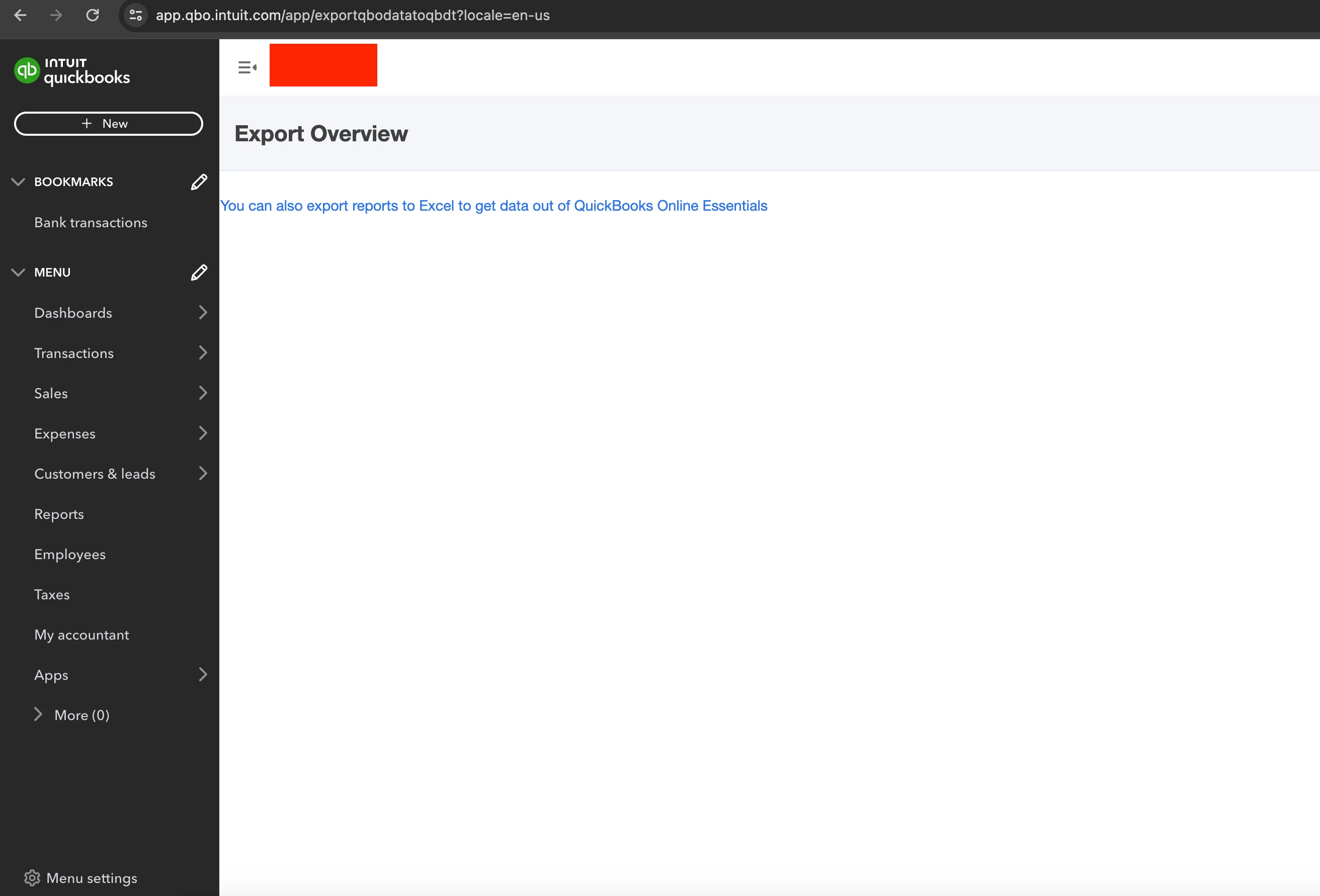
I am unable to see the correct screen to export from QuickBooks online to QuickBooks desktop. My screen is blank. I tried using Mac or Windows (with both Chrome and Edge) and none of these worked


3 replies

February 18, 2024

Hi there, @twlawrenceko.


Thanks for sharing your concern and adding a screenshot. I'm here to ensure this gets sorted out.


Sometimes, too much accumulation of cache can cause unexpected behavior with the product. This can be the reason why the steps on the Export Overview page aren't showing. 


Let's run some troubleshooting steps to help resolve the issue in your QuickBooks account. Begin by logging into your QuickBooks Online account using a private or incognito browsing window. This clears out any outdated connection data being cached by your browser from previous sessions. Follow the steps below:


  1. Open your browser and click on the three dots in the upper-right corner.
  2. Select "New Incognito Window" or "New Private Window" from the dropdown menu.
  3. Log in to your QBO account in the new window and select the URL, then replace anything after /app/ with exportqbodatatoqbdt.


If it works, go back to your regular browser and clear your cache. Follow the steps outlined in this QuickBooks support article to thoroughly clear out the browser cache: Clear Cache to Fix Issues.


To know more about how features and data move from QBO to QBDT, you can check out this resource: How your books move from QuickBooks Online to QuickBooks Desktop.


Please let me know if you have any other concerns about migrating your data from QBO to QBDT. I'll be here to help. Have a good one.

February 18, 2024

It does not help, still showing the same screen, using Chrome Incognito Tab

February 18, 2024

@twlawrenceko 

Which QB Desktop year version did you use to convert? Try using the trial version of QB Desktop 2021.

February 18, 2024

Does the Quickbooks Desktop needs to be open at the time of exporting?


I am using QuickBooks Desktop Enterprise 24.0. Where did you get the QuickBooks Desktop 2021?

February 18, 2024

@twlawrenceko 

You can contact @Fiat Lux - ASIA to ask the trial code for QB Desktop 2021 Pro. They can also help to convert your data if required.

February 18, 2024
I know this hasn't been an easy process for you, twlawrenceko.
 
I appreciate you for performing the steps shared by my colleague, ReymondO.
 
Since you're still unable to export your online data to QuickBooks Desktop (QBDT), I suggest contacting our QuickBooks Support Team. They can take a closer look at your account and investigate this further. It'll also allow them to submit a ticket to our engineering team to alert them about the issue if necessary.
 
Here's how:
 
  1. Sign in to your QuickBooks Online company.
  2. Go to the Help (?) icon at the top.
  3. On the Assistant tab, click Talk to a human.
  4. Enter your concern in the Type something field, then click the Send icon.
  5. Click on I still need a human.
  6. Select Get help from a human.
  7. Choose the Chat with us or Have us call you option.


You can also check these resources to learn more about how your online data is migrated:


Additionally, I've added this article that can help you get started with QuickBooks Desktop: New to QBDT.
 
We value your business and appreciate the opportunity to serve you. If there's anything else we can do to assist you in migrating and managing your books, please let us know in the comments. Stay safe!