Question
User roles setup confusion - I'm using desktop enterprise
QB Staff - please look first at my screenshots so you can know what I already know how to do.
I called sales and reduced my user licenses for the subscription count from 7 to 6. This is NOT the user logins for the company file. This is the number of users for the QB subscription.
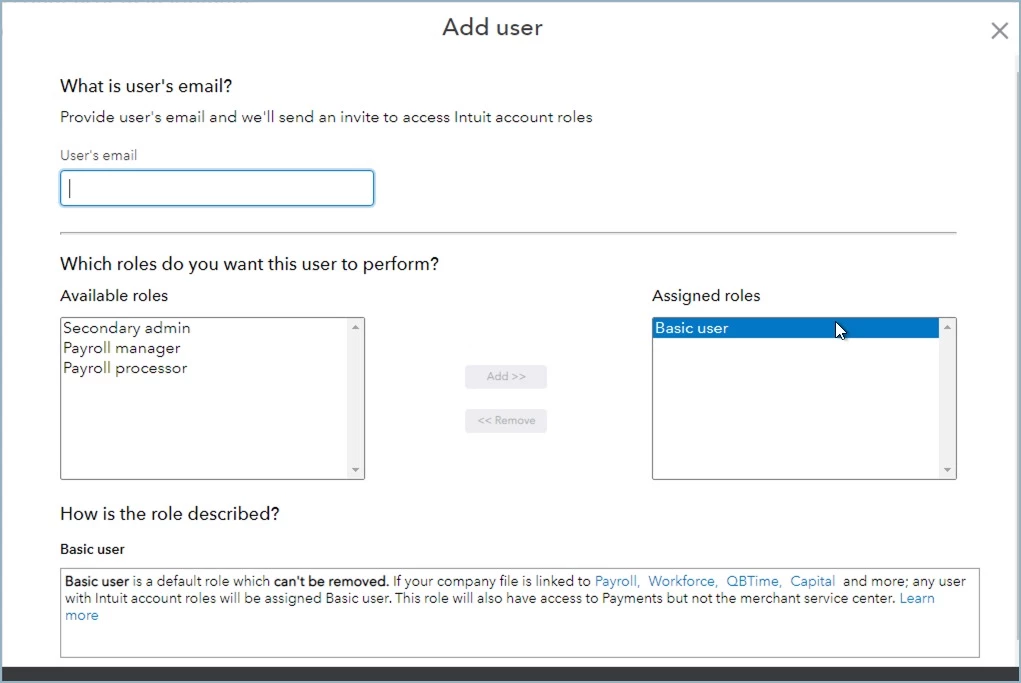
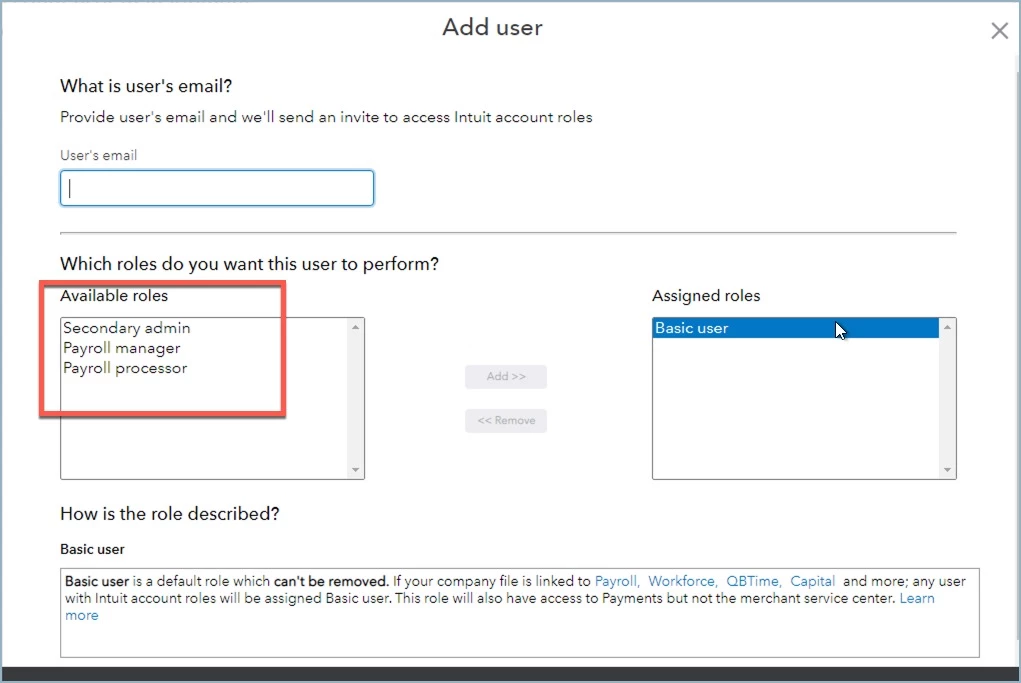
Except for me the admin, ALL my user roles have now disappeared in the Intuit Account User Management. I want to add users. I know where to add them as shown in the screenshot. But look at the available roles - only three are shown.
Look at the screenshot that describes the roles. Most are not available. Why not?
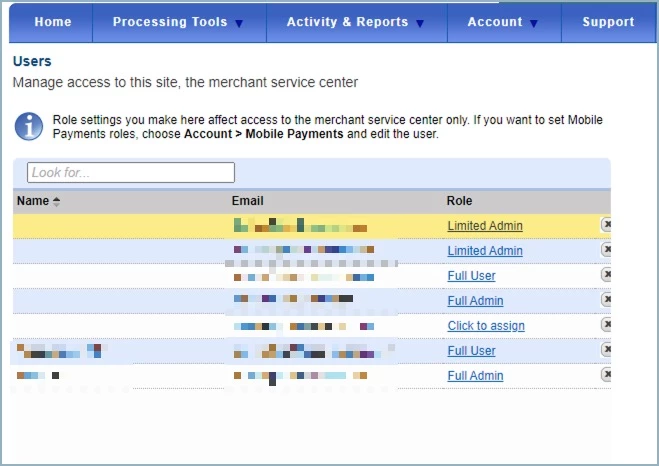
Look at the screenshot for merchant services - the roles for that are still there.
What is the problem here?