Solved
Using multiple email templates based on client type
I have several different types of clients, each requiring their own email template when I mail invoices. Is there a way to set the email template to use at the customer level:


I have several different types of clients, each requiring their own email template when I mail invoices. Is there a way to set the email template to use at the customer level:
Welcome to the Community, @Gayle3.
You'll be happy to know that you can set up an email template as required by your clients. And I'd be glad to assist you with this.
You can create multiple email templates and copy and paste their own email template. To set add email template, here's how:
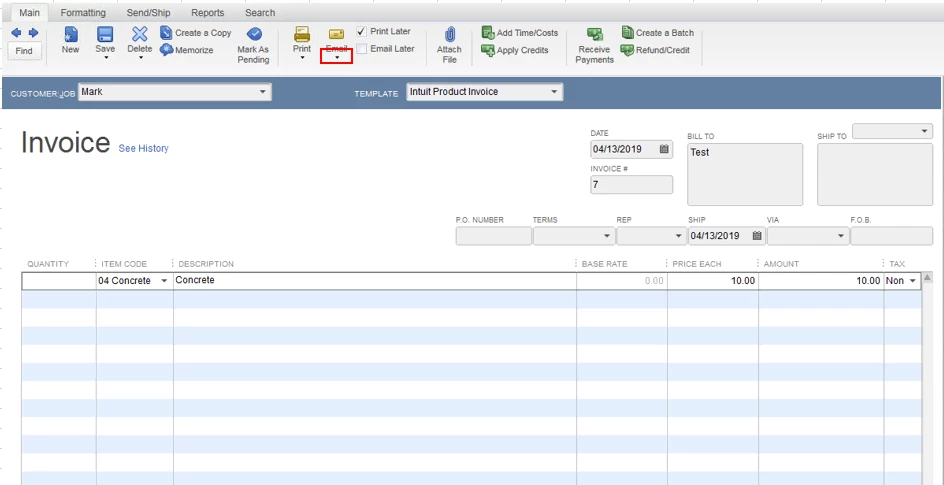
After adding a template, you can send an invoice with their own email template by clicking the Email drop-down and choosing the created email template.
You can check out this article for your reference: Customize Email Templates in QuickBooks.
Don't hesitate to let me know if you have other concerns about the email template. I'd be glad to help.
Enter your E-mail address. We'll send you an e-mail with instructions to reset your password.