June 22, 2022
Solved

Voided Invoice

  • June 22, 2022
  • 1 reply
  • 0 views

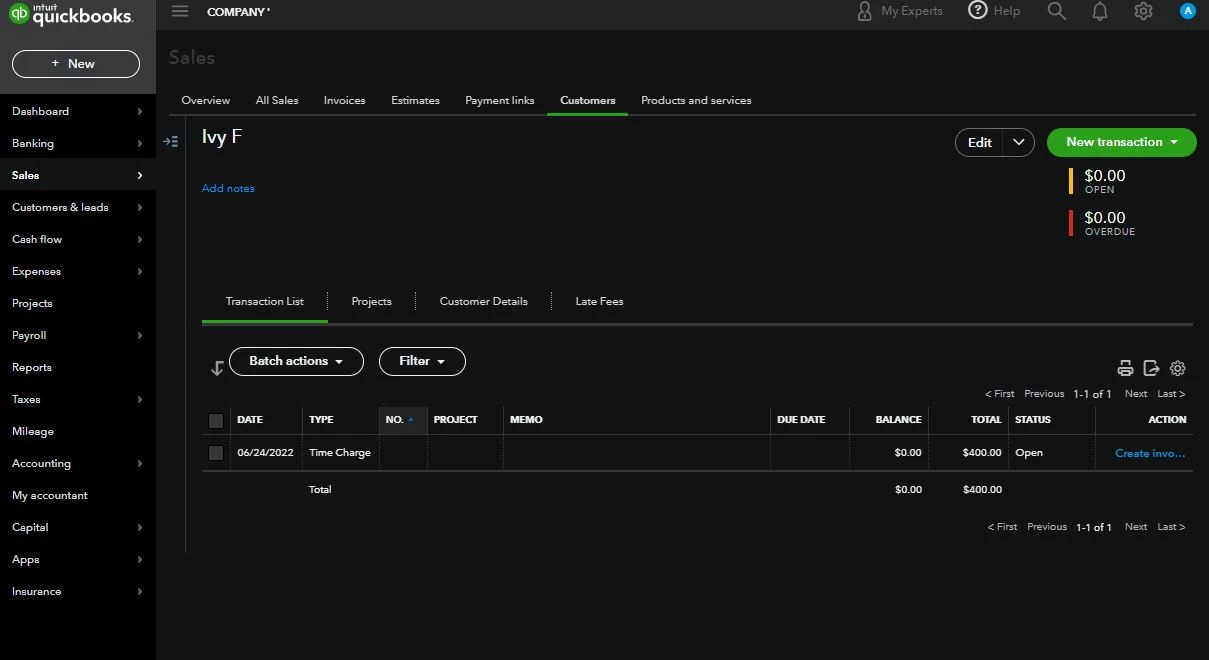
I accidentally issued an invoice while trying to make changes to our invoice format. Our invoices pull unbilled time into the invoice. When I voided it, the unbilled time does not come up if I make a new invoice. If I go to the time entered it still shows marked as billable. Help someone.

Thank you.

Best answer by AlcaeusF

Hello @SandraDee5,


I'm glad you've reached out to us regarding your invoice concern. I can help you fix the time activity, so it'll show when you make a new invoice in QuickBooks Online.


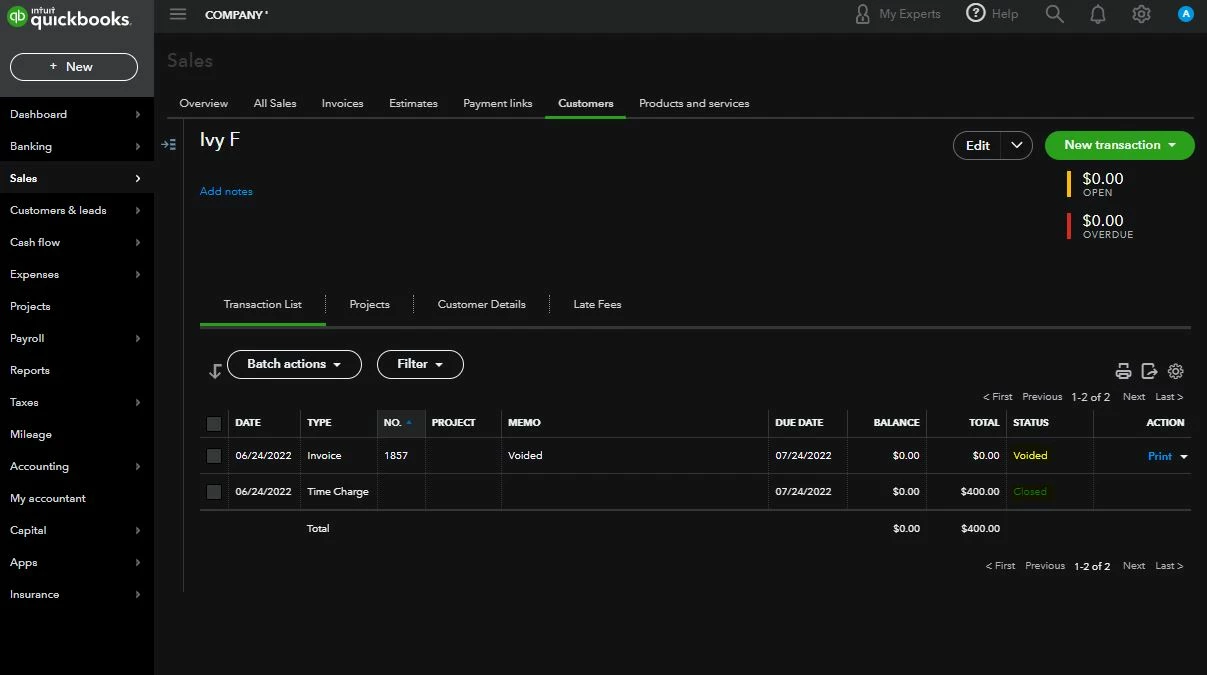
The time charge will remain linked regardless of voiding the invoice (see screenshot below). You'll need to delete the invoice completely to be able to apply it to a new sales transaction.


In case you need the steps, here's how to delete the invoice:


  1. Open the invoice.
  2. Click the More option at the bottom.
  3. Hit Delete
  4. Check the time activity. 


After following the steps above, you should be able to apply the time to a new invoice.


Additionally, you can set up your account to automatically create invoices from any unbilled time. For more details, check out this article: Automatically invoice unbilled time activities.


Let me know if you need more assistance managing your invoices and timesheets. I'm always up to lend a hand.


1 reply

AlcaeusF
AlcaeusFAnswer
June 23, 2022

Hello @SandraDee5,


I'm glad you've reached out to us regarding your invoice concern. I can help you fix the time activity, so it'll show when you make a new invoice in QuickBooks Online.


The time charge will remain linked regardless of voiding the invoice (see screenshot below). You'll need to delete the invoice completely to be able to apply it to a new sales transaction.


In case you need the steps, here's how to delete the invoice:


  1. Open the invoice.
  2. Click the More option at the bottom.
  3. Hit Delete
  4. Check the time activity. 


After following the steps above, you should be able to apply the time to a new invoice.


Additionally, you can set up your account to automatically create invoices from any unbilled time. For more details, check out this article: Automatically invoice unbilled time activities.


Let me know if you need more assistance managing your invoices and timesheets. I'm always up to lend a hand.