

Solved
What are these options on QuickBooks Community posts: Mark New, Subscribe, Permalink, Etc. ?
Hi -
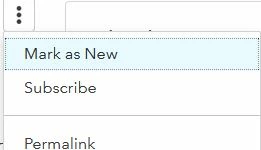
On the side of a QuickBooks Community post / discussion, there are three dots in the upper right corner and another three dots even further on the right.
If you click on the first set of dots, you’ll see these options below. Can you explain what these do?
Mark New
Subscribe
Permalink
Screenshot below:
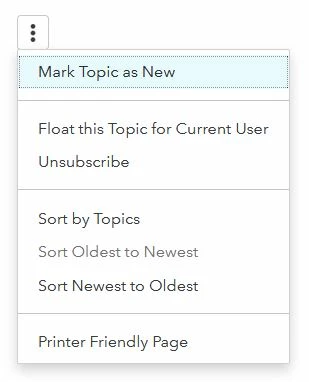
If you click on the second set of dots even further on the right, you'll see these options.
What do these mean?
Mark Topic As New
Float this topic for current user
Sort By Topics
Sort Newest To Oldest
Screenshot below:
Do you know if there's an article somewhere on this site that explains these features?
(I searched earlier, but didn't find one.)
Thank you in advance for the feedback!