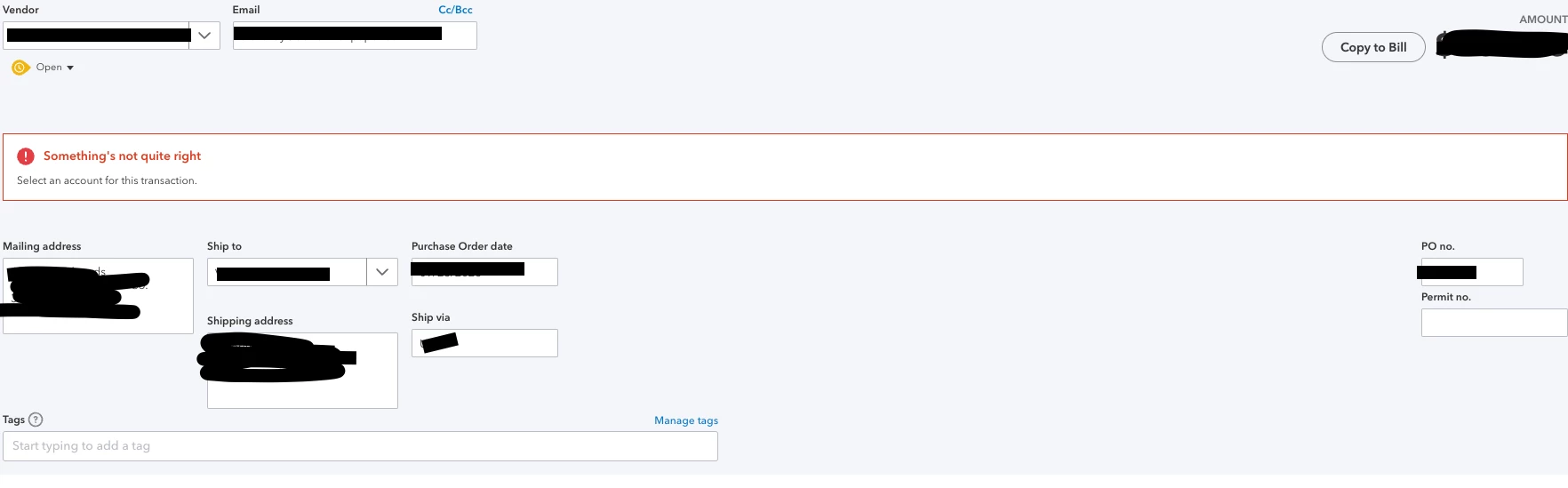
Hi there, @STUDIOAM. Let me shed some light on the message you're seeing when you create your purchase order.
In QuickBooks Online (QBO), the error message "Please choose an account" appears when creating a purchase order and you haven't selected an account for the transaction.
To resolve this, select the appropriate account for the purchase order. Here's how you can do it:
Open the purchase order form in QBO.
Look for the field or dropdown menu where you can select the account.
Choose the relevant account that corresponds to the transaction. (This could be an expense account, a cost of goods sold account, or any other appropriate account based on your business needs.)
Ensure that all required fields are filled out correctly.