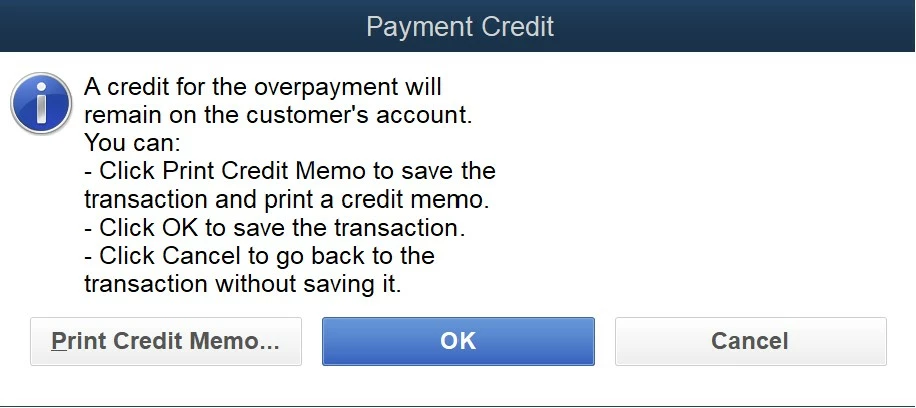
Thank you for outlining the things you've performed, smorgan01. Let me elaborate on why the payment credit message prompts so you can continue applying early payment discounts to invoices.
You mentioned that you entered an amount when receiving payment before selecting the Discounts and Credits, it may be the reason why the error appears. Since you ensured to select the correct customer, date, payment type, and terms, consider reviewing the Payment amount. If you input the invoice's full amount, the payment credit will pop up as it should reflect the one deducted from the discount.
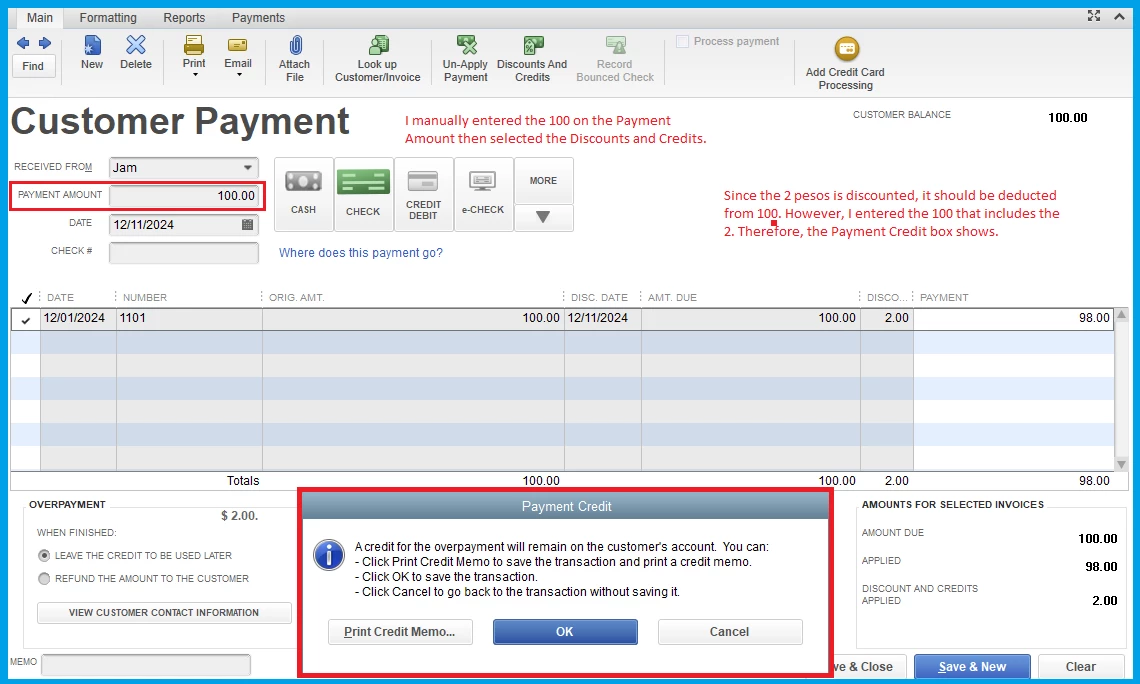
For instance, you created an invoice with $100 with a 2% discount paid within 10 days at Net 45. Select Receive Payment and adjust the date, then click Discount and Credits to be applied. This will automatically change the amount (98) accordingly.
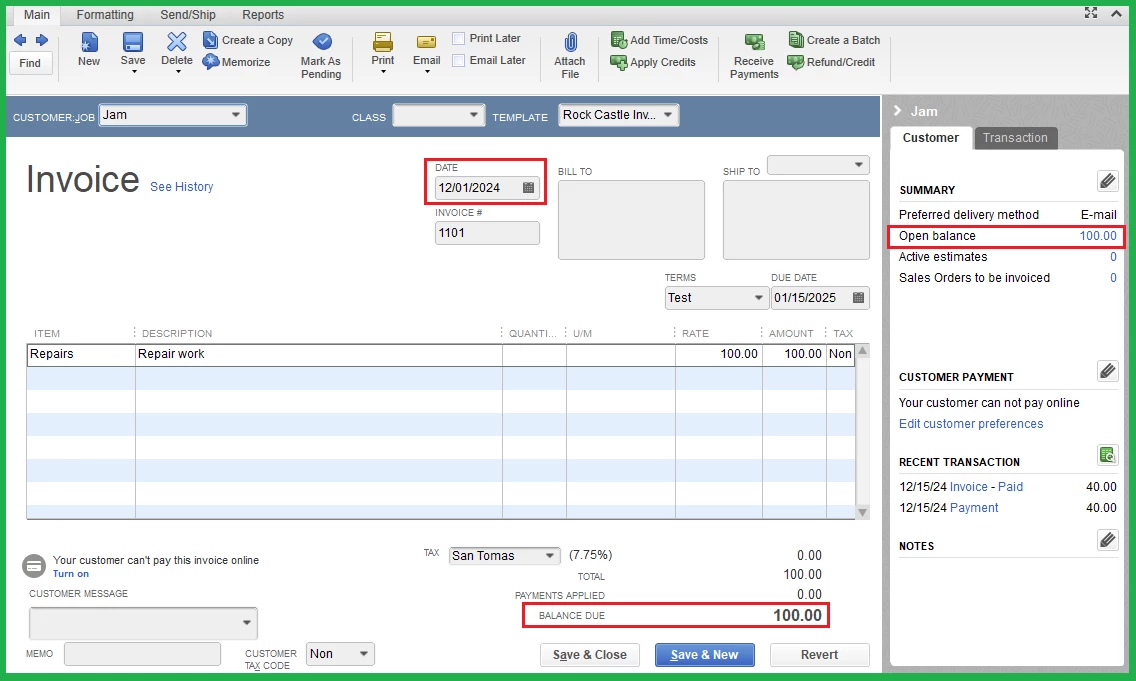
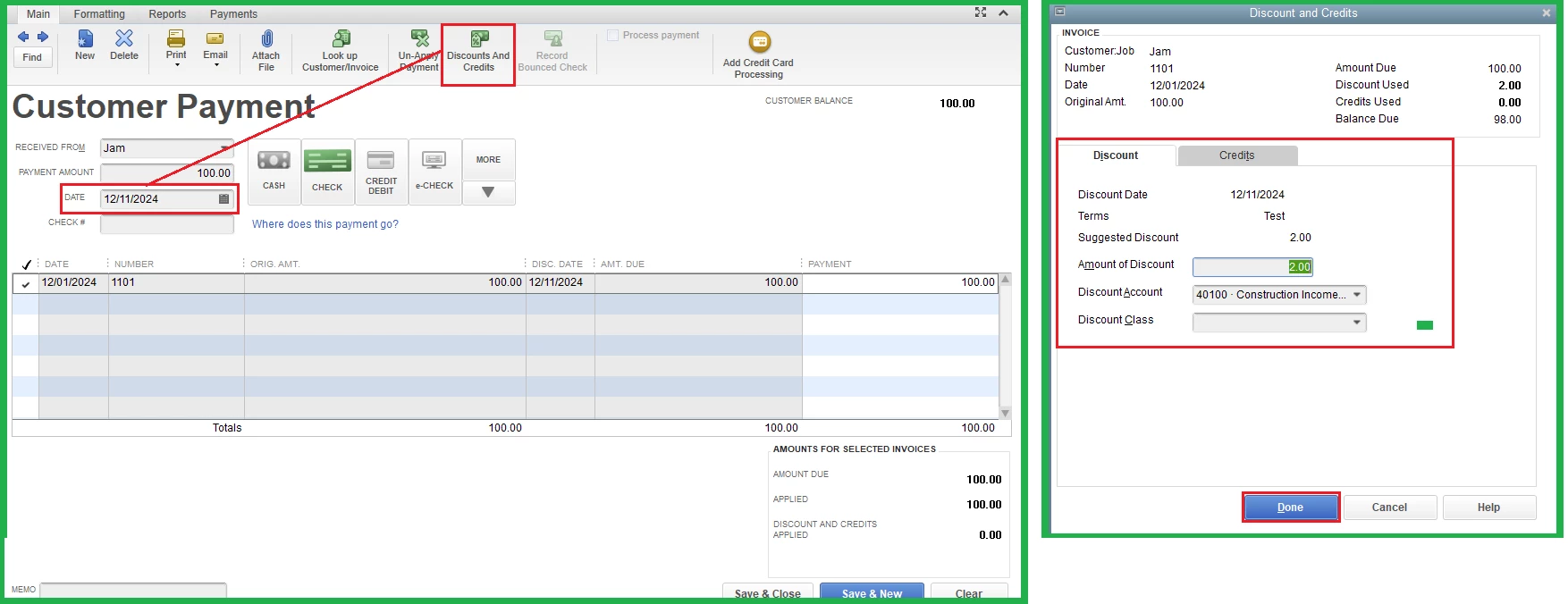
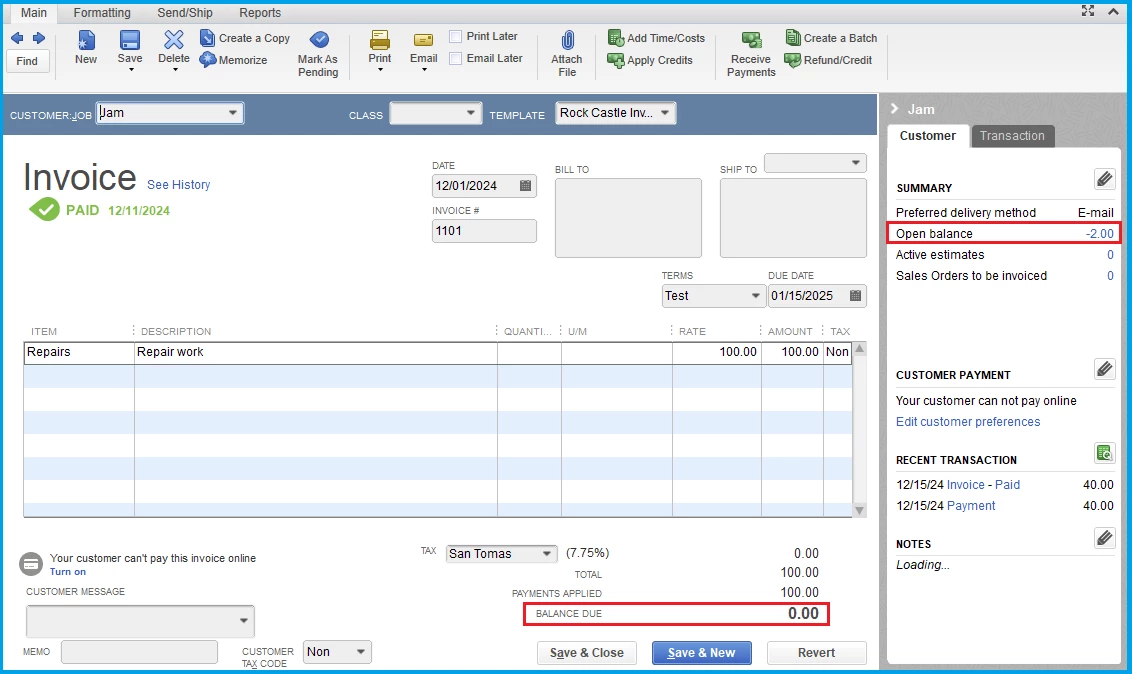
Additionally, can you share what balance is zeroed out? Is it the Balance Due on the invoice? If so, it is offset by the amount entered from the Customer Payment page while creating a customer credit. If you're referring to something else, please let me know so I can get on the same page.
Here's an article for complete details: Record an invoice payment.
Furthermore, check out this guide in case there's a credit involved that you want to remove: Remove or unapply a credit from an invoice or bill.
Please don't hesitate to let me know if you have other concerns about managing invoices and payments in QBO. You can drop a comment below, and I'll gladly help. Take care.