

March 22, 2020
Question

clearing the to print check from a bill already paid online

  • March 22, 2020
  • 1 reply
  • 0 views

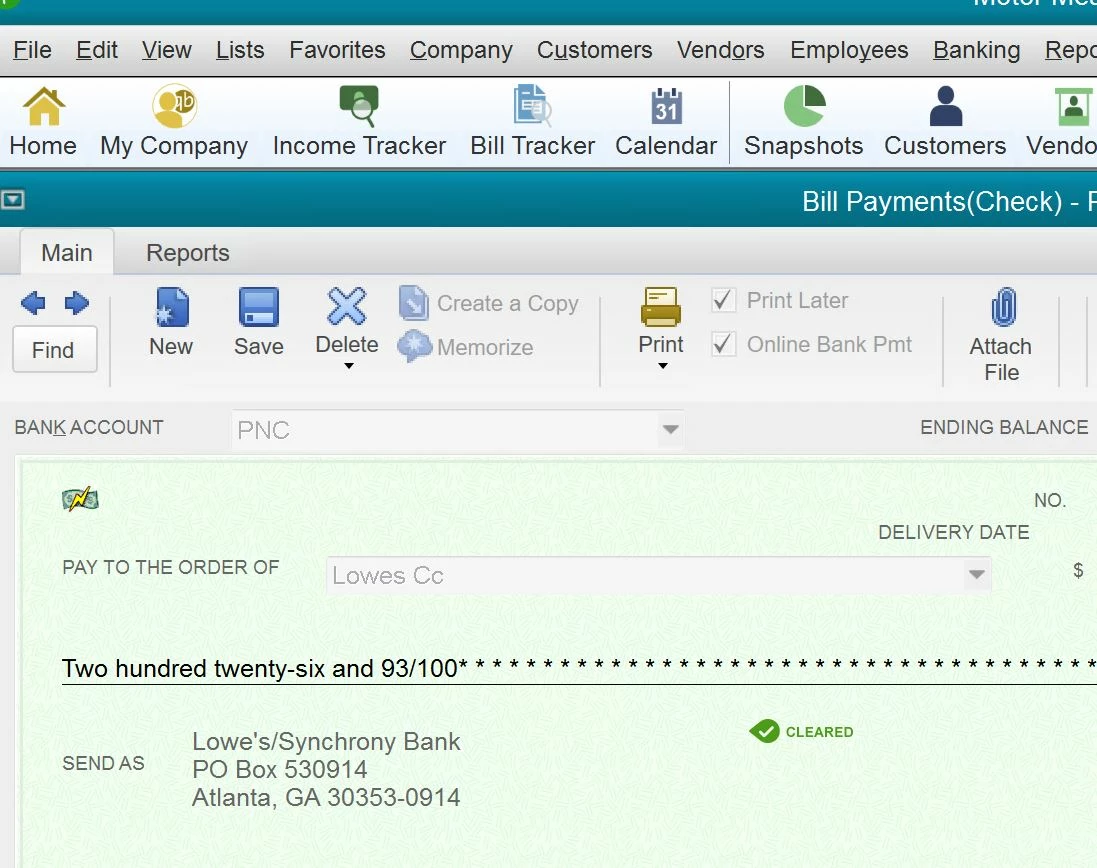
I have one transaction that comes up with the "checks to be printed" and I can't disable. It was paid via online banking in quickbooks which I use 95% of the time. It is also reconciled. It is not a payroll check. I have attempted to edit but the pull down to remove is not highlight-able.
1 reply

MaryLandT
March 23, 2020

Hi there, tj1953,


I appreciate you providing a screenshot. I've got the steps to remove the check from the print queue.


While it remains to be printed in QuickBooks Desktop, you'll want to use a plain paper. Then, print the check to remove it from the queue list.


Let me walk you through the steps:

  1. Go to File.
  2. Pick Print Forms, then choose Checks.
  3. Select your bank account.
  4. Mark the check you want to print 
  5. Enter the first check number, and click OK.
  6. Click Print.

I've added this handy article: Print checks one at a time or in a batch for more details.


Should you need anything else, please let me know. I'm always here to assist.


Thank you and stay safe!

tj1953Author
April 3, 2020

This did don't Clear the "To Print"