December 7, 2024
Solved
Getting credits back
- December 7, 2024
- 3 replies
- 0 views
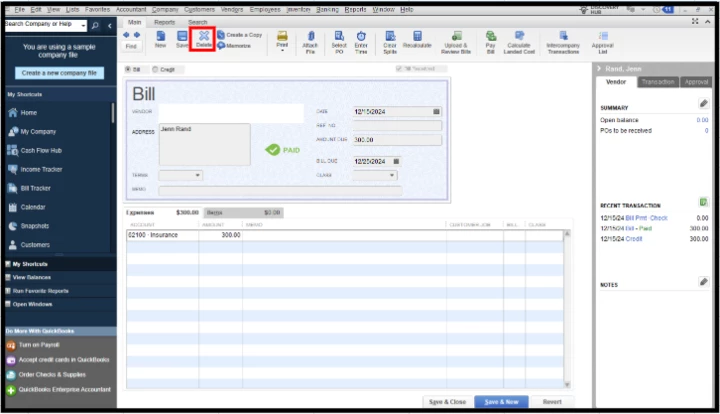
QB Desktop: I tried to apply credits to bills in bulk for one vendor by marking the checkbox for multiple bills in the Pay Bills screen to the amount of the open credits, hit the Set Credits button, and that didn't work. I went to the Vendor Center and could see a "payment" of $0 and the bills I was trying to mark as paid still showed as open. So I deleted that payment, which freed up the bills again for payment; however, now I don't see any open credits and one of the bills that I tried to apply partial payment on still shows the reduced amount instead of having reverted to the original amount of the bill. What steps do I need to do to get my credits back and get that one bill to show the full amount of the bill before my error?