August 3, 2022
Question

Journal Entry

  • August 3, 2022
  • 1 reply
  • 0 views

Hi there

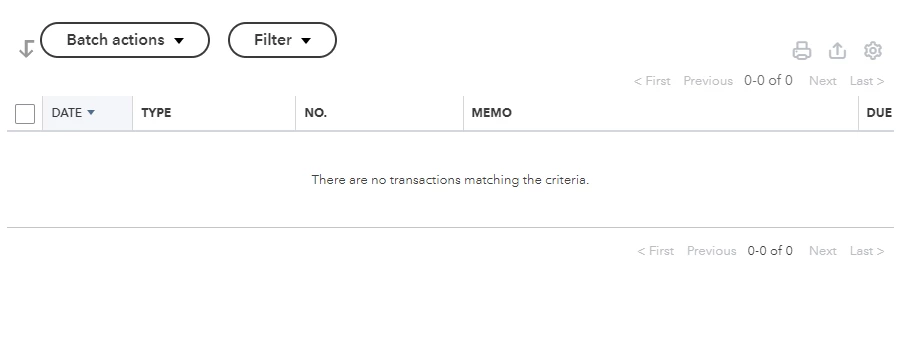
I set a journal entry to record a payment , but it just does not show on the Vendor board .
I make sure that I entered the payee for each Journal entry line 
Don't know what happened 
1 reply

August 3, 2022

Welcome back to the QuickBooks Community, Amycao. Let's perform some troubleshooting steps to make sure you're able to see the created journal entry on the Vendor page.


When you create a journal entry in QBO, you'll have to choose the right account to ensure the right data appears in the right place. That said, it could be you've selected an incorrect account when creating the JE. That is why it does not show on the Vendor board. To confirm this, I recommend reviewing the journal entry and selecting the account associated with the vendor, such as Account Payable.


Here's how:


  1. Click the Reports menu in the left panel.
  2. Choose Journal report on the search bar.
  3. Locate the journal entry and click to expand the page.
  4. Go to the Account column and review the selected one. Change it if needed.
  5. Click Save.


However, if the issue continues to occur, I recommend logging in to your QuickBooks Online account using a private browser. This is to rule out the possibility of a webpage issue and ensure private browsing doesn't store local files or cache.


Use these keyboard shortcuts based on the browser you're using:


  • For Firefox or Microsoft Edge, press Ctrl + Shift + P.
  • For Chrome, press Ctrl + Shift + N.
  • For Safari, hold down Command + Shift + N.


If it works in incognito, you'll need to clear the cache of your regular browser. This clears the history or log of sites so you can start with a clean slate. If the steps above didn't work, use another supported browser as an alternative. 


Lastly, you may refer to this article to view details on how you can run a particular report that will reflect all payments made to vendors: Run a report with vendor totals.


I’ll be right here to help if you need further assistance with your transactions. Just post a comment below, Amycao. Have a great day and always take care!

