September 6, 2022
Question

QB Payments

  • September 6, 2022
  • 1 reply
  • 0 views

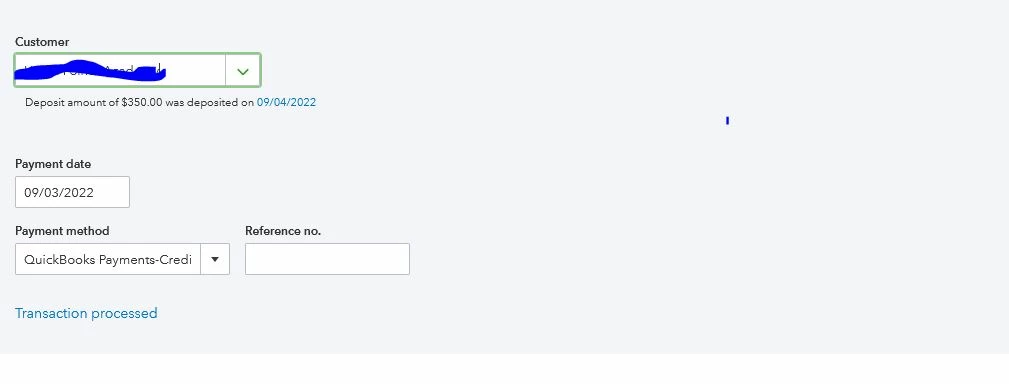
How do I have my invoice number automatically entered int he Reference no. field?
 

1 reply

September 6, 2022

Thanks for reaching out in the Community and providing a screenshot about your concern, @Nessy Learning.


At this time, having the invoice number to automatically fill in in the Reference no. field when receiving a payment for the invoice in QuickBooks Online (QBO) is unavailable. 


I can see how the feature you're looking for would benefit and empower your business. In the meantime, I recommend sending this request straight to our product engineers through feedback. 


To send feedback, follow the below steps:


  1. Go to the Gear icon at the top.
  2. Select Feedback.
  3. Enter your comments or product suggestions. 
  4. Then select Next to submit feedback.


In case you'd want to see a snapshot of your business, you can check this article for an overview of how to run basic reports: Run reports in QuickBooks Online. And if you need help customizing your reports, you can check this article for information: Customize reports in QuickBooks Online.


If you have other concerns and questions about managing your QBO account, I'm always around to help. Take care, and I wish you continued success.

